Create, edit, subtitle, and translate pro-grade videos instantly.
7.9M visits/mo-7.1%#4 Video & Animation

Generate real-time accurate subtitles, customize and format them effortlessly, with language support and auto-correction options.
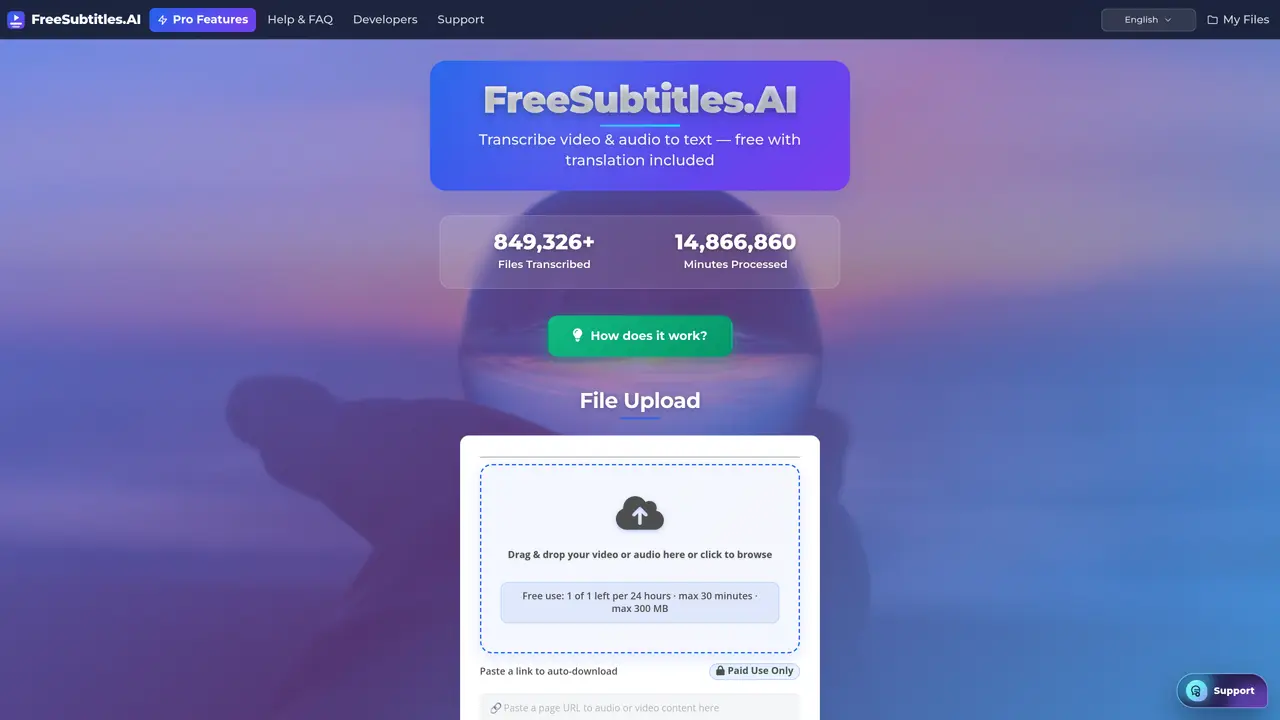
Free Subtitles AI is a free, open source app that makes it easy to generate subtitles for movies. It’s an invaluable tool for those who need to create subtitles for their films, videos, or presentations. The app uses advanced AI technology to automatically transcribe audio and generate accurate subtitles in real-time. With Free Subtitles AI, you can quickly and easily create subtitles for any audio or video file without any prior knowledge or technical know-how. The intuitive user interface makes it easy to understand and use, and you can customize the subtitles to suit your needs. The app also offers a range of features such as language support, auto-correction, and a variety of formatting options. With Free Subtitles AI, you can create professional-looking subtitles quickly and easily, making it the perfect solution for anyone who needs to add subtitles to their films, videos, or presentations.
Free Subtitles AI supports MP4, MKV, MOV, MP3, WAV, and FLAC formats for transcription and subtitle generation.
Yes, it can translate subtitles into over 120 languages, with free transcriptions including one basic translation.
Yes, it includes speaker identification on every transcript, labeling speakers for easier readability.
Free transcriptions are limited to files under 300 MB or 30 minutes in duration without requiring an account.
Pricing is based on usage, with a rate of $0.99 per hour of processed content, and no subscription is required.
Yes, subtitles can be exported in SRT, VTT, or TXT formats, or viewed directly in the media player.
freesubtitles.ai · third-party estimates from Similarweb
Last 4 months · grows by one month every month
Share of visits · estimated visits
Other countries: 49.6%
Video & Animation · Sep 2026
Traffic figures are third-party estimates, good for scale and trends; they can differ from a company's own numbers. Updated monthly.
We use essential cookies to run aitoolnavio™, and optional cookies to analyze traffic and measure our marketing. You choose what we use — optional cookies stay off unless you turn them on. See our Privacy Policy.
One short email a week: fresh tools worth trying, honest takes and the updates that actually matter. No spam, unsubscribe any time.
Create, edit, subtitle, and translate pro-grade videos instantly.
Turn scripts and recordings into ready-to-share videos.
AI-powered video translation and dubbing that syncs lip movements, generates subtitles, and supports 111 source and 74 target languages.
RecCloud is a comprehensive tool for AI-driven video creation, editing, and enhancement.
AI Dubbing translates videos into multiple languages, generates speech based on scripts, and achieves accurate lip sync.
Transforms video dubbing with nuanced voice preservation and 100+ languages.
Localize videos in multiple languages, customize content, and use voice-over, captioning, and subtitling for various purposes.
Generate auto-translated captions, edit with ease, and collaborate on projects with shared captions in 17 languages.
Generate multilingual voiceovers, dub videos, and localize content with reliable text-to-speech voice solutions.
A chat-based AI creative studio for recording, editing, enhancing, dubbing, subtitling, and publishing video and audio content, plus Voice APIs for developers.
Automate dubbing with AI for multilingual videos, ensuring natural sound and effortless global reach.
Transform screen recordings into multilingual videos and documents effortlessly.
Matched on what this tool does — grouped by the job you would be replacing.
matches Automatically transcribe audio and generate accurate subtitles in real-time · Intuitive user interface for ease of use and customization · Language support
Transcribe multiple speakers with diarization, convert audio files, and save time with accurate transcriptions.
macOS video player that generates and translates subtitles in real time for foreign media or language learning with offline processing.
Generate subtitles, transcribe audio recordings, and quickly convert audio files into text with AI-powered customization options.
Transcribe audio in multiple languages, customize settings, search and annotate transcripts with real-time, interactive features.
matches Automatically transcribe audio and generate accurate subtitles in real-time · Intuitive user interface for ease of use and customization · Variety of formatting options
matches Language support · Variety of formatting options
Automate audio transcription, convert recordings to transcripts, and transcribe lectures in multiple languages.
Transcribe audio in minutes, with reliable accuracy and automated editing for maximum precision.
Offline desktop app that converts local audio and video files to text
Transcribe, search, and translate audio/video files effortlessly with fast, accurate results in multiple languages.
Create bilingual video subtitles, label speakers for meetings, and add translations to transcripts.
Automatically translate video to English and other 35+ languages accurately, no queuing.
Browser-based subtitle generator for short-form videos with emoji support