Create marketing videos quickly, customize with templates, music, and photos, optimize for different platforms with AI.
4.4M visits/mo-5%#12 Video & Animation

AI-powered tool that extracts and formats short, vertical clips from long videos with auto-subtitles
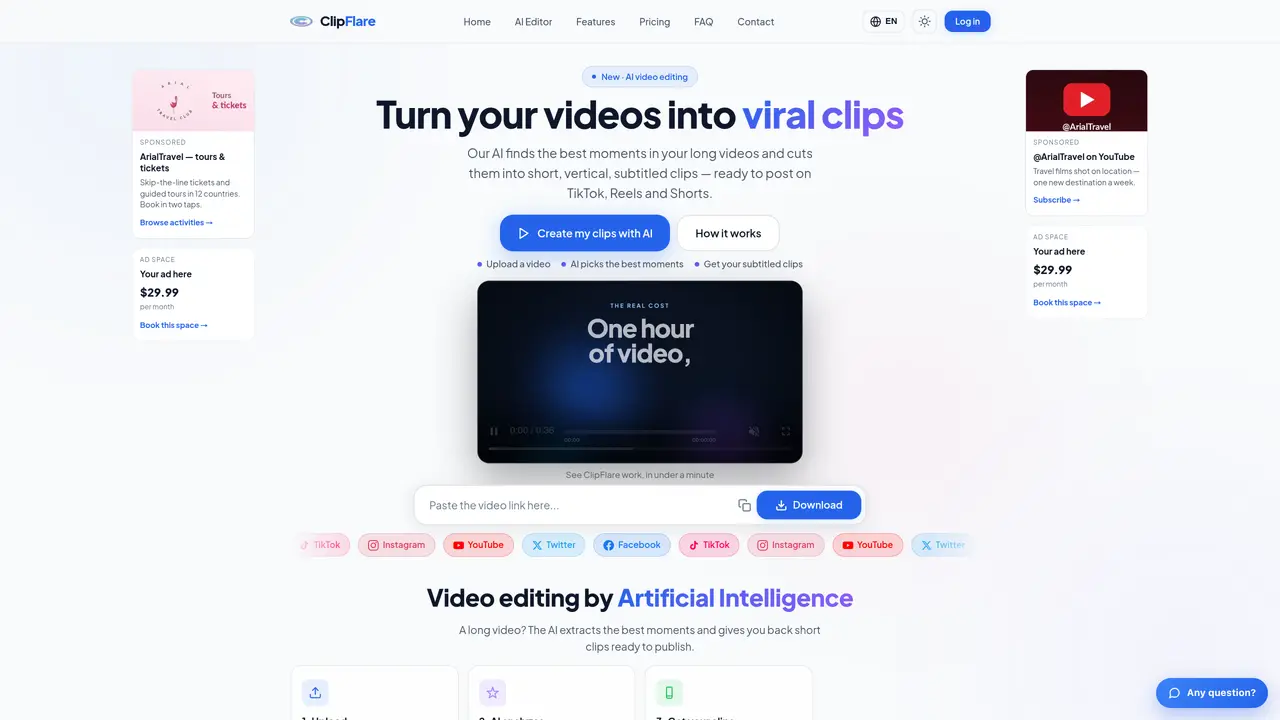
ClipFlare uses artificial intelligence to analyze long videos and automatically identify the most engaging moments. Users can import videos directly or via links from platforms like YouTube, TikTok, or Instagram. The AI selects key segments and generates short, vertical clips in a 9:16 aspect ratio, optimized for social media platforms such as TikTok, Instagram Reels, YouTube Shorts, and Facebook. Each clip is automatically subtitled with animated text and includes a title and caption tailored to the content. The tool supports multiple video formats, including MP4, MOV, MKV, and WEBM, and allows users to choose output quality up to 4K for YouTube. Clips can be downloaded directly or published automatically to connected social media accounts, with scheduling options available for delayed posting. A free tier provides limited daily credits, while paid plans offer higher volumes, higher quality, and additional features like advanced subtitles, multi-language support, and brand kits.
ClipFlare transforms long videos into short, vertical clips optimized for social media platforms like TikTok, Instagram Reels, YouTube Shorts, and Facebook. The AI identifies the most engaging moments, adds animated subtitles, and generates titles and captions tailored to the content.
Each clip generated costs one coin. Users receive a limited number of free coins daily, and additional coins can be purchased without a subscription. Monthly plans provide a set number of coins per month, with higher tiers offering more clips and advanced features.
Yes, users can schedule clips for future publication on connected social media accounts. The tool allows selecting the exact account and choosing between immediate posting or scheduling for a specific date and time.
ClipFlare accepts video files in MP4, MOV, MKV, and WEBM formats, as well as links from platforms like YouTube, TikTok, Instagram, and Vimeo. The output clips are generated in a vertical 9:16 aspect ratio.
Yes, ClipFlare offers a free tier with daily coins for testing, and a 7-day Premium trial requiring a payment method but with no charge until after the trial period. The free version includes a light watermark, while Premium removes it and provides higher quality.
Clips generated on the free plan include a light watermark. Premium plans remove the watermark and provide higher output quality, including up to 4K resolution for YouTube.
We use essential cookies to run aitoolnavio™, and optional cookies to analyze traffic and measure our marketing. You choose what we use — optional cookies stay off unless you turn them on. See our Privacy Policy.
One short email a week: fresh tools worth trying, honest takes and the updates that actually matter. No spam, unsubscribe any time.
Create marketing videos quickly, customize with templates, music, and photos, optimize for different platforms with AI.
AI video clipping and editing tool that turns long videos into short clips with captions, reframing, and one-click social publishing.
Boost social media engagement, produce AI music videos, and remix videos with any style effortlessly.
Create promotional videos effortlessly with WeVideo's intuitive drag-and-drop interface.
An AI creation platform for turning images into videos, adding twist endings, and building interactive roleplay stories.
Drag-and-drop video maker for creating professional product demos, explainer videos, and ads without coding skills.
AI-powered video clipping and editing tool that extracts viral moments, adds captions, and schedules shorts for TikTok, YouTube, and Instagram.
Submagic is an AI tool that helps content creators create viral reels and shorts 10 times faster than any other video editing tool.
Turn text or links into short, viral-ready videos for TikTok, Instagram, and YouTube without editing skills.
Turns long videos into ready-to-post short clips for TikTok, Reels, and YouTube Shorts in minutes.
AIReel lets creators make AI-generated videos from text or image in minutes.
AI-powered tool for accurate captions, video clipping, and impactful face centering.
Matched on what this tool does — grouped by the job you would be replacing.
matches AI-based highlight detection · Auto-subtitling with animated text · Vertical 9:16 output format
AI video clipping and editing tool that turns long videos into short clips with captions, reframing, and one-click social publishing.
Turns long videos into ready-to-post short clips for TikTok, Reels, and YouTube Shorts in minutes.
AI-assisted web video editor that repurposes long videos into social-ready clips with automatic keyframes, subtitles, and aspect-ratio exports.
AI tool that extracts and ranks short clips from long videos for social media