Creates licensed videos, images, music.
11M visits/mo+8.9%#2 Video & Animation

AI video generator that creates cinematic clips with synchronized sound from text or image prompts
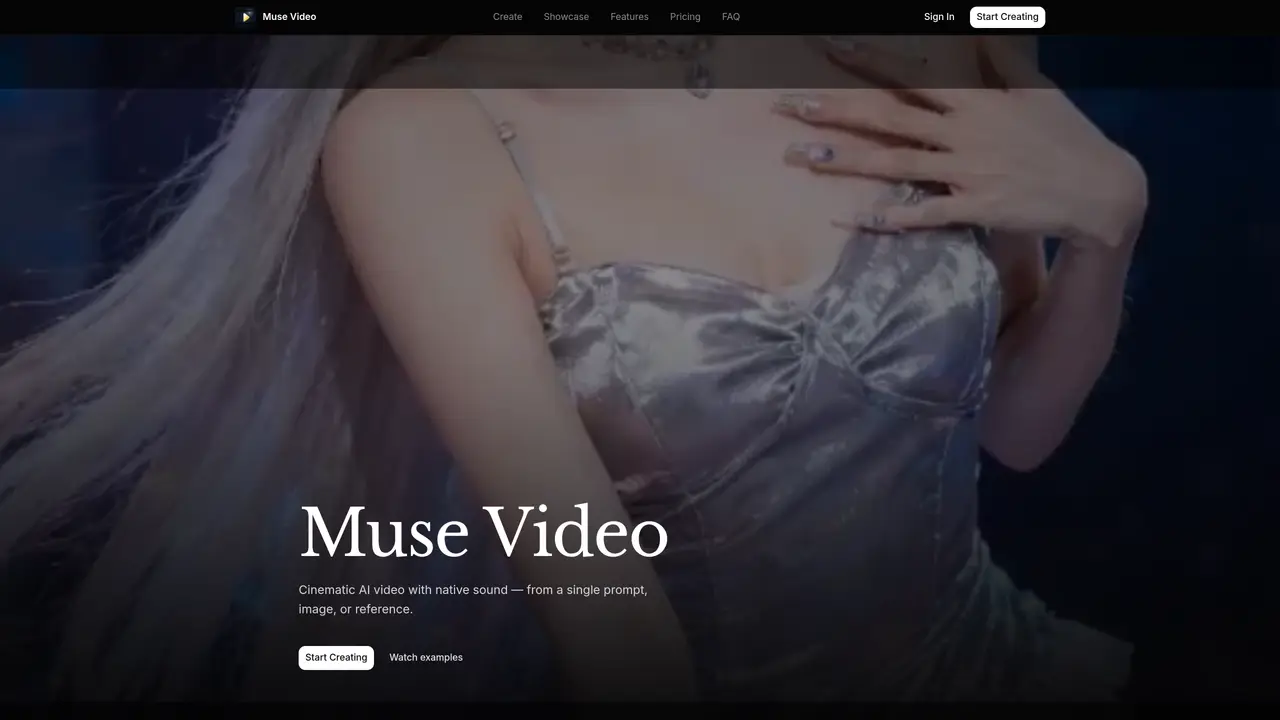
Muse Video is an AI-powered tool that generates short cinematic video clips from text descriptions, images, or reference videos. It supports two generation engines, Muse Fast and Muse Pro, which differ in speed and output quality. Users can specify resolution, duration, and aspect ratio before generating a clip. The platform includes native audio generation for dialogue, ambience, and sound effects, eliminating the need for separate audio processing. Reference Studio allows steering of motion and style using text prompts, images, or video references. Muse Continuity maintains consistent faces, outfits, and scene styles across frames and shots. The workflow involves describing a scene, selecting an engine, previewing the result, and iterating until satisfied. Outputs can be downloaded and refined as needed.
Muse Video is an AI-powered video generator that creates cinematic video clips from text prompts, images, or reference videos. It includes native audio generation for dialogue, ambience, and sound effects, and offers two generation engines, Muse Fast and Muse Pro, with varying speeds and output qualities.
Muse Video is designed for creators, filmmakers, and professionals who need to generate high-quality video clips quickly. It suits users looking to produce cinematic content without requiring separate audio processing or complex workflows.
Muse Video operates on a credit-based subscription model, with plans offering different monthly credit allocations and output resolutions. Pricing tiers include Basic, Standard, Pro, and Max, each providing varying levels of credits, resolution support, and priority generation queues.
Yes, commercial use of generated outputs is permitted on paid plans, including Standard, Pro, and Max tiers. The Basic plan may have restrictions on commercial use, so users should review the terms of their specific plan.
Muse Video does not explicitly mention API support in the provided content. Users can generate videos directly through the platform's interface using text prompts, images, or references.
To get started, visit the Muse Video website, sign in, and begin creating by describing your scene in text or uploading images or references. Choose an engine (Muse Fast or Muse Pro), set output settings, and generate your clip. Paid plans offer watermark-free outputs and additional features.
We use essential cookies to run aitoolnavio™, and optional cookies to analyze traffic and measure our marketing. You choose what we use — optional cookies stay off unless you turn them on. See our Privacy Policy.
One short email a week: fresh tools worth trying, honest takes and the updates that actually matter. No spam, unsubscribe any time.
Creates licensed videos, images, music.
AI video generation platform that turns text prompts or images into short, high-quality 8-second videos with consistent characters.
AI-powered text-to-video generator that creates videos from text prompts.
AI-powered video generator that converts text, images, or video prompts into high-quality videos without technical skills.
Generates AI videos, images and audio from text prompts, photos or audio
Transform text and images into stunning videos.
Create stunning videos and images using artificial intelligence.
Generates high-quality videos and images from text or images with cinematic controls and native 4K output.
Create lifelike videos from text and images.
An all-in-one creative suite specializing in Image-to-Video animation.
Free online AI video editor for beginners to create videos with text, music, animations, and effects.
AI platform that converts text, images, or videos into dynamic video content with minimal technical skill required.
Matched on what this tool does — grouped by the job you would be replacing.
matches Text-to-video generation · Image-to-video generation · Reference video control
Online AI video generator from text prompts, images, keyframes or references
AI video generator combining text, images, video clips, and audio for cinematic outputs
Wan 2.6 – Unified AI Video Generator with Native Audio
AI video generator that creates short cinematic videos from text or still images
matches Text-to-video generation · Image-to-video generation · Synchronized audio generation
AI video generator producing 5–15 second clips with synchronized audio at 480P or 768P
Generates short videos from text, images, or reference clips with sound included
Browser-based AI tool converting text or images into short videos with synchronized audio
AI video generator creating 2K clips with synced audio from text or images