Generate lifelike human videos with AI, making professional video creation fast and accessible for any user.
41M visits/mo+26.2%#1 Video & Animation

Online AI video generator from text prompts, images, keyframes or references
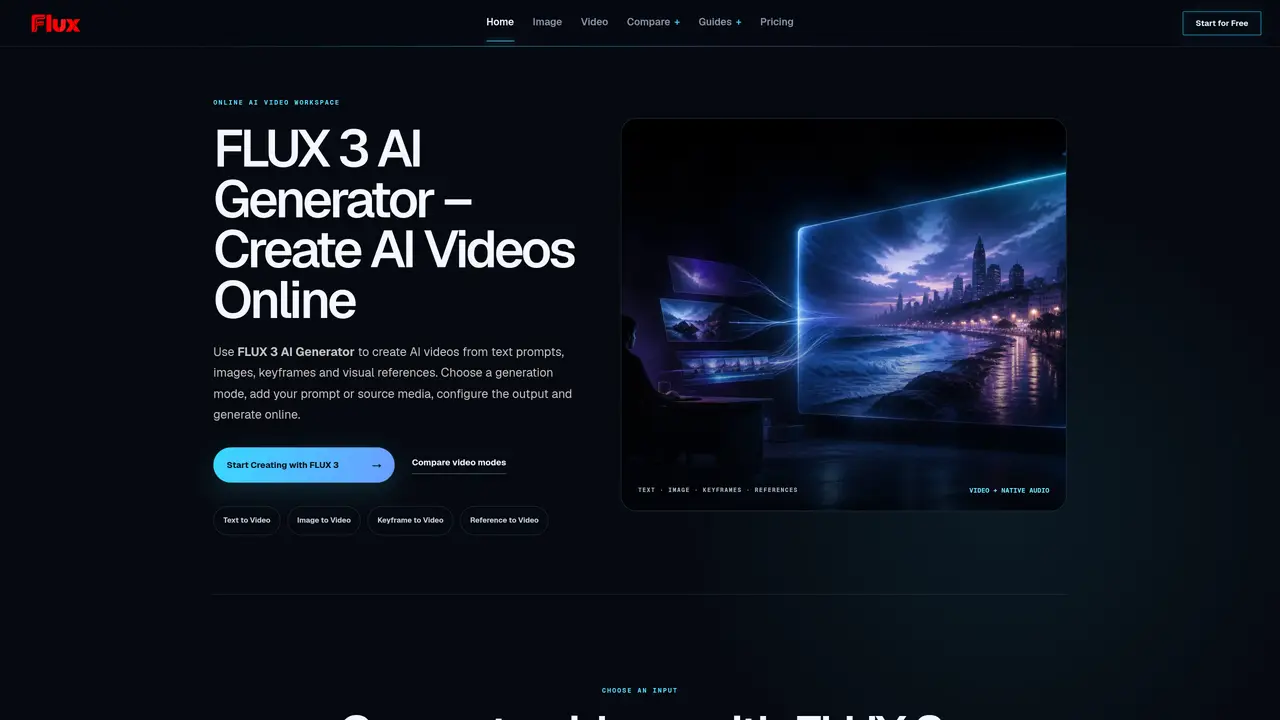
FLUX 3 AI Generator is an online workspace for creating AI-generated videos from text prompts, images, keyframes or visual references. Users select a generation mode, add their input, configure output settings and generate videos directly in the browser. The tool supports four input types: text-to-video, image-to-video, keyframe-to-video and reference-to-video, each guiding the AI with different levels of visual direction. Videos can include synchronized native audio such as speech, sound effects, environmental sounds and ambience, specified within the prompt. The interface allows duration control from 5 to 20 seconds and resolution options of 720p or 1080p. Before generating, users can preview mode-specific inputs, prompt length, source images, duration selection and output settings, including an upfront credit estimate. The workspace validates required fields and provides feedback on submission status. Outputs are reviewed after generation, with task IDs or error messages displayed.
FLUX 3 AI Generator is an online workspace for creating AI-generated videos from text prompts, images, keyframes, or visual references. Users can generate videos directly in the browser by selecting a mode, adding input, configuring settings, and submitting a request.
The tool suits creators, marketers, filmmakers, and teams looking to quickly prototype videos, explore visual concepts, or plan production-ready scenes. It supports creative workflows such as product videos, cinematic scenes, social media clips, and marketing campaigns.
The workspace provides an upfront credit estimate before generation, calculated based on duration and resolution. Users can review the expected cost before submitting a request, with pricing tied to the credits consumed per second of video.
The tool supports four input types: text-to-video, image-to-video, keyframe-to-video, and reference-to-video. Each mode guides the AI with different levels of visual direction, allowing users to tailor the generation process to their needs.
Yes, FLUX 3 can generate videos with synchronized native audio, including speech, sound effects, environmental sounds, and ambience. Users can specify these elements directly in the prompt to ensure they are integrated into the final output.
To get started, visit the FLUX 3 AI Generator website, choose a generation mode, add your input (text, image, keyframes, or references), configure the output settings, and submit the request. The workspace provides guidance and validation to help users through the process.
We use essential cookies to run aitoolnavio™, and optional cookies to analyze traffic and measure our marketing. You choose what we use — optional cookies stay off unless you turn them on. See our Privacy Policy.
One short email a week: fresh tools worth trying, honest takes and the updates that actually matter. No spam, unsubscribe any time.
Generate lifelike human videos with AI, making professional video creation fast and accessible for any user.
xAI builds Grok frontier AI models for reasoning, coding, voice, images, video, enterprise workflows, and developer APIs.
AI-powered video messaging tool that records, shares, and manages video messages with AI-generated titles, summaries, and tasks.
Explore and test Google’s experimental AI tools and prototypes before they become products.
Creates licensed videos, images, music.
Web and mobile AI platform for generating, editing, and training custom visuals from prompts with community models and face-swap tools.
Create stunning videos in a few clicks, customize with powerful tools, and automate editing without experience.
Create, convert, and enhance videos effortlessly with professional effects and royalty-free music.
Create engaging videos with voiceovers, music, and customizations using a library of royalty-free assets.
Create auto-resized campaign images and videos with DaVinci AI's generative media suite.
Freemium, uncensored AI video and image creation for individual creators with text-to-video, image effects, and gem-based upgrades for HD and no watermarks.
Generate cinematic video clips from text or images and refine them with AI-powered editing tools for creators and visual professionals.
Matched on what this tool does — grouped by the job you would be replacing.
matches Text-to-video generation · Duration selection (5–20 seconds) · Resolution options (720p or 1080p)
AI video generator from text, images, audio, and motion references
AI video generator that creates cinematic clips with synchronized sound from text or image prompts
AI video generator that creates short cinematic videos from text or still images
AI studio converting text prompts or images into short videos with audio
matches Image-to-video animation · Reference-to-video style guidance
matches Keyframe-to-video sequencing · Motion Control for character animation
matches Native audio integration · Lip Sync for synchronized speech
Online AI video generator creating cinematic clips from text, images, audio, or video prompts
AI video generator that converts text prompts or images into short clips
Generates short AI videos from text prompts or images
Online AI tool that turns still images into short videos from text prompts
Turn any character image into a video by transferring motion, gestures, and expressions from a reference clip—no mocap, rigging, or keyframes required.
Generates AI videos from text prompts, images, and references in a browser
AI-powered video generation and publishing for Instagram Reels
Online AI tool that converts still images into short video clips with motion and audio