
Cloud-based unified communications platform for secure call, video, messaging, file sharing, and automated call routing.
12M visits/mo+2.9%#14 Productivity & Office
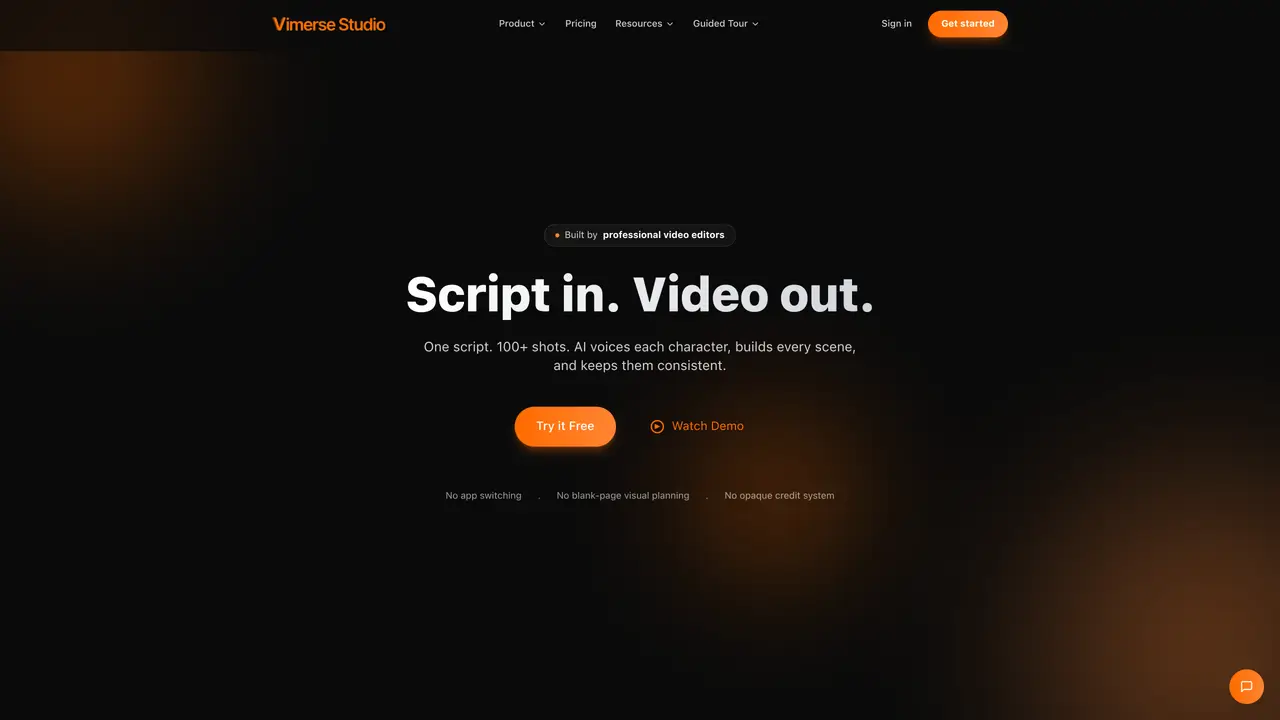
Vimerse Studio is AI video creation software focused on narrative storytelling rather than quick clips. It guides users from character design and scriptwriting to AI voiceover, scene generation, and export inside one desktop-style app. By combining large language models, ElevenLabs narration, and multiple image and video generators, it turns ideas or short prompts into structured, character-driven videos with minimal manual editing. The five-step workflow mirrors how writers think: define characters, craft a script, add voices, generate visuals, then export. Character consistency, AI-controlled scene timing, and high quality narration combine to produce videos that feel authored, not stitched together. The one-time license and credit model also set it apart from pure subscription video generators. Vimerse Studio is tailored for explainers, educational pieces, children’s stories, and documentaries rather than only ad-style snippets. It replaces the usual stack of script tools, voiceover apps, image generators, and editors with one environment. The $299 Pro license with pay-as-you-go credits suits creators who dislike recurring subscriptions.
Vimerse Studio is an AI-powered desktop application that transforms scripts into structured, multi-shot videos. It automates character voiceovers, scene timing, and visual generation, allowing users to create videos from start to finish without switching between tools.
The tool is designed for marketers, educators, filmmakers, and creators who need to produce longer-form, narrative-driven videos such as explainers, educational content, children’s stories, or documentaries.
Vimerse Studio uses a one-time license fee with pay-as-you-go AI usage credits. Users pay only for the AI rendering they consume, and the license includes all AI models and commercial rights.
Yes, users can write scripts directly in Studio, generate them with AI from a prompt, or import a voice file, which Studio will transcribe and segment into scenes automatically.
Yes, users can queue up to 100 shots at once, with four renders running concurrently in the background, even when the app is closed.
The tool integrates multiple AI models for video generation (e.g., Seedance 2.0, Kling 3.0, Veo 3.1), lip-sync (e.g., Heygen, Kling 3.0), and image generation (e.g., GPT 2.0, Flux 2.0).
We use essential cookies to run aitoolnavio™, and optional cookies to analyze traffic and measure our marketing. You choose what we use — optional cookies stay off unless you turn them on. See our Privacy Policy.
One short email a week: fresh tools worth trying, honest takes and the updates that actually matter. No spam, unsubscribe any time.
Cloud-based unified communications platform for secure call, video, messaging, file sharing, and automated call routing.
Create engaging videos with voiceovers, music, and customizations using a library of royalty-free assets.
Create, edit, subtitle, and translate pro-grade videos instantly.
Create realistic talking avatar videos from a photo with AI-powered lip sync and text-to-speech in multiple languages.
Ultra-fast video generation with pre-designed templates and a user-friendly interface design.
Topview AI is an AI-powered video creation platform that turns your product into engaging, attention-grabbing and viral-worthy video; no editing skills or cameras needed.
Generate engaging video content with AI-powered system, professional presenters, ease, scalability, and budget-friendly.
Generate videos featuring expressive AI characters from a single photo and text prompts with creative control.
Create lifelike videos from text and images.
VTuber software suite to create and animate custom VTuber avatars with VTuber Maker.
Transform images into engaging, AI-generated videos.
AI video generator that turns scripts or stories into long-form videos up to 50 minutes with consistent characters and 1080p export.
Matched on what this tool does — grouped by the job you would be replacing.
matches End-to-end story workflow · AI script generation · Smart scene timing and auto scenes
AI video generator that turns scripts or stories into long-form videos up to 50 minutes with consistent characters and 1080p export.
AI creation studio for generating short dramas and narrative videos with consistent characters and scenes.
Turns scripts into polished, long-form AI videos with consistent style, voice, and visuals for YouTube creators.
AI storytelling engine that turns ideas into video stories
matches Consistent AI characters
Edit or generate consistent 4K images from text.
AI tool to generate and maintain consistent character visuals across poses and scenarios for creators.
All-in-one AI creative platform for generating images, videos and music from text prompts