

Generate captions, optimize content, and enhance with custom images for maximum engagement.
46M visits/mo-10%#3 Image & Design
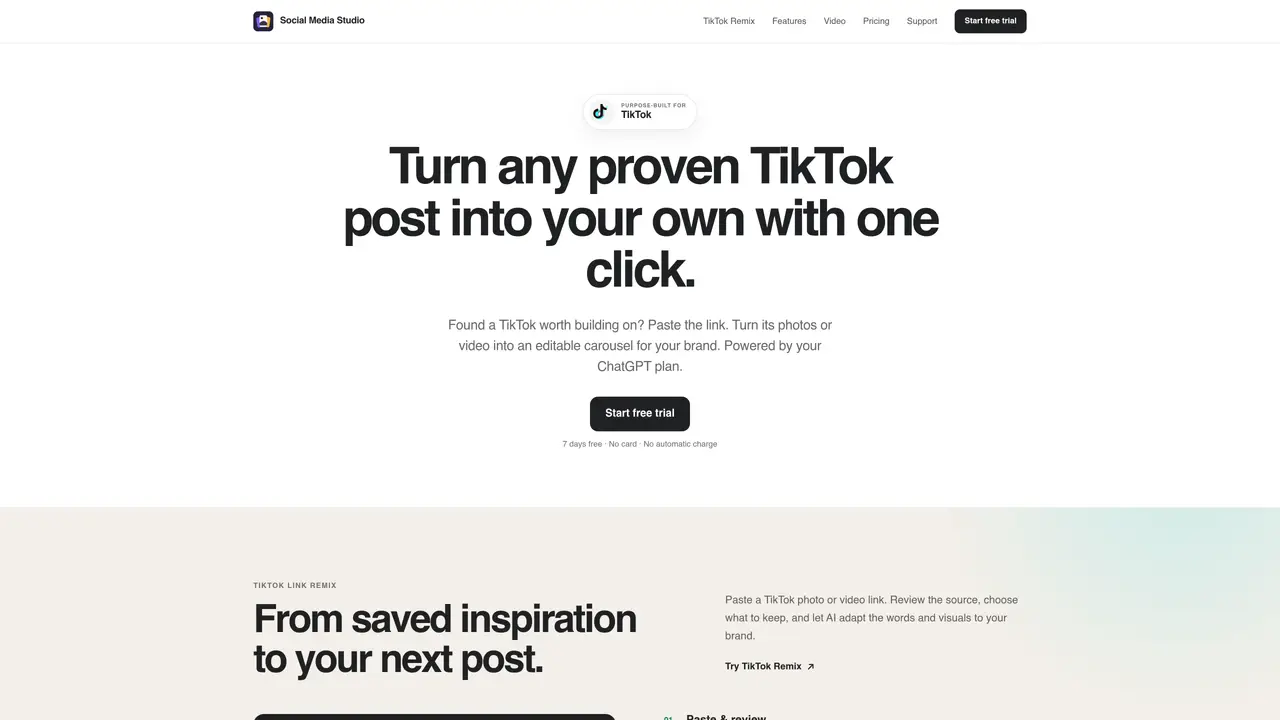
Social Media Studio is a desktop application designed for creating, remixing, and scheduling TikTok content. It allows users to transform existing TikTok posts into editable carousels by pasting a link, then customize visuals, text, and captions independently. The tool supports both photo and video inputs and provides built-in formats like Quad Ideas, Photo Story, and Step-by-Step. Users can generate multiple posts from a single brief, import their own AI skills for writing and design guidance, and save brand-specific settings such as colors, fonts, and logos. Exports include PNG, JPEG, or MP4 files with adjustable timing, and an optional scheduling feature enables background publishing with analytics. All creative work is stored locally on the user’s computer, and the app integrates with an existing ChatGPT plan without additional AI fees.
Download Social Media Studio and verify your email in the app to create, remix, edit, and export for 7 days using your existing ChatGPT plan. No payment method is required, and there is no automatic charge.
Your local projects remain on your computer. To continue creating and exporting, purchase the Studio license once. You can still back up your projects even after the trial ends.
Yes. Social Media Studio integrates with your ChatGPT plan and does not charge additional AI subscription or generation fees.
Creative work is stored locally on your computer. Only scheduled posts, support messages, and purchase details are sent online.
No. Past engagement is evidence, not a guarantee. It is recommended to test every remix with your own audience.
No. The Studio license is a one-time payment of $49. TikTok scheduling is an optional annual add-on at $59 per year.
We use essential cookies to run aitoolnavio™, and optional cookies to analyze traffic and measure our marketing. You choose what we use — optional cookies stay off unless you turn them on. See our Privacy Policy.
One short email a week: fresh tools worth trying, honest takes and the updates that actually matter. No spam, unsubscribe any time.
Generate captions, optimize content, and enhance with custom images for maximum engagement.
Create stunning visuals, develop ideas with AI-powered tools, and instantly share content without coding or formatting.
Headless CMS that lets developers manage structured content and deliver it anywhere via flexible APIs and real-time collaboration tools.
Analyze, collaborate, optimize content for quality, speed, and wider reach, with tailored suggestions.
Solvely is an AI homework-help app that solves math, science, and liberal arts problems with photos.
AI-driven tool for seamless, high-quality content generation.
Generate unique avatars and craft effective, engaging copy effortlessly.
All-in-one AI platform for writing, image, music, and analysis.
Accurately detects AI-generated content, monitors real-time dashboard, and ensures content is plagiarism-free.
Generate high-quality, SEO-optimized content effortlessly, saving time for blog posts, social media, and marketing copy.
Generate professional copy in seconds, customize with an intuitive platform, and access pre-written content for inspiration.
AI SEO platform that automates keyword research, content creation, and publishing for websites and e-commerce stores.
Matched on what this tool does — grouped by the job you would be replacing.
matches TikTok post remixing from links · Built-in carousel formats (8 options) · AI Campaign for generating 1–10 posts from a brief
AI-powered LinkedIn content creation and scheduling tool for creators, entrepreneurs, and teams to grow audiences faster.
AI carousel post maker for marketers and creators to generate, design, schedule, and publish multi-slide posts across LinkedIn, Instagram, TikTok, X, and Threads.
AI-powered LinkedIn content creation and scheduling tool that generates posts and carousels from topics, blogs, or YouTube videos with analytics.
AI-powered tool to generate branded LinkedIn and Instagram carousels from text
matches AI-generated carousel content from text, URLs, or social posts · 100+ platform-optimized templates and brand kits · Custom fonts, colors, and slide layouts
Automates content creation, scheduling, and performance analysis for social media.
AI-powered LinkedIn content creation and management platform for professionals, marketers, and teams to write, schedule, and track posts with brand-voice controls.
AI-powered LinkedIn content creation and scheduling tool
AI-powered tool that generates platform-native posts, scripts, slides and hashtags in 60 seconds