Automate research, make corrections, and integrate easily into text editors for convenient content generation and error detection.
36M visits/mo+12%#4 Writing & Content

Create custom templates, detect and correct spelling mistakes, and insert images for your documents effortlessly.
Typo is a powerful and intuitive text editor designed to make your writing and editing processes easier and more enjoyable. With a simple and intuitive user interface, Typo provides all the features you need to create, edit, and manage all your documents. You can easily format your text, add links, and insert images into your documents. Typo also offers a range of templates and themes to customize your documents and make them look professional and stylish. Additionally, Typo includes an advanced spellchecker and built-in dictionary to ensure your writing is always accurate and professional. With Typo, you can quickly and easily create, edit, and manage all your documents with ease. Use Cases And Features 1. Create custom templates: Easily create and customize personalized templates to fit any document needs. 2. Advanced spellchecker: Automatically detect and correct spelling mistakes with an in-built spellchecker. 3. Insert images: Instantly add visuals to your documents with the easy-to-use image insertion feature.
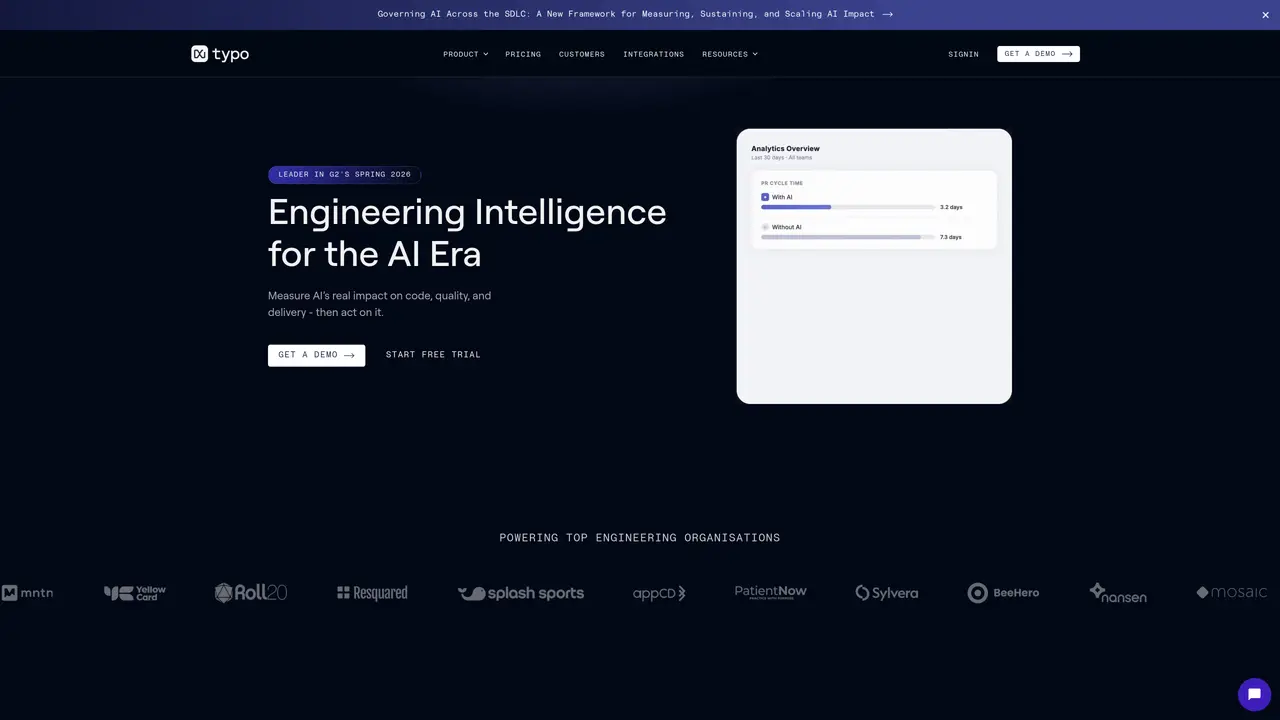
Typo provides engineering intelligence by measuring AI’s impact on code quality, delivery speed, and developer experience using real engineering data.
Typo is designed for engineering leaders and teams who need to track AI adoption, measure engineering productivity, and improve team performance with data-driven insights.
Typo tracks metrics such as cycle time, review time, code quality, and developer experience to quantify the real effects of AI on software delivery.
Yes, Typo integrates with existing workflows and tools to provide real-time SDLC visibility and delivery signals without disrupting current processes.
Key features include AI-powered code reviews, developer experience measurement, real-time SDLC visibility, AI impact tracking, and customizable dashboards for metrics and alerts.
You can start by requesting a demo or signing up for a free trial to explore Typo’s features and see how it fits into your engineering workflow.
typoapp.io · third-party estimates from Similarweb
Last 4 months · grows by one month every month
Share of visits · estimated visits
Writing & Content · Sep 2026
Traffic figures are third-party estimates, good for scale and trends; they can differ from a company's own numbers. Updated monthly.
We use essential cookies to run aitoolnavio™, and optional cookies to analyze traffic and measure our marketing. You choose what we use — optional cookies stay off unless you turn them on. See our Privacy Policy.
One short email a week: fresh tools worth trying, honest takes and the updates that actually matter. No spam, unsubscribe any time.
Automate research, make corrections, and integrate easily into text editors for convenient content generation and error detection.
AI-powered writing assistant for grammar, style, and tone improvements across documents and emails.
AI-powered writing tool for paraphrasing, summarizing, and enhancing writing effortlessly.
AI-powered proofreading, editing, plagiarism checking, and citation generation for academic papers.
Detect errors, check language style, reword sentences for desired writing style.
Detect errors, suggest real-time corrections, and provide a variety of writing tools.
AI-powered grammar and writing assistant that corrects English text, rephrases sentences, suggests synonyms, and translates content.
Instantly corrects spelling, typos, and punctuation, suggests synonyms, and ensures error-free content for businesses.
Hemingway offers a seamless solution for enhancing writing clarity and conciseness with its AI-powered tool.
Professional proofreading and editing service for students, writers, and businesses with 24/7 support and free samples.
Fix errors, paraphrase text automatically, and generate new content for clearer ideas.
Enterprise AI platform that enforces consistent, inclusive writing across teams with style rules and integrations.
Matched on what this tool does — grouped by the job you would be replacing.
matches Create custom templates · Advanced spellchecker · Insert images
Generate content, correct spelling, suggest synonyms to enhance writing.
Generate templates, personalize tips, receive real-time feedback to speed up writing process and improve content.
Automatically check documents for errors, detect common mistakes, and customize the grammar checking with an intuitive interface.
Generate custom documents, automate document generation, and create high-quality documents with customizable templates and tools.
matches Advanced spellchecker · Format text · Add links
AI-powered writing assistant for grammar, style, and tone improvements across documents and emails.
AI-powered writing tool for paraphrasing, summarizing, and enhancing writing effortlessly.