AI-powered writing tool for paraphrasing, summarizing, and enhancing writing effortlessly.
36M visits/mo+12%#3 Writing & Content

Quickly summarize documents, identify key themes, and analyze for insights.
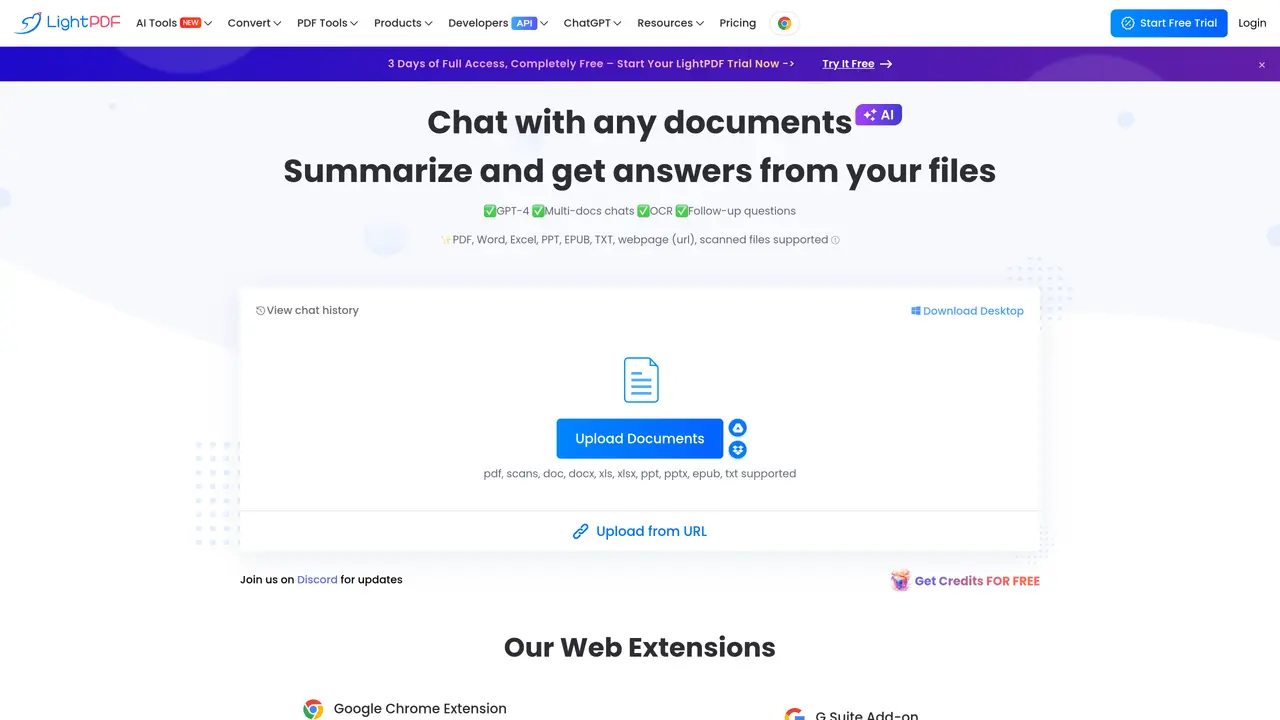
LightPDF AI is the ultimate tool for quickly and accurately summarizing documents. It uses advanced artificial intelligence technology to quickly scan through any document and accurately summarize the key points within seconds. With LightPDF AI, you can easily identify key themes and topics and get a comprehensive overview of any document in no time. It can also be used to analyze documents to identify key insights and trends, helping you to make data-driven decisions faster. With its intuitive interface and powerful features, LightPDF AI is the perfect tool for students, researchers, and professionals who need to quickly process large amounts of data. It’s fast, reliable, and extremely easy to use – making it the perfect choice for anyone who needs to make sense of large documents quickly and accurately.
Upload a document and enter a clear, specific question to receive an instant answer. The quality of the response improves with more precise prompts.
LightPDF AI stores uploaded files in encrypted cloud storage and does not share them with third parties. Users retain full ownership and control of their data.
The tool supports PDF, Word, Excel, PowerPoint, EPUB, TXT, scanned files, and webpages via URL.
Yes, users can upload and interact with multiple documents simultaneously for comparative analysis or research.
LightPDF AI is accessible via web browsers on Windows, Mac, Android, and iOS devices, as well as through Chrome/Edge extensions and G Suite add-ons.
Yes, the tool cites sources for its answers, allowing users to verify information by clicking on references.
lightpdf.com · third-party estimates from Similarweb
Last 4 months · grows by one month every month
Share of visits · estimated visits
Other countries: 58.3%
How people reach this site from other AI tools
5.3K a month · 0.3% of all visits
Writing & Content · Sep 2026
Traffic figures are third-party estimates, good for scale and trends; they can differ from a company's own numbers. Updated monthly.
We use essential cookies to run aitoolnavio™, and optional cookies to analyze traffic and measure our marketing. You choose what we use — optional cookies stay off unless you turn them on. See our Privacy Policy.
One short email a week: fresh tools worth trying, honest takes and the updates that actually matter. No spam, unsubscribe any time.
AI-powered writing tool for paraphrasing, summarizing, and enhancing writing effortlessly.
Transcribe and summarize audio or video recordings with AI-powered speech recognition and summarization.
Automatically summarize chat transcripts, comprehend key components, and accelerate transcript analysis.
Transform audio/video to text with precision, supporting 1500+ platforms, enriched by AI features.
Efficiently find data, extract key topics, map entities, analyze sentiment, and highlight important points in your PDF documents.
Decopy provides a one-stop AI writing solution with tools for detecting AI-generated content, humanizing text, summarizing videos and articles, and solving complex mathematical problems.
Summarize video contents, extract key points accurately, and maximize video utilization with a user-friendly interface.
Free AI text summarizer that condenses articles, essays, and documents into bullet or paragraph summaries from text, URLs, or file uploads.
AI platform for finding, summarizing, and analyzing academic research, grants, patents, and clinical trials.
Find relevant search results, get summaries without reading entire pages, and filter with AI-powered 'Glarify' feature.
Generate auto-translated captions, edit with ease, and collaborate on projects with shared captions in 17 languages.
Fix errors, paraphrase text automatically, and generate new content for clearer ideas.
Matched on what this tool does — grouped by the job you would be replacing.
matches Quickly summarize key points of any document · Easily identify key themes and topics · Analyze documents to identify key insights
Generate comprehensive PDF reports, leverage NLP and ML to understand documents, save time and money with faster decision-making.
Get quick answers, summarize documents, and generate insights with real-time analytics.
Read smarter with Free AI PDF Reader!
Instantly analyze, summarize, and highlight essential information from content with a user-friendly interface.