Summarizes, extracts, and rewrites content from files.
89M visits/mo+8.7%#2 Productivity & Office

Generate comprehensive PDF reports, leverage NLP and ML to understand documents, save time and money with faster decision-making.
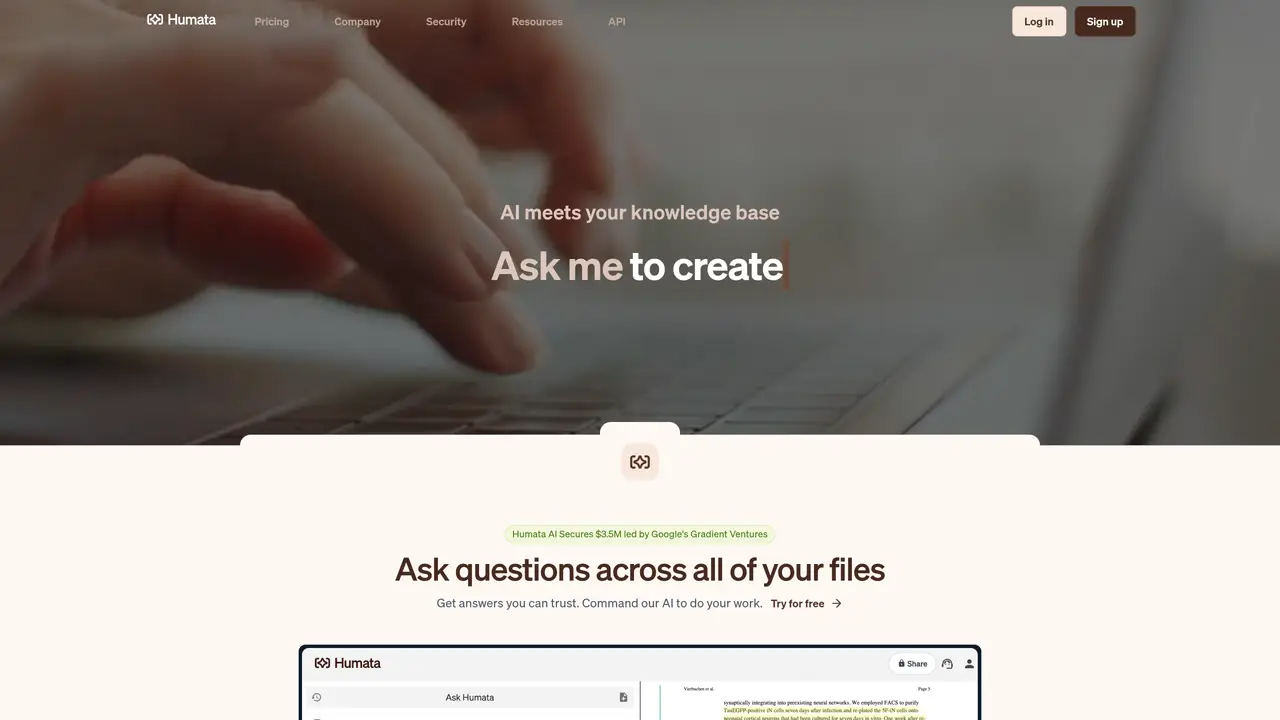
Humata AI is the ultimate research assistant, designed to help you quickly and easily analyze PDF documents. With just a few clicks, you can upload a PDF and get answers from it in no time. Whether you’re researching a complex technical document or a legal document, Humata AI can help you uncover valuable insights faster than ever before. By leveraging the power of natural language processing and machine learning, Humata AI can quickly understand the contents of your PDF and generate comprehensive, easy-to-read reports. This saves you time, effort, and money, so you can focus on the things that matter most. With Humata AI, you can make faster decisions, reduce the time spent on tedious manual tasks, and get the most out of your research. Unlock the power of your PDF documents with Humata AI and make your work easier and faster. Use Cases And Features 1. Automatically generate comprehensive reports from PDF documents. 2. Leverage natural language processing and machine learning to quickly understand PDFs. 3. Save time and money by reducing manual tasks and making faster decisions.
Unlike ChatGPT, Humata AI is specifically designed to work with uploaded files such as PDFs. It reads and analyzes the content of your documents to generate answers based on the material, providing citations to relevant sections for verification.
Yes, Humata AI provides a complimentary version of its platform that allows users to explore its features. Details about what is included in the free version can be found on the pricing page.
Yes, Humata AI allows users to adjust their subscription plans as needed. You can upgrade to accommodate a growing team or downgrade based on changing requirements.
Humata AI offers a hassle-free cancellation policy. Users can cancel their subscription at any time without any obligations or penalties.
Yes, Humata AI partners with Stripe to provide straightforward invoicing. Users can request extra details to be included in their invoices to meet specific needs.
Billing for Humata AI operates on a monthly subscription model with self-serve plans such as Free, Student, Expert, and Team. Some plans include pay-as-you-go features based on usage, such as the number of pages accessed and questions asked.
humata.ai · third-party estimates from Similarweb
Last 4 months · grows by one month every month
Share of visits · estimated visits
Other countries: 23.7%
Productivity & Office · Sep 2026
Traffic figures are third-party estimates, good for scale and trends; they can differ from a company's own numbers. Updated monthly.
We use essential cookies to run aitoolnavio™, and optional cookies to analyze traffic and measure our marketing. You choose what we use — optional cookies stay off unless you turn them on. See our Privacy Policy.
One short email a week: fresh tools worth trying, honest takes and the updates that actually matter. No spam, unsubscribe any time.
Summarizes, extracts, and rewrites content from files.
Free tool to collect, organize, cite and share research sources
An AI-powered PDF editor and converter for editing, OCR, signing, annotating, merging, and chatting with documents across devices.
Browser-based PDF editor that edits, signs, converts, merges, compresses, and shares files, with AI for form filling, document chat, and PDF creation.
Streamline PDF interaction with AI summarization, batch processing, and secure Q&A.
Efficiently find data, extract key topics, map entities, analyze sentiment, and highlight important points in your PDF documents.
All-in-one AI platform for writing, image, music, and analysis.
AI-powered PDF editor with built-in agents for summarization, translation, and document analysis.
Obtain information, navigate documents, and customize responses with an AI-powered chatbot and user-friendly interface.
Summarize, chat with, and clean up PDFs.
Find sections, analyze & extract content, and interact with documents efficiently using AI-powered technology.
Web-based PDF editor with AI features for editing, summarizing and transforming documents
Matched on what this tool does — grouped by the job you would be replacing.
matches Automatically generate comprehensive reports from PDF documents · Leverage natural language processing and machine learning to quickly understand PDFs · Save time and money by reducing manual tasks and making faster decisions
Summarize PDFs, extract topics, and get answers effortlessly.
Upload and chat with multiple PDFs using AI-generated links for private, secure document analysis and summarization.
Upload documents, ask questions, save time with AI, access information effortlessly.
Interactive AI tool for questioning and summarizing PDFs through a conversational chat interface.