
Quickly and accurately translate documents with unparalleled precision and confidence for business, legal, and academic purposes.
97M visits/mo-2.3%#1 Writing & Content

Translate documents accurately in 136 languages, preserve original format effortlessly.
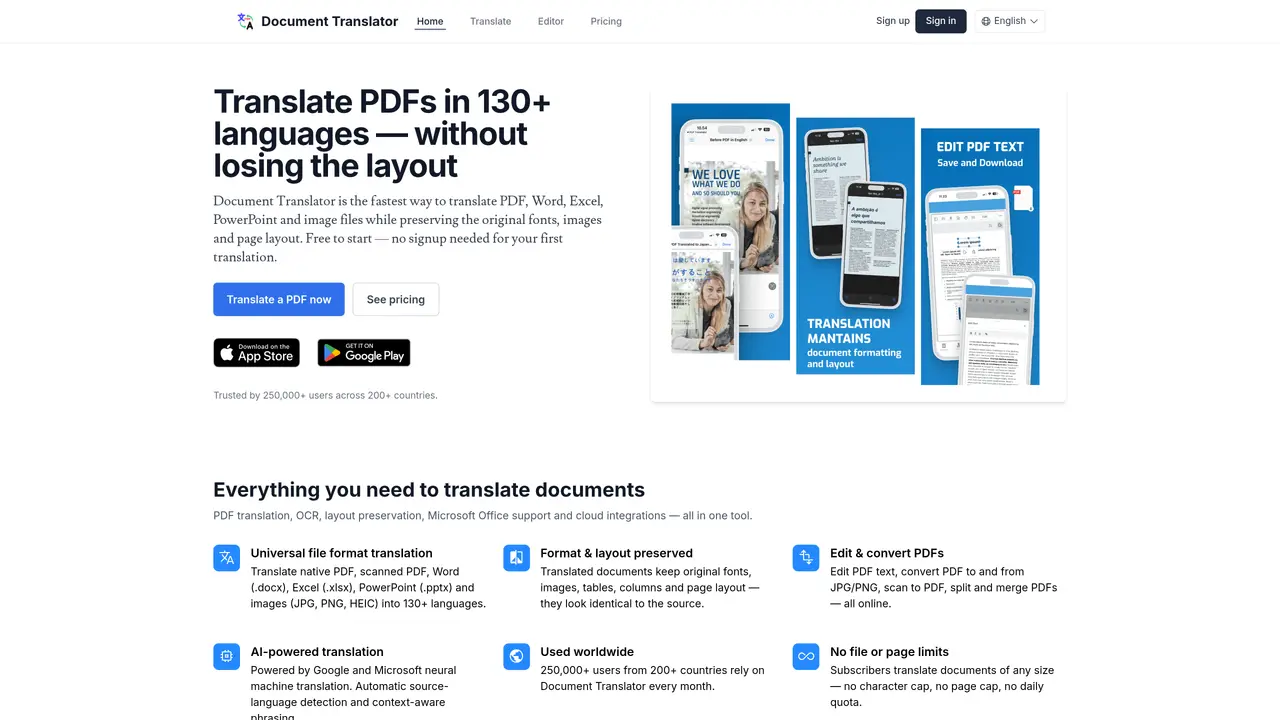
PDF Translator is an AI-powered online service designed to translate PDF documents while preserving their original layout, formatting, and structure. The tool supports translation into and from 136 languages, leveraging advanced Neural Machine Translation (NMT) models provided by Google and Microsoft to ensure high accuracy and contextual understanding. Users can upload PDF files directly to the platform, where the content is automatically extracted, translated, and reconstructed into a new PDF that maintains the original design elements such as fonts, images, and spacing. The platform is suitable for professionals, businesses, students, and translators who require reliable document translation without manual reformatting. PDF Translator is accessible via a web browser, eliminating the need for software installation, and offers a straightforward process for uploading, translating, and downloading translated documents. It is particularly useful for translating contracts, academic papers, marketing materials, and other professional documents where preserving the original format is essential.
Upload your PDF file, select the target language, and click Translate. The translated document retains the original formatting, layout, images, and fonts.
Yes, new users receive free credits to translate their first document. After that, you can purchase credits on demand or subscribe for high-volume translation without page limits.
PDF Translator supports over 130 languages, including major languages like Spanish, French, German, Chinese, Japanese, Arabic, and many others.
Yes, the formatting, layout, fonts, images, columns, and tables are preserved, so the translated PDF looks identical to the original with text replaced.
Yes, it uses optical character recognition (OCR) to translate scanned PDFs and image files (JPG, PNG, HEIC) while reconstructing the page layout.
Supported file types include PDF (native and scanned), Microsoft Word (.docx), Excel (.xlsx), PowerPoint (.pptx), and image files (.jpg, .jpeg, .png, .heic).
pdftranslator.dk · third-party estimates from Similarweb
Last 4 months · grows by one month every month
Share of visits · estimated visits
Writing & Content · Sep 2026
Traffic figures are third-party estimates, good for scale and trends; they can differ from a company's own numbers. Updated monthly.
We use essential cookies to run aitoolnavio™, and optional cookies to analyze traffic and measure our marketing. You choose what we use — optional cookies stay off unless you turn them on. See our Privacy Policy.
One short email a week: fresh tools worth trying, honest takes and the updates that actually matter. No spam, unsubscribe any time.
Quickly and accurately translate documents with unparalleled precision and confidence for business, legal, and academic purposes.
Revolutionize your web experience with seamless, customizable, bilingual translations across devices—free.
Instantly convert text to 100+ languages, with accurate results and an intuitive interface.
AI-powered translation tool that detects and converts text between 15+ languages instantly with a single click.
Lara Translate is an AI-powered translator delivering fast, accurate, and context-aware translations.
AI-powered grammar and writing assistant that corrects English text, rephrases sentences, suggests synonyms, and translates content.
Cloud platform combining AI translation, a CAT editor, and a human linguist marketplace for 280+ languages.
Bulk translation tool that handles text, audio and files in over 60 languages with offline and privacy features.
AI-powered platform for translating and managing content across multiple languages with machine translation, AI post-editing, and human review.
Translate text, convert audio to text, access pronunciation guides, phrasebooks, and over 100 languages.
Create accurate global content with cultural understanding and comprehensive language services.
Localizes videos with AI translation and dubbing.
Matched on what this tool does — grouped by the job you would be replacing.
matches Translate documents accurately in 136 languages · Preserve original format and layout with ease · Supports native and scanned PDF files, images, and Microsoft Office files
Scales efficient language processing with open-source accessibility.
An AI translation platform that converts documents, images, audio, and video into 130+ languages while preserving formatting and layout.
An AI translation tool that handles text, PDFs, images, voice, and documents in 100+ languages with encrypted processing and daily free limits.
Online document translator supporting PDF, Word, Excel, PowerPoint and scanned files
matches Supports native and scanned PDF files, images, and Microsoft Office files
Translate image text instantly with Image Translate AI
Powerful AI platform for image text translation in 130+ languages.
Translates images into English while preserving original layout and text placement