AI chatbot for conversation, work, research, coding, and content creation.
5.9B visits/mo+5%#1 Chatbots & Assistants

Automatically generate text, translate from any website, and summarize complex information effortlessly.
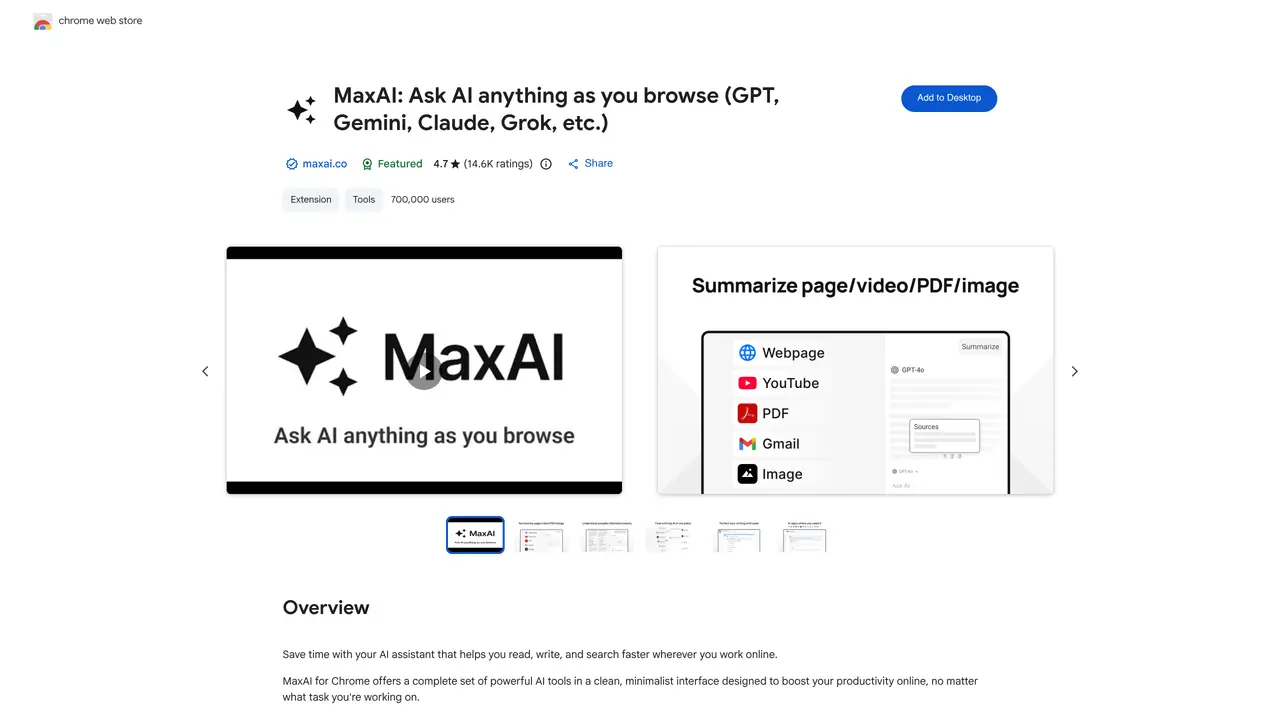
UseChatGPT is a browser extension designed to enhance productivity by integrating ChatGPT and GPT-4 capabilities directly into web browsing. The tool allows users to interact with AI-powered assistance without leaving the webpage they are working on, streamlining workflows by reducing the need to switch between tabs or applications. It enables users to generate, rephrase, summarize, translate, and explain text from any website with speed and accuracy, eliminating manual copy-pasting and repetitive tasks. The extension is particularly useful for professionals, researchers, students, and content creators who need to process large volumes of online information efficiently. By leveraging advanced language models, UseChatGPT helps users quickly understand complex content, refine their writing, and communicate ideas more effectively. It supports multilingual translation and concise summarization, making it easier to digest and share information from diverse sources. The tool is built to integrate seamlessly into existing workflows, providing instant AI-driven insights without disrupting the user’s browsing experience.
UseChatGPT is a Chrome extension that integrates AI capabilities directly into the browser, allowing users to interact with multiple AI models like GPT-4, Claude, and Gemini. It provides tools for reading, writing, and searching online content more efficiently.
The tool is designed for anyone who works online and needs assistance with reading, writing, or searching, including professionals, students, and casual users. It is particularly useful for those who want to streamline tasks like summarizing content, translating text, or generating responses.
UseChatGPT adds an AI sidebar and context menu to the browser. Users can ask questions about the current webpage, select text to improve, translate, or explain it, and access AI-powered tools without copying or pasting content.
The extension supports multiple AI models, including GPT-4.1, GPT-4o, Claude-3.7-Sonnet, Gemini-2.5-pro, Grok-3, and others. Users can choose the model that best fits their needs for accuracy or speed.
Yes, UseChatGPT is designed to work seamlessly across various platforms, including Google Docs, Gmail, LinkedIn, YouTube, and more. It functions directly within the browser without requiring additional software.
To get started, install the UseChatGPT extension from the Chrome Web Store. After installation, reload the webpage to activate the extension. Once active, users can access the AI sidebar and context menu to begin using the AI tools.
We use essential cookies to run aitoolnavio™, and optional cookies to analyze traffic and measure our marketing. You choose what we use — optional cookies stay off unless you turn them on. See our Privacy Policy.
One short email a week: fresh tools worth trying, honest takes and the updates that actually matter. No spam, unsubscribe any time.
AI chatbot for conversation, work, research, coding, and content creation.
Generate content, correct spelling, suggest synonyms to enhance writing.
Summarizes, extracts, and rewrites content from files.
Automate research, make corrections, and integrate easily into text editors for convenient content generation and error detection.
AI-powered writing assistant for grammar, style, and tone improvements across documents and emails.
Instantly detect AI-generated text, identify plagiarism, and customize the detection process.
A free web-based AI chatbot and agent for writing, coding, research, and content creation with multilingual support.
AI research assistant that finds trusted sources, summarizes documents and videos, and generates cited answers with a browser extension for capturing findings.
AI-powered proofreading, editing, plagiarism checking, and citation generation for academic papers.
AI-powered web design suite inside Webflow that generates sites, code components, and SEO improvements from prompts.
Get quick copywriting help, generate marketing copy, and easily translate, explain, and rephrase web page text.
Craft captivating stories effortlessly using AI-powered GPT technology and an intuitive interface.
Matched on what this tool does — grouped by the job you would be replacing.
matches Automatically generate text with GPT-4 AI · Summarize complex information to better understand and communicate
Generate content, correct spelling, suggest synonyms to enhance writing.
Get quick copywriting help, generate marketing copy, and easily translate, explain, and rephrase web page text.
AI Doc GPT automates document generation, generates high-quality content quickly, and summarizes large documents.
Revolutionize productivity with 1-Click AI: Chat, summarize, translate, and visualize effortlessly.
matches Quickly and accurately translate text from any website
Summarize articles, translate webpages, and rewrite sentences accurately.
Quickly generate answers, summarize emails, and translate into 13 languages.