Comparing tools side by side
Add up to four tools to the compare tray and see pricing, popularity, features and ratings in one table.
Every tool card and tool page has a Compare button. Adding a tool puts it in your comparison tray; open Compare to see the table.
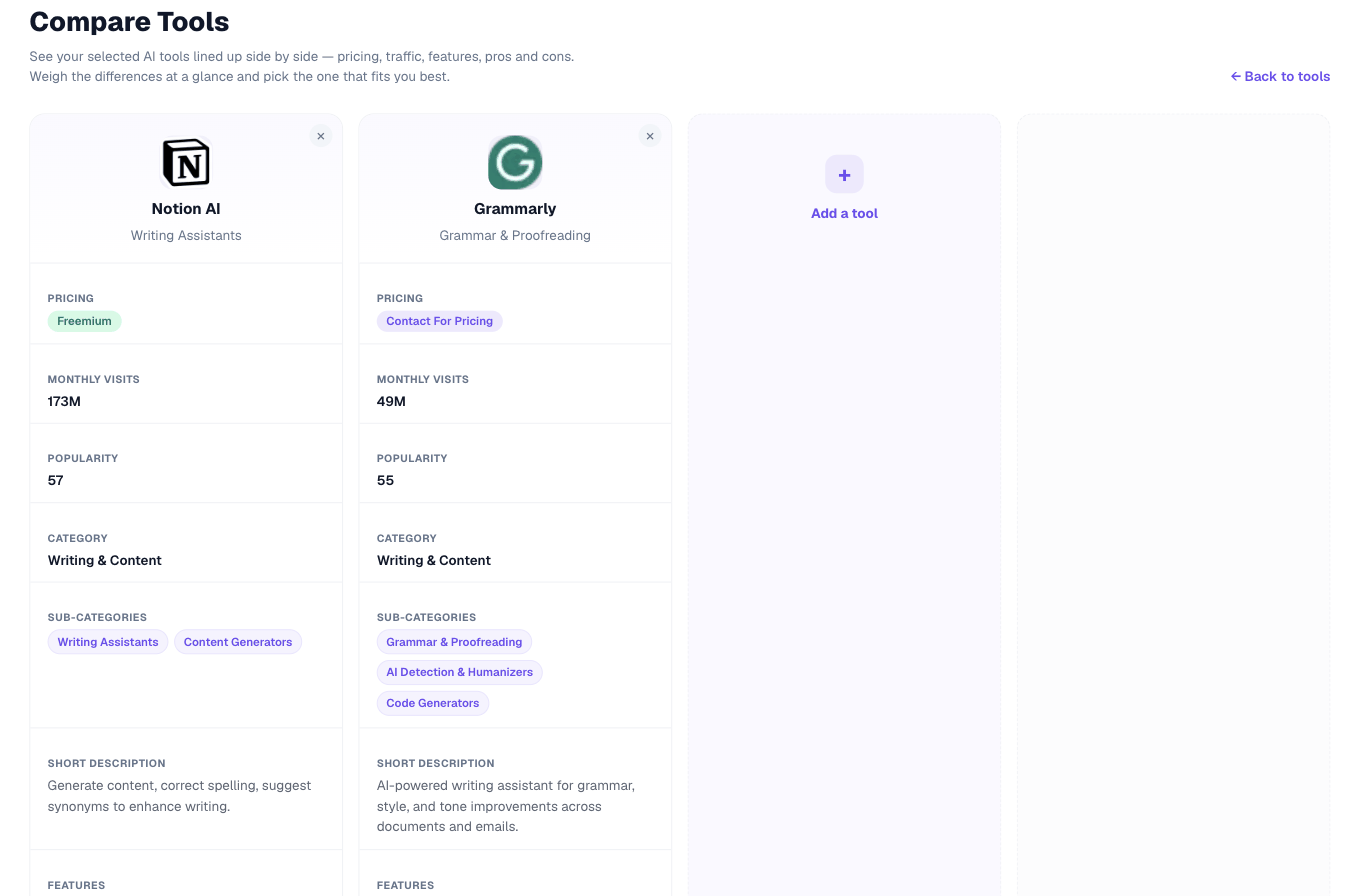
What you can compare
Up to four tools at once. The table shows pricing, popularity, category, description, features and rating, with a link to each tool’s website.
Where your comparison is kept
In your browser, not in your account. That means it survives moving between pages, but it will not follow you to another device or browser, and clearing your browser data clears it. Comparisons are not saved to your account history.