Searching for tools
Describe what you need in plain words — search is built to handle that, not just exact names.
The search box sits in the header on every page. Type at least two characters.
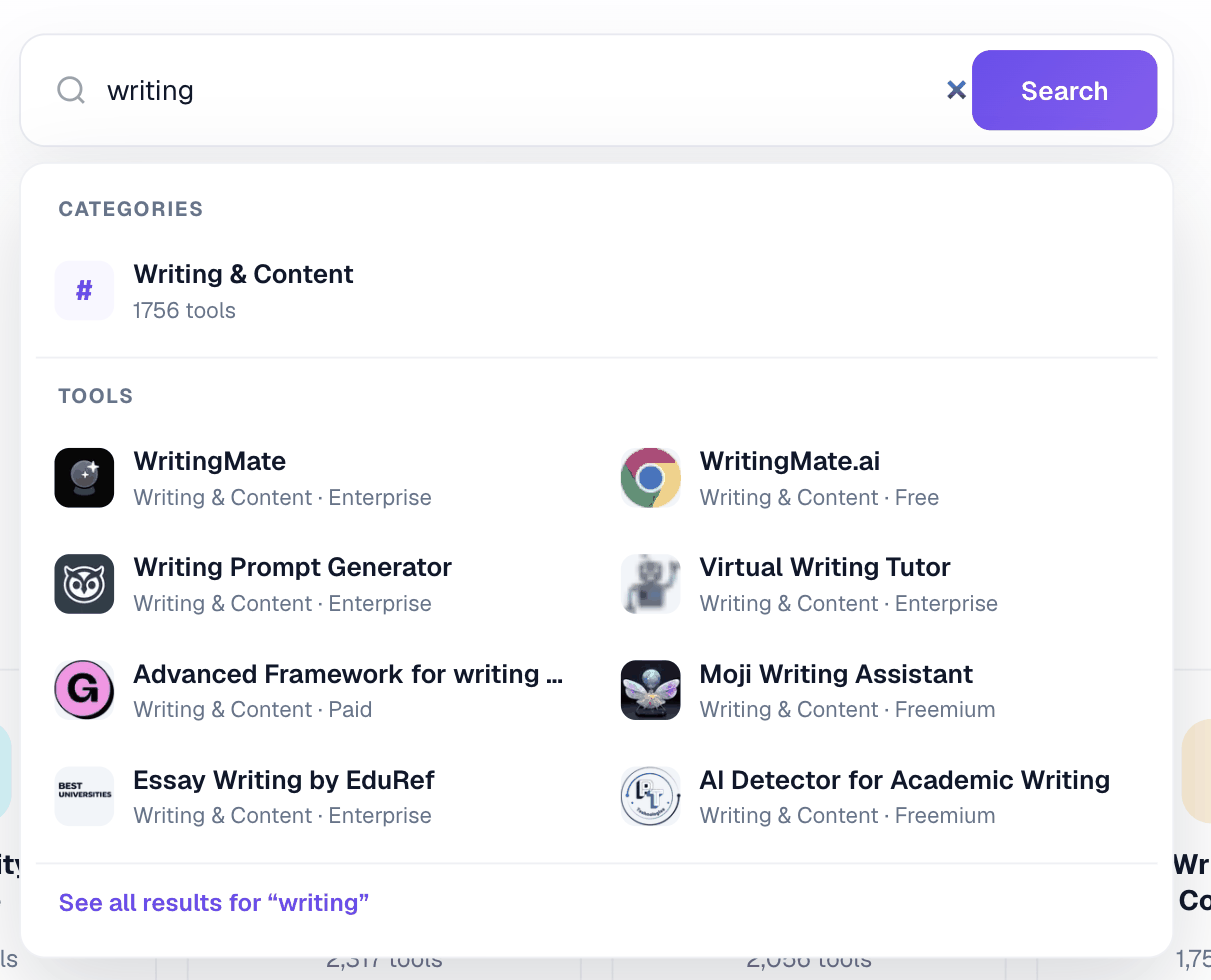
You can search by what a tool does
You do not have to know a product’s name. Searching something to clean up my podcast audio is a reasonable query here: when a plain keyword match finds nothing useful, search reinterprets what you asked for and tries again.
Punctuation and spacing do not matter
Racr.AI, racr ai and racr-ai all find the same listing.
Results
The first 36 results load with the page; more load as you go. The dropdown under the search box also suggests matching categories, which is often the faster route when you are exploring rather than looking for one product.
If nothing matches
Try a broader word, a category name, or the feature you actually need. Searches that return nothing are recorded — without names or accounts attached — because a search with no answer is the clearest signal of what the directory is missing.