Generate full songs with vocals, lyrics, and instrumentals from text prompts in minutes.
75M visits/mo+3.8%#1 Audio & Voice

Online audio creation platform for quickly producing and sharing professional podcasts, soundtracks, and recordings privately or publicly.
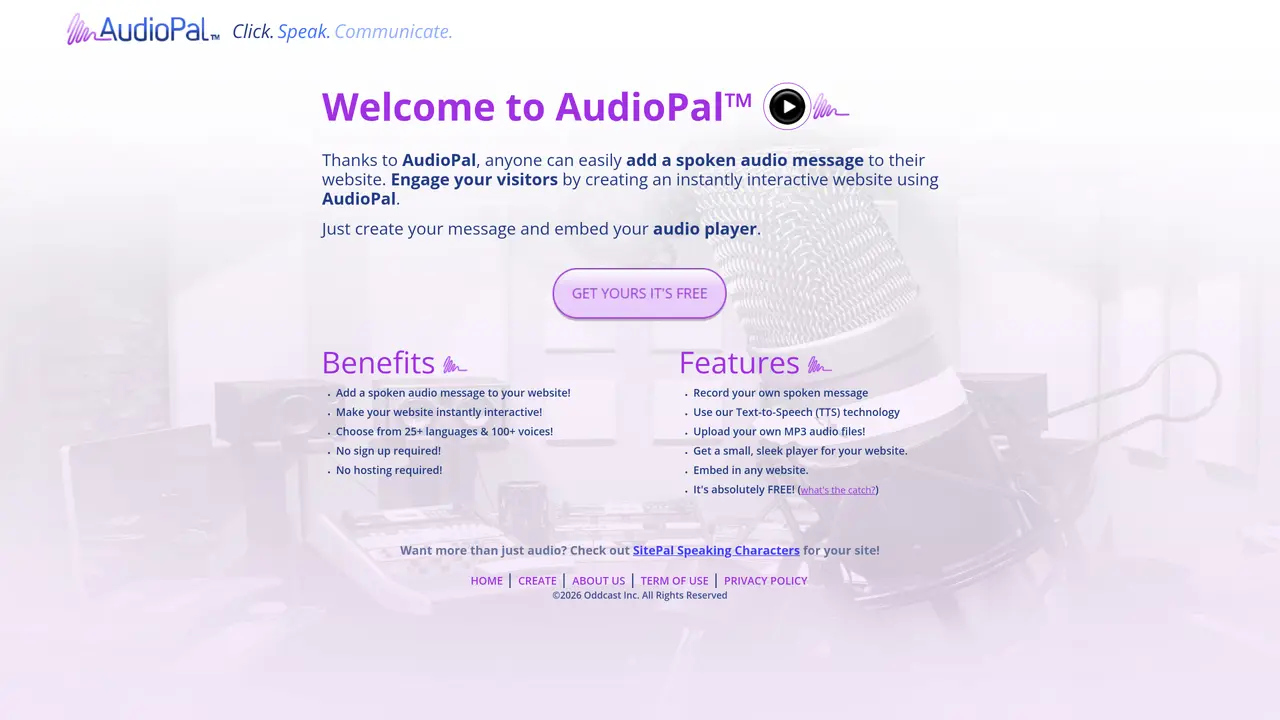
AudioPal is an online audio creation platform designed to simplify the process of recording, editing, and sharing high-quality audio. The platform provides an intuitive interface that allows users to upload or record audio, apply effects, trim clips, and mix multiple tracks with minimal effort. Whether you are a beginner or an experienced creator, AudioPal offers tools that make professional-grade audio production accessible without requiring prior experience. The platform supports a range of audio projects, including podcasts, voice-overs, and soundtracks for videos or movies. Users can easily share their recordings privately or publish them publicly, making it suitable for both personal and collaborative use. AudioPal emphasizes speed and ease of use, enabling creators to focus on content rather than technical complexities. It is ideal for individuals, educators, content creators, and small teams who need a straightforward solution for audio production and distribution.
AudioPal enables users to add spoken audio messages to websites using Text-to-Speech technology, recorded messages, or uploaded MP3 files, and provides an embeddable player.
AudioPal suits website owners, educators, content creators, and small teams looking to add interactive audio elements without technical expertise or hosting requirements.
Yes, AudioPal offers basic features at no cost, including Text-to-Speech, recording, and embedding an audio player on a website.
Yes, users can record their own spoken messages or upload existing MP3 files to include in their website audio.
No, AudioPal operates entirely online and does not require any software installation or downloads.
AudioPal supports over 25 languages and provides access to 100+ different Text-to-Speech voices for generating spoken audio.
audiopal.com · third-party estimates from Similarweb
Last 3 months · grows by one month every month
Share of visits by channel
Audio & Voice · Sep 2026
Traffic figures are third-party estimates, good for scale and trends; they can differ from a company's own numbers. Updated monthly.
We use essential cookies to run aitoolnavio™, and optional cookies to analyze traffic and measure our marketing. You choose what we use — optional cookies stay off unless you turn them on. See our Privacy Policy.
One short email a week: fresh tools worth trying, honest takes and the updates that actually matter. No spam, unsubscribe any time.
Generate full songs with vocals, lyrics, and instrumentals from text prompts in minutes.
Create instrumental versions, enhance clarity, and boost music quality effortlessly.
Generate original songs, lyrics, and studio-quality soundtracks from text prompts in minutes using AI.
Create funny videos with unique voices, modify pitch and speed for custom sound, and apply sound effects.
Remove vocals, extract audio stems, and refine audio for optimal sound quality.
Convert audio and video into text, sync transcripts with media, and edit easily.
Generates AI videos, images and audio from text prompts, photos or audio
Create podcasts, audiobooks, and voiceovers, customize voice style, and generate natural speech from text.
Create studio-ready vocals, choirs, and instruments from MIDI.
An AI music platform that generates royalty-free songs, instrumentals, and lyrics from text prompts, with stem splitting, vocal removal, and mastering tools.
Use this online audio cleaner to remove background noise from recordings and enhance sound quality.
Enhance audio quality, remove background noises, create professional recordings with any format.
Matched on what this tool does — grouped by the job you would be replacing.
matches Upload or record audio directly in the browser · Apply audio effects and filters · Trim and edit audio clips
A chat-based AI creative studio for recording, editing, enhancing, dubbing, subtitling, and publishing video and audio content, plus Voice APIs for developers.
Record, edit, and share high-quality audio effortlessly with AI-powered audio processing and exporting tools.
Generate diverse audio content by using AI voices, selecting accents, tones, styles, mixing files, and applying real-time effects.
Record, access, design, mix, and master audio projects professionally with ease.
matches Upload or record audio directly in the browser · Apply audio effects and filters · Trim and edit audio clips
matches Upload or record audio directly in the browser · Apply audio effects and filters · Trim and edit audio clips
Create natural audio for podcasts, automate customer service responses, and generate audio for online courses.
Create natural-sounding audio books, generate vocal audio for podcasts and radio shows, and use AI voices for e-learning courses.
Online text-to-speech tool with AI voices for videos, voiceovers and more
Convert text to audio with high-quality voices, languages, and customize files with sound effects, music, and images.
PopPop AI Vocal Remover is a free, web-based tool for isolating vocals from audio and video files.
Browser-based tool for changing voices in audio, video, and text