





Generate speech with customizable voices in any language, and create captivating stories using natural-sounding voices.
34M visits/mo-7.6%#2 Audio & Voice
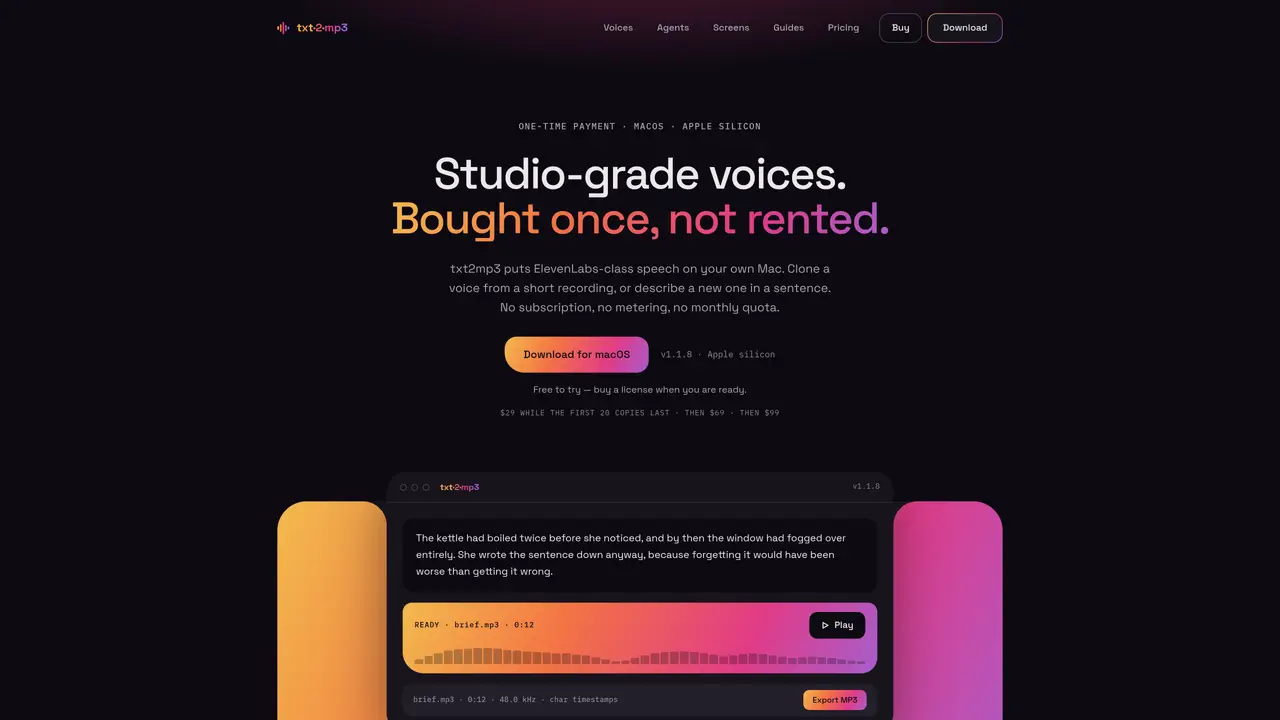
txt2mp3 is a macOS application that generates high-quality speech from text on Apple silicon hardware. It supports voice cloning from short recordings and voice design via descriptive sentences, producing MP3 output at 48 kHz. The tool operates entirely offline, with no server uploads, accounts, or telemetry. It includes fourteen preset voices across seven accents and supports real-time generation with word-level timestamps. A local MCP server allows AI agents like Claude or Cursor to interface with the app for programmatic speech generation. The application is distributed as a one-time purchase with no recurring fees or usage limits.
No, txt2mp3 operates on a one-time payment model. A single license covers unlimited generation and all updates within version 1, with no recurring fees.
The free trial restricts the amount of text the app will read at a time. All voices and features work exactly as in the paid version, and the trial does not expire.
One license can be used on up to five Macs. The license is personal and can be transferred between your own devices.
A Mac with Apple silicon is required. On first run, the app downloads its speech model, caption model, and a Python runtime, totaling about 5.5 GB.
No, txt2mp3 operates entirely offline. Your text, recordings, and generated audio never leave your device. The app only uses the network for the initial download, license activation, and update checks.
Yes, the speech you generate is yours to use commercially. txt2mp3 does not claim ownership of the generated audio.
We use essential cookies to run aitoolnavio™, and optional cookies to analyze traffic and measure our marketing. You choose what we use — optional cookies stay off unless you turn them on. See our Privacy Policy.
Generate speech with customizable voices in any language, and create captivating stories using natural-sounding voices.
Generate audio content for podcasts, e-learning, or video production with natural-sounding voices on any device.
Create audio versions of documents, listen to text in multiple languages, and customize voice, pitch, and volume.
Cloud communications platform that lets developers embed SMS, voice, WhatsApp, email, video, verification, and conversational AI via APIs.
Create podcasts, audiobooks, and voiceovers, customize voice style, and generate natural speech from text.
Create transcripts of meetings, voice-overs for videos, and transcribe and review customer feedback efficiently.
Create engaging educational, marketing, and training videos using pre-built assets and an AI-driven text-to-speech engine.
AI-powered translation tool that detects and converts text between 15+ languages instantly with a single click.
Cartesia delivers real-time AI voice and TTS models with low-latency streaming, voice cloning, and transcription for interactive applications.
Create natural audio for podcasts, automate customer service responses, and generate audio for online courses.
Web-based AI toolkit for creators to generate AI videos, images, and natural voiceovers with credit-based plans.
Generate professional voiceovers, enhance language learning, and add synthesized speech to applications effortlessly.
Generate studio-quality speech and clone voices from text using AI-driven neural models.
Local AI voice generation studio with unlimited text-to-speech and audio processing
Browser-based AI text-to-speech, voice cloning, and custom voice design tool
Mac-only text-to-speech app that generates studio-quality narration locally
One short email a week: fresh tools worth trying, honest takes and the updates that actually matter. No spam, unsubscribe any time.