

Revolutionize transcription with unmatched accuracy, speed, and language support.
27M visits/mo+0.9%#4 Audio & Voice
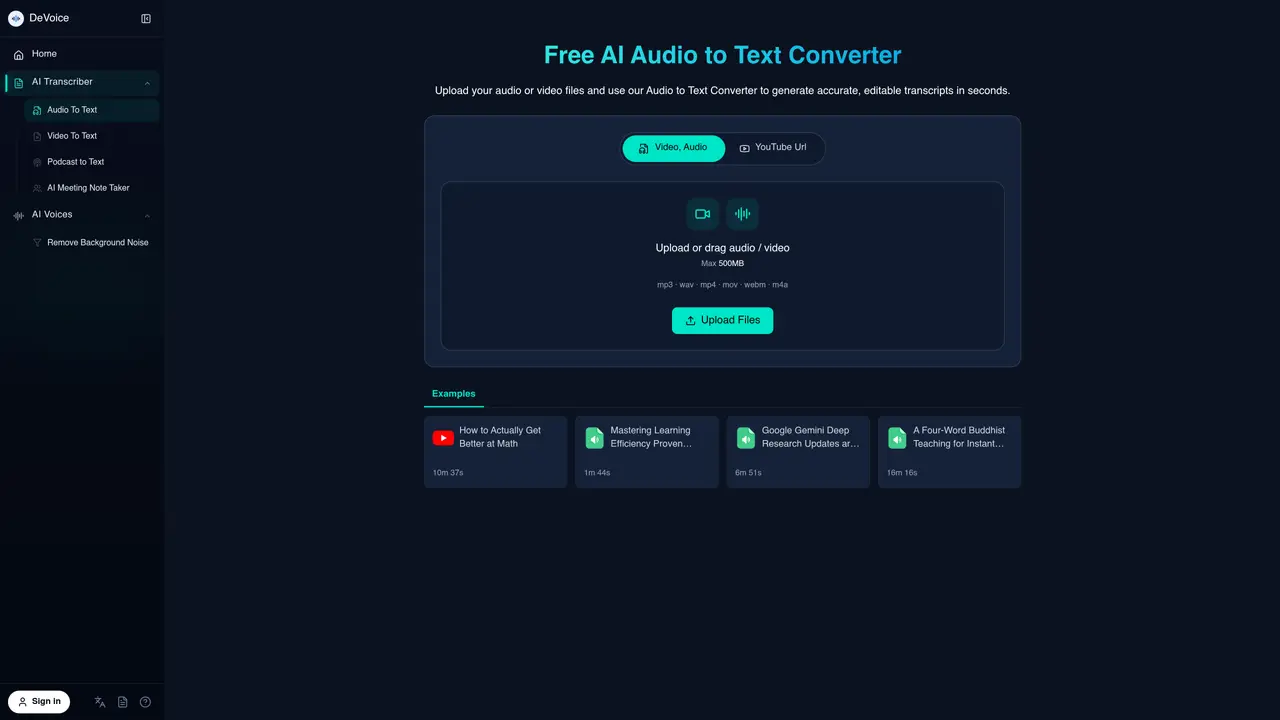
DeVoice boasts powerful audio processing capabilities, available for free. It’s completely online, requiring no software downloads. The tool offers features such as Audio to Text, Text to Speech, Remove Background Noise, AI Noise Filter, and AI Rap Generator. Users can convert text to speech, supporting custom voices, and remove background noise with ease. DeVoice is suitable for individuals who need to transcribe audio files or create voice-overs without the need for extensive technical expertise. The tool’s user-friendly interface makes it accessible to a wide range of users, from students to professionals. With its robust features and ease of use, DeVoice is an excellent choice for anyone looking to convert audio to text online with AI.
DeVoice is an online audio-to-text converter that transcribes audio and video files into editable text using AI. It supports formats like MP3, WAV, and MP4, and offers features such as speaker identification, noise reduction, and multi-language support.
The tool is designed for content creators, podcasters, journalists, business professionals, and students who need to transcribe audio files, generate meeting notes, or repurpose spoken content into written formats efficiently.
DeVoice offers a free tier with limited transcriptions per day, and no credit card is required to start. Paid plans may be available for higher usage or advanced features, but specific pricing details are not provided on the website.
The tool supports common audio and video formats, including MP3, WAV, M4A, FLAC, MP4, MOV, WEBM, and YouTube URLs for transcription.
Yes, DeVoice includes an AI noise filter that enhances voice clarity and delivers accurate transcriptions even with background noise in recordings.
To use DeVoice, simply upload an audio or video file to the platform, select the transcription option, and let the AI process the file. The transcript can then be downloaded or copied for further use.
We use essential cookies to run aitoolnavio™, and optional cookies to analyze traffic and measure our marketing. You choose what we use — optional cookies stay off unless you turn them on. See our Privacy Policy.
One short email a week: fresh tools worth trying, honest takes and the updates that actually matter. No spam, unsubscribe any time.
Revolutionize transcription with unmatched accuracy, speed, and language support.
Hardware device that records conversations and converts them into searchable transcripts, summaries, and notes.
Automate transcription, generate summaries, identify speakers, and timestamps for video-conferencing conversations.
NoteGPT – Convert Speech to Text and Text to Speech with AI
Automatically record, transcribe, take notes, and create summaries with key insights during meetings.
Transforms audio/video to summarized text, instantly, across platforms.
Transcribe and summarize audio or video recordings with AI-powered speech recognition and summarization.
Automatically transcribe meetings, create summaries, and securely store audio files in a searchable format.
Convert audio and video into text, sync transcripts with media, and edit easily.
Streamline healthcare admin tasks, and enhance patient focus with Heidi AI.
Create transcripts of meetings, voice-overs for videos, and transcribe and review customer feedback efficiently.
Wearable AI device that captures conversations and meetings, then auto-generates transcripts, summaries, action items, mind maps, and searchable notes.
Matched on what this tool does — grouped by the job you would be replacing.
matches Audio to Text · Remove Background Noise · AI Noise Filter
Convert audio or video files into text and generate summaries with a speech-to-text AI tool.
Instantly generate text transcripts from audio files with voice recognition and text-to-speech capabilities.
Offline desktop app that converts local audio and video files to text
Browser-based tool for local audio and video transcription and subtitle editing
matches Text to Speech · Custom voice support
Browser-based tool for changing voices in audio, video, and text
Create audio books, video presentations, and podcast intros with a wide range of voices and languages.