Create, edit, subtitle, and translate pro-grade videos instantly.
7.9M visits/mo-7.1%#4 Video & Animation

Browser-based tool for local audio and video transcription and subtitle editing
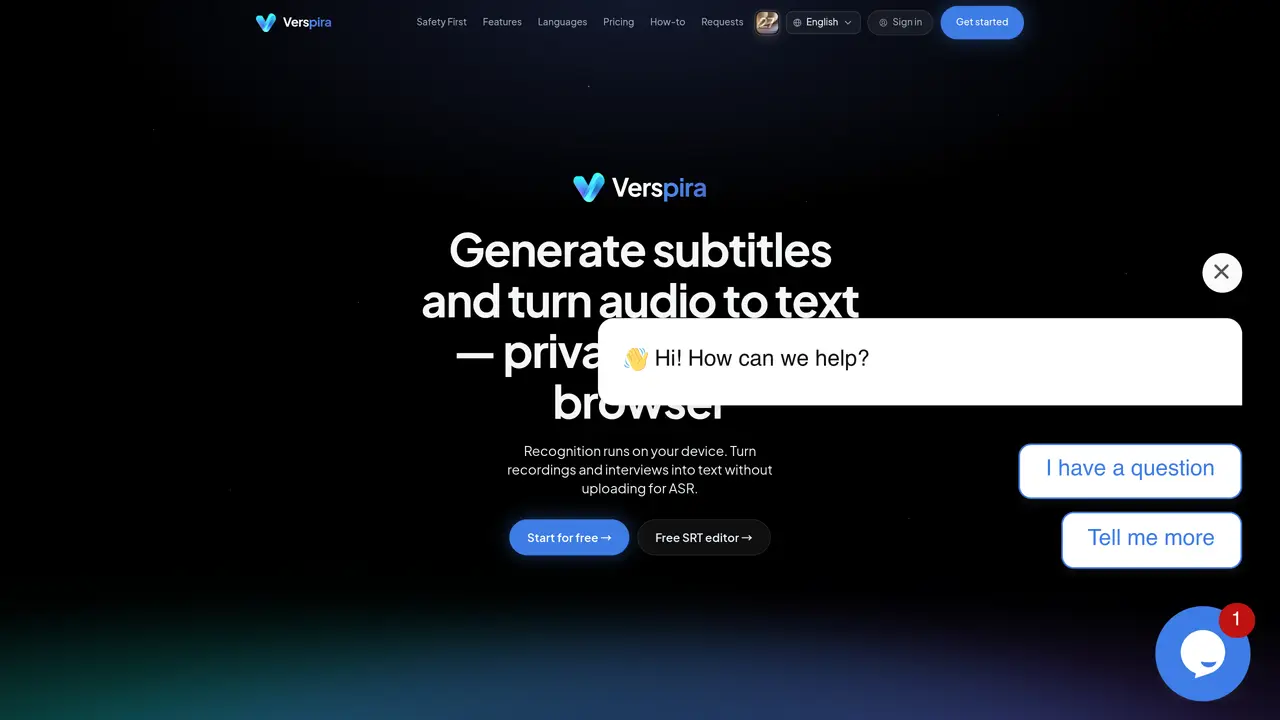
Verspira provides on-device speech recognition and subtitle editing within a web browser. It converts audio recordings and video files into editable text without uploading media for automatic speech recognition (ASR). Users can process common formats such as MP4, MOV, WEBM, WAV, MP3, and M4A locally, with transcription results displayed as timeline segments. The platform includes an online subtitle editor for reviewing, adjusting timing, and exporting SRT or VTT files. Optional features include system translation for live captions and a burned-in subtitle export that may send files to servers only when explicitly requested. Accounts are optional and used solely for storing preferences and identity, while speech recognition runs entirely in the browser. The tool supports approximately 99 languages for transcription, with specialized models for Mandarin and other languages.
Verspira is a web-based tool for generating subtitles and transcribing audio or video locally within a browser. Speech recognition runs entirely on the user's device, converting media into editable text without uploading files for automatic speech recognition (ASR).
Verspira suits individuals or teams needing private transcription and subtitle editing, such as journalists, researchers, content creators, or professionals handling sensitive media. It is ideal for users prioritizing data privacy and local processing.
No, accounts are optional and used solely for storing preferences and identity. Users can perform on-device transcription and subtitle editing without signing in.
Verspira supports common audio and video formats including MP4, MOV, WEBM, WAV, MP3, and M4A. It can process these files locally for transcription and subtitle generation.
Yes, Verspira offers system translation for live captions, allowing users to generate real-time translated subtitles alongside private on-device transcription.
By default, media stays on the user's device during transcription. Uploads occur only for optional steps, such as exporting burned-in subtitled videos, and files are handled under processing retention practices.
We use essential cookies to run aitoolnavio™, and optional cookies to analyze traffic and measure our marketing. You choose what we use — optional cookies stay off unless you turn them on. See our Privacy Policy.
One short email a week: fresh tools worth trying, honest takes and the updates that actually matter. No spam, unsubscribe any time.
Create, edit, subtitle, and translate pro-grade videos instantly.
Turn scripts and recordings into ready-to-share videos.
AI-powered video translation and dubbing that syncs lip movements, generates subtitles, and supports 111 source and 74 target languages.
RecCloud is a comprehensive tool for AI-driven video creation, editing, and enhancement.
AI Dubbing translates videos into multiple languages, generates speech based on scripts, and achieves accurate lip sync.
Transforms video dubbing with nuanced voice preservation and 100+ languages.
Localize videos in multiple languages, customize content, and use voice-over, captioning, and subtitling for various purposes.
Generate auto-translated captions, edit with ease, and collaborate on projects with shared captions in 17 languages.
Generate multilingual voiceovers, dub videos, and localize content with reliable text-to-speech voice solutions.
A chat-based AI creative studio for recording, editing, enhancing, dubbing, subtitling, and publishing video and audio content, plus Voice APIs for developers.
Automate dubbing with AI for multilingual videos, ensuring natural sound and effortless global reach.
Transform screen recordings into multilingual videos and documents effortlessly.
Matched on what this tool does — grouped by the job you would be replacing.
matches On-device speech recognition without mandatory uploads · Video dialogue extraction for MP4, MOV, and WEBM files · Audio transcription for WAV, MP3, and M4A recordings
Instantly generate text transcripts from audio files with voice recognition and text-to-speech capabilities.
Browser-based transcription of audio and video files with local processing
Free audio transcription, YouTube captions and subtitle conversion with AI summarization
Free online audio and video transcription with timestamps
matches Online subtitle editor with SRT and VTT export · Burned-in subtitle export as an optional step
matches Optional system translation for live captions
AI-driven subtitle creation and editing for videos and audio files.
Browser-based subtitle generator for short-form videos with emoji support
AI-powered animated subtitle generator for short-form video content
Browser-based tool that adds timed captions to short-form videos
AI video localization platform for creators and teams to generate subtitles, translate into 200+ languages, and produce AI dubbing with voice cloning and lip-sync.
AI-powered subtitling, transcription and translation in 95+ languages
macOS video player that generates and translates subtitles in real time for foreign media or language learning with offline processing.