

AI video clipping and editing tool that turns long videos into short clips with captions, reframing, and one-click social publishing.
5.1M visits/mo-0.4%#9 Video & Animation
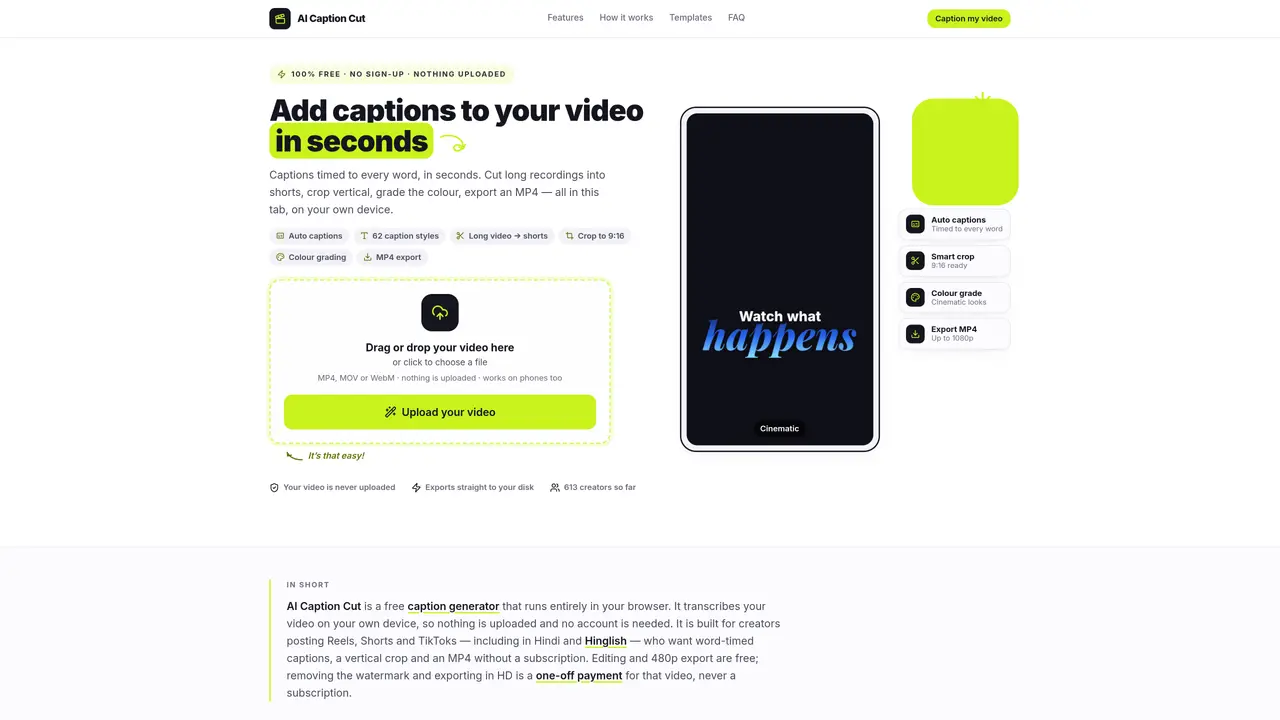
AI Caption Cut is a browser-based captioning tool that transcribes and styles videos entirely on the user’s device without uploading files to external servers. It supports MP4, MOV and WebM formats and is designed primarily for short-form content creators working with Reels, Shorts and TikToks. The tool generates word-level timed captions through on-device speech-to-text, allowing users to edit individual words before applying one of 62 caption styles with animations. Additional features include vertical cropping to 9:16, color grading presets, basic editing tools like trimming and splitting, and direct MP4 export at up to 1080p. The interface operates without requiring an account or sign-up, and all processing occurs locally, making it suitable for offline use or handling private footage. Free exports are available at 480p with a small watermark, while higher resolutions require a one-time payment per video.
Yes. Users can add a video, generate captions, style them, and export as many finished videos as they like for free with no account required. Free exports are limited to 480p and include a small watermark.
Yes. AI Caption Cut reads the video file directly from your device and processes everything locally in your browser, so the video never leaves your computer or phone.
No subscription is needed. Payments are made on a per-video basis only if you want to remove the watermark and export at higher resolutions like 720p or 1080p.
Free exports include a small watermark. Removing the watermark and exporting at higher resolutions requires a one-time payment per video, not a recurring subscription.
No. AI Caption Cut is a browser-based tool that works on any device with a browser, while Caption Cut Pro is a paid plugin for Final Cut Pro on macOS.
The tool supports MP4, MOV, and WebM formats for uploading and processing.
We use essential cookies to run aitoolnavio™, and optional cookies to analyze traffic and measure our marketing. You choose what we use — optional cookies stay off unless you turn them on. See our Privacy Policy.
One short email a week: fresh tools worth trying, honest takes and the updates that actually matter. No spam, unsubscribe any time.
AI video clipping and editing tool that turns long videos into short clips with captions, reframing, and one-click social publishing.
AI-powered video clipping and editing tool that extracts viral moments, adds captions, and schedules shorts for TikTok, YouTube, and Instagram.
Cloud-based video editor with AI-powered clip generation, voiceovers, and auto-subtitles for fast, browser-based editing.
Free online AI video editor for beginners to create videos with text, music, animations, and effects.
Create captivating videos with AI-based captions, edit and customize them, and easily share on social media.
Submagic is an AI tool that helps content creators create viral reels and shorts 10 times faster than any other video editing tool.
AI-powered tool for accurate captions, video clipping, and impactful face centering.
Web-based AI editor that upscales videos to 4K, removes backgrounds and watermarks, generates subtitles, makes clips, and translates videos.
AI video generator that turns scripts or prompts into faceless TikTok and YouTube Shorts with voiceovers, captions, and music for creators and small businesses.
Web-based drag-and-drop video editor for adding animated text, templates, and AI captions to social and marketing videos.
Turn long videos or text into viral short-form clips with AI avatars, captions, and auto-scheduling for TikTok, Reels, and YouTube Shorts.
AI-powered video editor for clips, captions, supercuts and web animations
Matched on what this tool does — grouped by the job you would be replacing.
matches Word-level timed captions · Subtitle file export (.srt, .vtt) · On-device speech-to-text
On-device subtitle and caption generator for videos with animated styles
AI-powered video captioning tool supporting 11 languages with frame-accurate timing
Browser-based subtitle generator for short-form videos with emoji support
AI-powered animated subtitle generator for short-form video content
matches Vertical crop to 9:16 · Basic video editing (trim, split, join)
Turns long videos into short vertical clips with AI-generated captions
AI-powered video clipping tool that extracts and reframes key moments from long recordings
Web app that converts long videos into vertical clips for YouTube Shorts, TikTok and Reels
AI tool that converts long videos into vertical shorts for social media