Revolutionize transcription with unmatched accuracy, speed, and language support.

Video2Skill
FreeStarting price
0Popularity
About Video2Skill
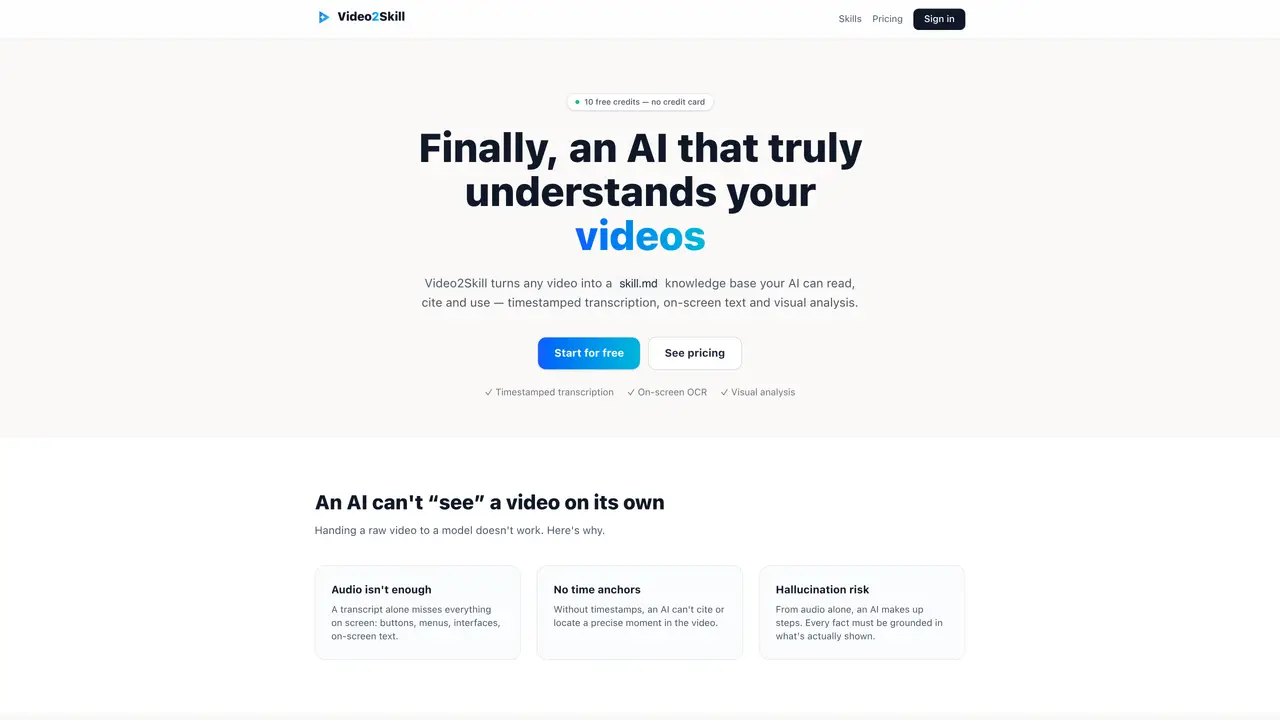
Video2Skill processes videos to create a structured skill.md file that an AI can read, cite, and use. The tool combines timestamped transcription, on-screen OCR, and visual analysis of each frame to ensure accuracy. It supports common video formats such as MP4, MOV, WEBM, and MKV, including large files through chunked upload. The output includes precise timestamps, extracted on-screen text, and visual cues like app interfaces or buttons. An AI quality check flags uncertain areas to prevent hallucinations. Users can download the structured file and provide it to their AI models for reliable information retrieval. The service operates on a pay-as-you-go model with credits deducted per minute of video processed.
Key features
- Timestamped transcription
- On-screen OCR extraction
- Visual frame analysis
- AI quality check for accuracy
- Chunked upload for large files
- Structured skill.md output
- Pay-as-you-go pricing
- Cross-checks audio with visual cues
Use cases
- Convert training videos into AI-readable skill.md files
- Extract text from videos for documentation or analysis
- Provide structured video content to AI assistants like ChatGPT
Pros
- Combines audio transcription with visual and OCR analysis
- Provides timestamped, citable output
- Supports multiple video formats and large files
- Includes quality checks to reduce hallucinations
- No subscription required
Cons
- No free tier beyond initial credits
- Requires uploading videos to process them
- Output format may not suit all AI applications
Frequently asked questions about Video2Skill
What is Video2Skill?
Video2Skill is an online tool that converts any video into a structured skill.md file an AI can read and use. It combines timestamped transcription, on-screen OCR, and visual analysis of each frame to ensure accuracy.
How do I convert a video for an AI?
Sign in with Google, upload your video file, and the tool automatically generates a skill.md with content, timestamps, and visual cues. You can then download the file and provide it to your AI.
Which video formats are supported?
Common formats such as MP4, MOV, WEBM, and MKV are supported, including large files through chunked upload.
Is the skill.md output reliable?
Yes, the skill.md is reliable because no step is generated from audio alone without visual evidence. Every step is grounded in the transcript, OCR, or visual analysis, and a quality check flags uncertain areas.
How much does Video2Skill cost?
Video2Skill operates on a pay-as-you-go model, with credits deducted per minute of video processed. Free credits are provided on sign-up, and there is no subscription required.
What are common use cases for Video2Skill?
Common use cases include converting videos to skill.md files, extracting text from MP4 or YouTube videos, and preparing videos for use with AI models like ChatGPT.