AI-powered video messaging tool that records, shares, and manages video messages with AI-generated titles, summaries, and tasks.
16M visits/mo-3.4%#5 Chatbots & Assistants

Record, transcribe, and share key insights from virtual trainings, online meetings, and content creation.
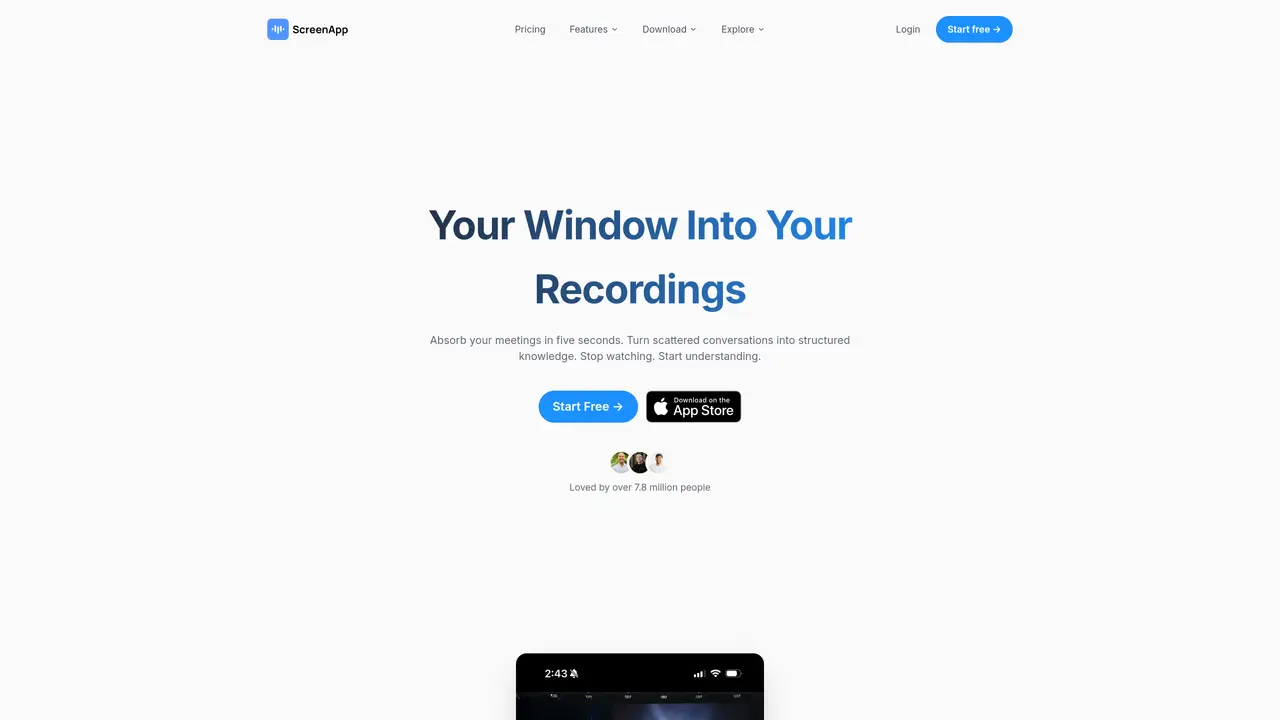
ScreenApp is a powerful screen recording and transcription tool designed to enhance productivity and collaboration. It offers unlimited recordings, video transcription, GPT AI technology for insights, and secure sharing and storage. Ideal for online meetings, webinars, presentations, and virtual training. The service is free for up to one hour. ScreenApp requires no software installation and is compatible with multiple browsers, offering a user-friendly experience. Use Cases And Features: 1. For virtual trainings: Record and transcribe key learning points for future reference 2. Online meetings: Capture discussions, transcribe, and share key insights with your team. 3. Content creation: Produce, transcribe, and share informative videos seamlessly.
ScreenApp automatically captures, transcribes, and transforms conversations into structured notes with key points, action items, and decisions in real-time.
The AI extracts the most important insights from hours of content in seconds, providing executive summaries, key decisions, and action items without requiring users to watch entire recordings.
ScreenApp delivers up to 99% transcription accuracy with clear audio, and summaries capture key points, action items, and decisions.
No installation is required; ScreenApp can be used directly in a browser. Alternatively, users can install the mobile app or Chrome extension for added convenience.
Yes, ScreenApp converts audio or video recordings into formatted documents, PDFs, or text files, making it suitable for creating meeting minutes, interview transcripts, and professional reports.
Yes, ScreenApp allows users to upload recordings from any platform, import directly via URL, or use meeting bots to automatically capture sessions from major video conferencing tools.
screenapp.io · third-party estimates from Similarweb
Last 4 months · grows by one month every month
Share of visits · estimated visits
Other countries: 62.3%
How people reach this site from other AI tools
9.7K a month · 0.6% of all visits
Chatbots & Assistants · Sep 2026
Traffic figures are third-party estimates, good for scale and trends; they can differ from a company's own numbers. Updated monthly.
We use essential cookies to run aitoolnavio™, and optional cookies to analyze traffic and measure our marketing. You choose what we use — optional cookies stay off unless you turn them on. See our Privacy Policy.
One short email a week: fresh tools worth trying, honest takes and the updates that actually matter. No spam, unsubscribe any time.
AI-powered video messaging tool that records, shares, and manages video messages with AI-generated titles, summaries, and tasks.
Hardware device that records conversations and converts them into searchable transcripts, summaries, and notes.
Automate transcription, generate summaries, identify speakers, and timestamps for video-conferencing conversations.
AI-powered meeting recorder and summarizer that captures, transcribes, and generates actionable insights from conversations.
Automatically record, transcribe, take notes, and create summaries with key insights during meetings.
Transforms audio/video to summarized text, instantly, across platforms.
Automatically transcribe meetings, create summaries, and securely store audio files in a searchable format.
Automatically turn meetings into searchable notes and tasks.
Wearable AI device that captures conversations and meetings, then auto-generates transcripts, summaries, action items, mind maps, and searchable notes.
Record, transcribe, and summarize online meetings from Google Meet and Zoom with AI, then share insights across collaboration tools.
Transform audio/video to text with precision, supporting 1500+ platforms, enriched by AI features.
AI meeting notetaker that records, transcribes, and summarizes calls with CRM and workflow integrations.
Matched on what this tool does — grouped by the job you would be replacing.
matches Record, transcribe, and share key insights from virtual trainings, online meetings, and content creation · Video transcription · Secure sharing and storage
Automatically record, transcribe, take notes, and create summaries with key insights during meetings.
Record, transcribe, and summarize online meetings from Google Meet and Zoom with AI, then share insights across collaboration tools.
AI meeting recorder that transcribes, summarizes, and extracts actionable items from calls and lectures in real time.
AI tool that records, transcribes, and summarizes meetings to keep users organized and share key insights.
matches Video transcription · GPT AI technology for insights
Effortlessly transcribe audio to text across 100+ languages.
An AI-powered note-taking app that organizes, summarizes, and transcribes notes offline with local privacy.
AI web app that transcribes and summarizes voice notes into editable, shareable notes with multilingual support.