

xAI builds Grok frontier AI models for reasoning, coding, voice, images, video, enterprise workflows, and developer APIs.
34M visits/mo+16.2%#7 Coding & Development
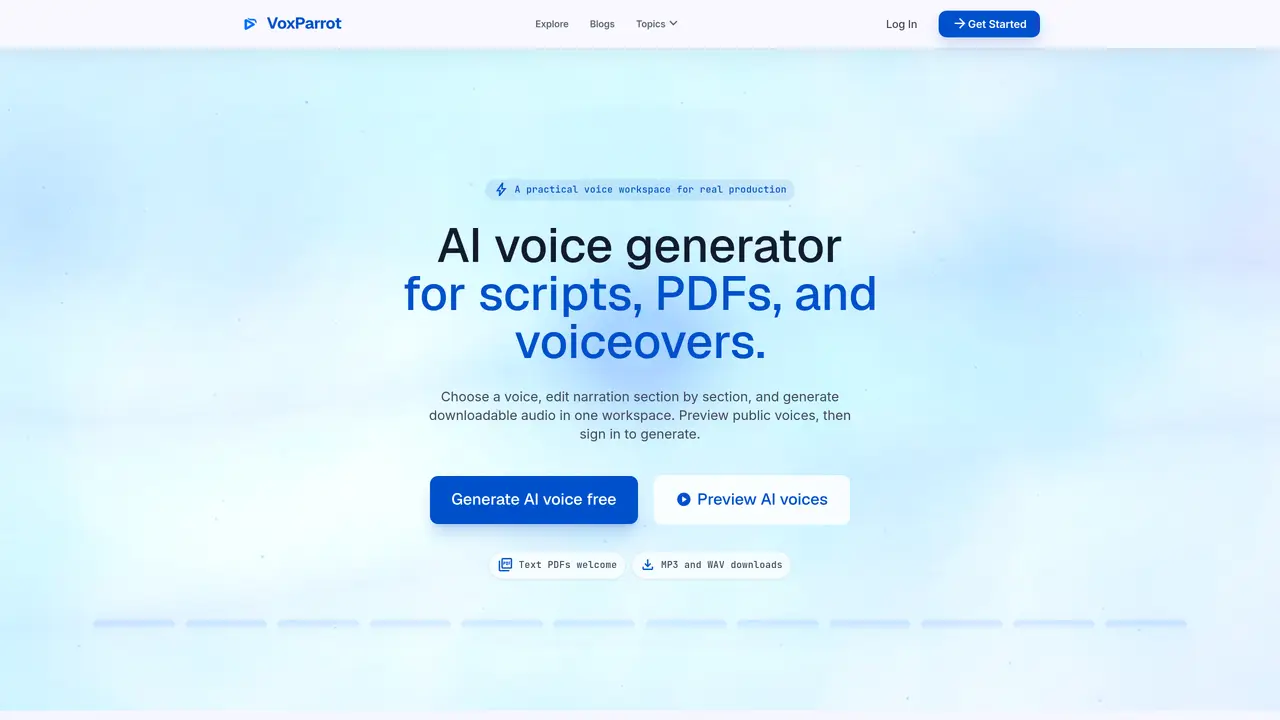
VoxParrot provides a workspace for creating AI voiceovers from scripts, articles and text-based PDFs. Users can preview public voices, paste or upload source text, and generate downloadable audio files. The tool supports section-by-section editing of narration, allowing adjustments to pacing and delivery before synthesis. Projects can be saved and revisited, with generated audio available as MP3 or WAV files. The platform is designed for creators, teams and audiobook producers who need to convert written content into polished spoken audio without studio equipment. Workflows include text-to-speech, PDF-to-audio conversion, and multi-voice voiceover projects.
VoxParrot is an AI voice generator workspace designed for creating voiceovers from scripts, articles, and text-based PDFs. Users can preview public voices, edit narration section by section, and generate downloadable audio files in MP3 or WAV formats.
The tool is designed for creators, teams, audiobook producers, and professionals who need to convert written content into polished spoken audio without requiring studio equipment. It supports workflows for YouTube voiceovers, podcast narration, and commercial projects.
Yes, users can explore and preview published voices without signing in. Previews can be opened in the workspace to evaluate suitability before account creation.
Users can paste scripts or articles directly or upload text-based PDFs for conversion. Scanned PDFs are not supported. The tool also supports multi-voice projects and section-by-section editing.
Generated audio can be downloaded as MP3 or WAV files once the synthesis is complete. The workspace allows playback and review before export.
Yes, VoxParrot provides a free tier with limited monthly credits for testing voice quality, workflow fit, and initial exports. Upgrades are available for higher volume and additional features.
We use essential cookies to run aitoolnavio™, and optional cookies to analyze traffic and measure our marketing. You choose what we use — optional cookies stay off unless you turn them on. See our Privacy Policy.
One short email a week: fresh tools worth trying, honest takes and the updates that actually matter. No spam, unsubscribe any time.
xAI builds Grok frontier AI models for reasoning, coding, voice, images, video, enterprise workflows, and developer APIs.
Generate speech with customizable voices in any language, and create captivating stories using natural-sounding voices.
Create funny videos with unique voices, modify pitch and speed for custom sound, and apply sound effects.
Create podcasts, audiobooks, and voiceovers, customize voice style, and generate natural speech from text.
Create transcripts of meetings, voice-overs for videos, and transcribe and review customer feedback efficiently.
Cartesia delivers real-time AI voice and TTS models with low-latency streaming, voice cloning, and transcription for interactive applications.
Generate professional voiceovers, enhance language learning, and add synthesized speech to applications effortlessly.
Generate lifelike voice clones, emotional text-to-speech, multilingual dubbing, and scalable audio APIs for creators and teams.
Revolutionize music creation with AI-powered voice generation and vocal removal.
Secure platform for high-quality audio/video communication, file sharing, message customization, and conversation storage.
Create customizable, natural-sounding voiceovers for podcasts using AI-generated voices with real people's tones and inflections.
AI-powered voice cloning, text-to-speech and audio separation in over 100 languages
Matched on what this tool does — grouped by the job you would be replacing.
matches Text-to-speech from scripts or articles · PDF-to-audio conversion · Sectioned editing of narration blocks
Create natural-sounding audio books, generate vocal audio for podcasts and radio shows, and use AI voices for e-learning courses.
Turn ideas into polished ebooks, PDFs, and audiobooks with minimal manual layout work.
AIVocal: Your All-in-One AI Voice Assistant, combining advanced AI voice generation, cloning, and editing into one seamless solution.
Multilingual text-to-speech and AI voice generator for audio content creation