Generate captions, optimize content, and enhance with custom images for maximum engagement.
46M visits/mo-10%#3 Image & Design

An AI assistant inside ClickUp that automates project management, captures meeting notes, generates content, and searches workspace knowledge.
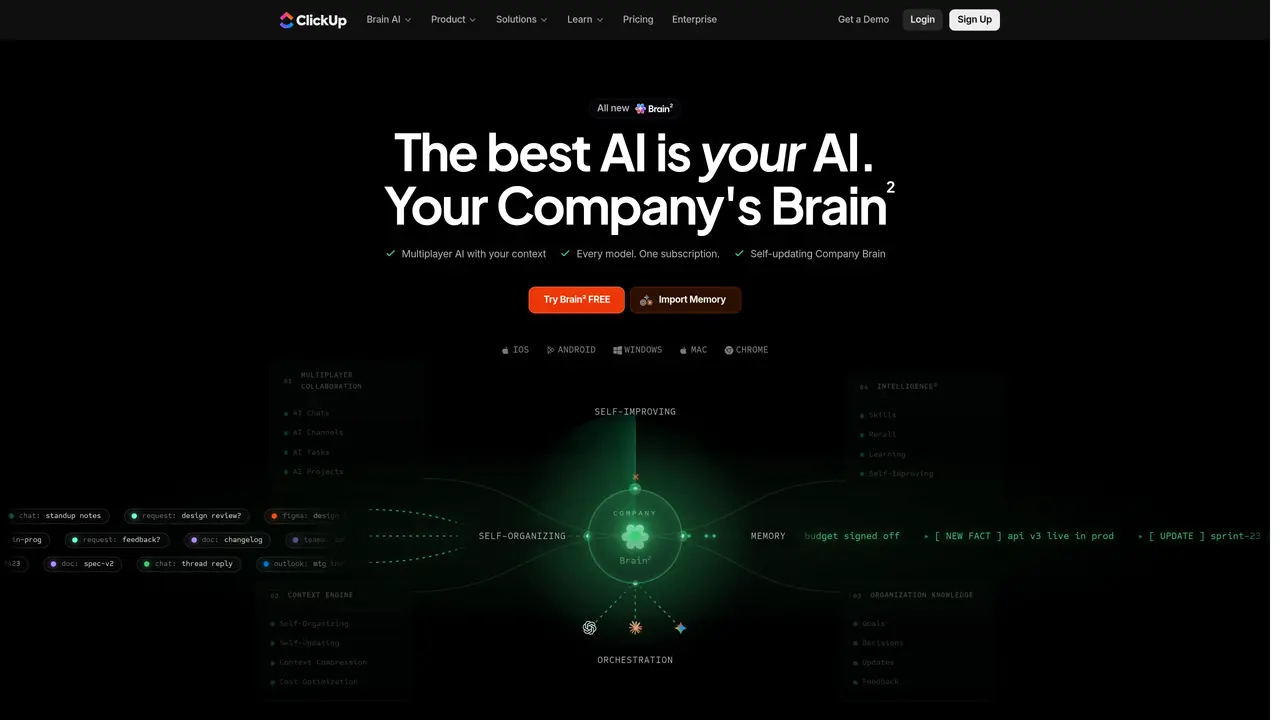
ClickUp Brain is an AI assistant integrated into the ClickUp project management platform, designed for teams and enterprises seeking to automate administrative tasks and accelerate project execution. It combines AI Agents, Autopilot workflows, and autonomous project management to handle task assignment, progress tracking, and risk monitoring without manual input. The tool includes AI-powered meeting support with automated note-taking, transcription, agenda creation, and scheduling to reduce coordination overhead. Enterprise users benefit from AI Search & Ask, which queries tasks, documents, chats, and connected tools using multiple LLMs like OpenAI GPT-4o and Anthropic Claude. ClickUp Brain also offers content generation features, including an AI image generator and document writer, alongside cross-workspace search capabilities. Pricing follows a freemium model with limited free trial uses per workspace, while paid tiers provide unlimited fair use for most features, with some add-ons available separately.
ClickUp
San Diego, United States · Founded 2016
ClickUp Brain is an AI assistant integrated into the ClickUp platform, designed to act as a self-improving company AI that collaborates with teams, automates workflows, and provides contextual intelligence across tasks, documents, and conversations.
It suits project managers, engineering leads, agency owners, marketing managers, and executives who need an always-on assistant to handle planning, coordination, and execution within ClickUp.
ClickUp Brain follows a subscription model with a freemium tier offering limited uses, while paid plans provide broader access to features, with some advanced capabilities available as add-ons.
It works natively within ClickUp and supports third-party tools like GitHub, Figma, Linear, Notion, Slack, and Salesforce, leveraging their data for contextual AI operations.
Yes, it adapts to your team's tone, preferences, and processes, allowing you to teach it custom workflows that it can execute autonomously without repeated prompting.
Begin by accessing it within your ClickUp workspace; no additional setup is required beyond enabling the feature in your account settings.
We use essential cookies to run aitoolnavio™, and optional cookies to analyze traffic and measure our marketing. You choose what we use — optional cookies stay off unless you turn them on. See our Privacy Policy.
One short email a week: fresh tools worth trying, honest takes and the updates that actually matter. No spam, unsubscribe any time.
Generate captions, optimize content, and enhance with custom images for maximum engagement.
Build conversational forms, capture rich responses, and automate follow-ups with AI-powered surveys and workflows.
Automate code, research, and documents using agents.
AI-powered IDE for autonomous coding tasks and agentic development workflows
Source, match, and manage talent with predictive analytics for effortless recruiting.
Automate workflow, optimize operations, and detect potential issues with this efficient AI-driven solution.
Transforms thoughts into actions, enhancing productivity and efficiency.
AI Recruitment engine to hire top global talent
All-in-one team productivity platform combining chat, docs, video meetings, workflows, and AI tools in one place.
Personal assistant that coordinates tasks across apps and devices via text or call
AI automation and agent-building platform with 3,000+ app integrations
AI job search copilot that matches roles to skills, optimizes resumes for ATS, generates cover letters, and autofills applications with real-time insights.
Matched on what this tool does — grouped by the job you would be replacing.
matches AI-powered meeting notetaker with transcription and scheduling · AI-powered meeting notes and summaries
Revolutionize transcription with unmatched accuracy, speed, and language support.
A desktop AI assistant that captures meeting notes, summarizes context across apps, supports AI writing with memory, and tracks tasks.
Unified AI workspace that merges docs, tasks, chat, calls, and spreadsheets into one app with autonomous AI coworkers for seamless collaboration and automation.
All-in-one AI productivity platform that automates tasks, schedules meetings, and generates reports from a single app.
matches Enterprise AI Search & Ask across tasks, docs, and connected tools · Cross-workspace knowledge search and retrieval
matches AI content generation including image generation and document writing · AI-powered content generation for documents, reports, and ideas
matches AI Agents and Autopilot workflows for no-code automation · Customizable AI workflows with no-code agent creation · Autonomous multi-step task execution without step-by-step prompting
Summarizes, extracts, and rewrites content from files.
All-in-one enterprise platform for project management, knowledge sharing, and AI-powered automation.
AI-powered enterprise search tool that unifies knowledge across apps with custom GPTs, generative AI, and secure integrations for faster decision-making.
Generate content, correct spelling, suggest synonyms to enhance writing.
Unified AI workspace combining chat, writing, coding, and productivity tools for streamlined workflows.
Unified workspace for teams to chat, analyze files and generate content with multiple AI models
Autonomous AI agents that plan and execute multi-step workflows to turn goals into completed work across apps and files.
Orchestrates multi-agent AI teams for complex tasks across models