Generate captions, optimize content, and enhance with custom images for maximum engagement.
46M visits/mo-10%#3 Image & Design

Local-first desktop client for DynamoDB with SQL joins, visual editing and an AI agent
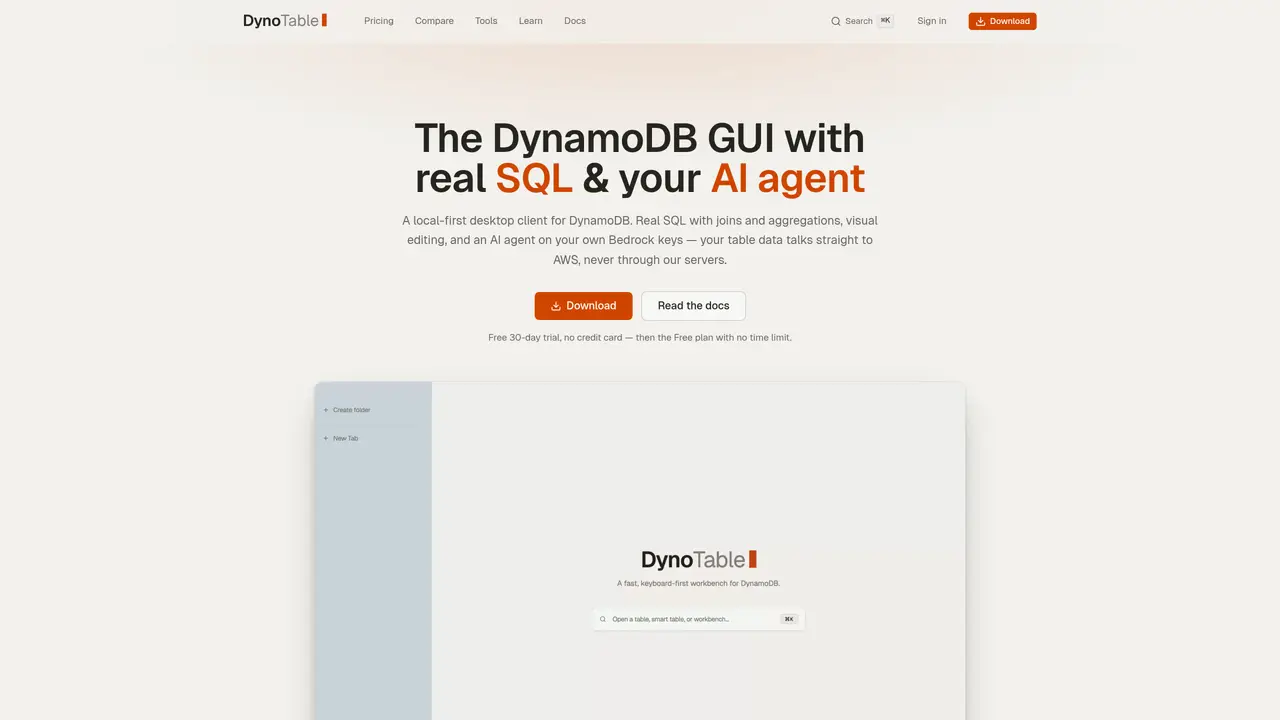
DynoTable is a local-first desktop client for Amazon DynamoDB that provides real SQL with joins and aggregations, visual editing, and an AI agent running on the user’s own AWS Bedrock credentials. The application connects directly to AWS without routing data through its own servers, using the user’s AWS SSO, named profiles, or IAM-scoped access. It supports constant-memory exports of over one million rows and offers keyboard-first navigation with a command palette accessible via ⌘K. The tool includes a visual join canvas for creating and editing relationships between tables without schema migration or ETL, and a SQL Workbench that allows writing full SELECT statements with GROUP BY, COUNT, and other aggregations over live DynamoDB data. The AI agent reads schema, drafts queries and writes, and presents changes as reviewable diffs before committing to the database. External agents such as Claude Code or Cursor can be connected via an MCP server, with all changes staged for user approval.
DynoTable offers a SQL Workbench with real joins, GROUP BY, and aggregations over live DynamoDB data, an AI agent that operates on the user's own AWS Bedrock credentials without routing data through third-party servers, and a local-first design where table data and credentials never leave the user's environment.
No. The AI agent runs entirely within the user's AWS account using their own Bedrock credentials, so prompts, schema, and table rows remain within the user's AWS boundary and never touch a DynoTable server.
No, the AI agent is optional. The table browser, SQL Workbench, and cost preview work without it. When used, the agent runs on the user's AWS Bedrock, so costs are billed directly by AWS at their standard rates with no markup or per-seat AI tax.
Yes. DynoTable uses the user's own AWS credentials, so its actions are limited by the user's IAM policies. Edits are staged for review before committing, ensuring no direct mutations occur without user approval.
Yes. DynoTable includes a local MCP server that allows external agents to connect and work with DynamoDB tables. Changes proposed by these agents are staged for user review and must be committed manually.
DynoTable supports AWS SSO, named profiles, and IAM-scoped access, allowing users to connect using their preferred AWS authentication method without exposing credentials to DynoTable's servers.
We use essential cookies to run aitoolnavio™, and optional cookies to analyze traffic and measure our marketing. You choose what we use — optional cookies stay off unless you turn them on. See our Privacy Policy.
One short email a week: fresh tools worth trying, honest takes and the updates that actually matter. No spam, unsubscribe any time.
Generate captions, optimize content, and enhance with custom images for maximum engagement.
Build conversational forms, capture rich responses, and automate follow-ups with AI-powered surveys and workflows.
Automate code, research, and documents using agents.
AI-powered IDE for autonomous coding tasks and agentic development workflows
Source, match, and manage talent with predictive analytics for effortless recruiting.
Automate workflow, optimize operations, and detect potential issues with this efficient AI-driven solution.
Transforms thoughts into actions, enhancing productivity and efficiency.
AI Recruitment engine to hire top global talent
All-in-one team productivity platform combining chat, docs, video meetings, workflows, and AI tools in one place.
Personal assistant that coordinates tasks across apps and devices via text or call
AI automation and agent-building platform with 3,000+ app integrations
AI job search copilot that matches roles to skills, optimizes resumes for ATS, generates cover letters, and autofills applications with real-time insights.
Matched on what this tool does — grouped by the job you would be replacing.
matches Real SQL with GROUP BY, COUNT, HAVING and multi-table joins · Visual join canvas for live relationship editing between tables · AI agent powered by user's AWS Bedrock with staged commits
Efficiently answer research queries, translate natural language to SQL, and utilize OpenAI WebGPT and larger language models.
An AI assistant that lets users query databases and visualize results without writing SQL.
matches Local-first desktop client for DynamoDB · Keyboard-first navigation with ⌘K command palette · MCP server for integration with external agents like Claude Code
Converts data sources into MCP servers automatically
Local-first agentic coding environment for inspecting and orchestrating AI agents