

Generate captions, optimize content, and enhance with custom images for maximum engagement.
46M visits/mo-10%#3 Image & Design
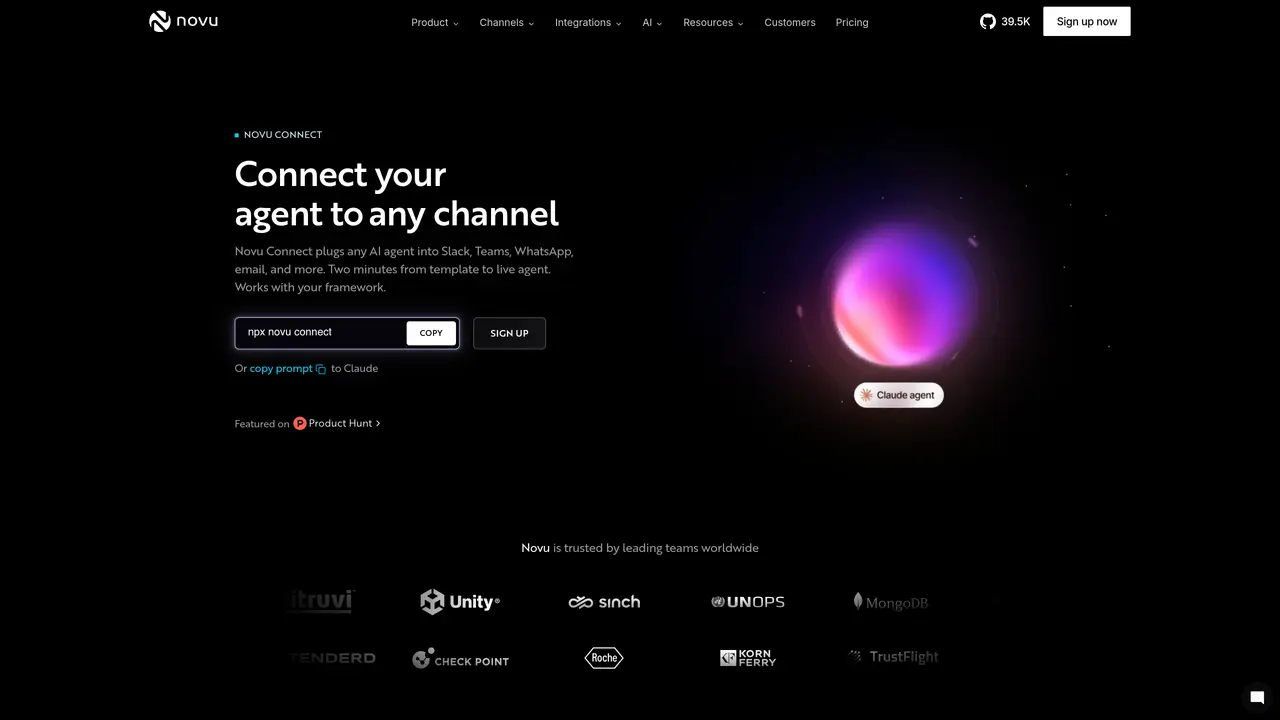
Novu Connect is an open-source agent communication infrastructure designed to bridge Claude-based agents with multiple messaging and communication platforms such as Slack, Microsoft Teams, WhatsApp, Telegram, and email. It provides a unified layer that eliminates the need for separate bots, identity mapping, and conversation threading logic for each destination, enabling seamless multi-channel interactions. The tool is particularly suited for product, customer experience, and engineering teams that already operate an agent and require a coherent conversation flow across diverse channels without modifying the agent’s underlying code. By centralizing communication through a single infrastructure, Novu Connect ensures that user interactions—whether via chat or email—are consolidated into unified threads, allowing the agent to maintain context and continuity across platforms. The platform includes pre-built agent templates tailored for specific use cases, such as Activation Coach, Trial Conversion, Welcome Guide, Knowledge Base, Ticket Tracker, and Troubleshooter. These templates come with MCP connectors that integrate with popular tools like Notion, Mixpanel, Stripe, Intercom, Zendesk, Confluence, and Freshdesk, enhancing the agent’s functionality and adaptability. Novu Connect is built to simplify the deployment of AI agents across multiple channels while preserving a consistent and coherent user experience.
Novu Connect is an open-source agent communication infrastructure that connects AI agents to multiple channels such as Slack, Microsoft Teams, WhatsApp, Telegram, and email through a single layer.
It is designed for product, customer experience, and engineering teams that already have an AI agent and want to unify conversations across different channels without managing separate bots or threading logic.
Users can start from a pre-built agent template or connect an existing agent, then deploy it to multiple channels in minutes using a single command or custom code integration.
It supports Slack, Microsoft Teams, WhatsApp, Telegram, email, and additional channels like Google Chat, iMessage, Linear, Zoom, Discord, Messenger, and GitHub are planned or coming soon.
Yes, Novu Connect is built in the open, allowing users to inspect the code, contribute integrations, or adapt it for their team's workflow.
Yes, it includes templates such as Activation Coach, Trial Conversion, Welcome Guide, Knowledge Base, Ticket Tracker, and Troubleshooter, each with pre-configured tools and channels.
We use essential cookies to run aitoolnavio™, and optional cookies to analyze traffic and measure our marketing. You choose what we use — optional cookies stay off unless you turn them on. See our Privacy Policy.
One short email a week: fresh tools worth trying, honest takes and the updates that actually matter. No spam, unsubscribe any time.
Generate captions, optimize content, and enhance with custom images for maximum engagement.
Build conversational forms, capture rich responses, and automate follow-ups with AI-powered surveys and workflows.
Automate code, research, and documents using agents.
AI-powered IDE for autonomous coding tasks and agentic development workflows
Source, match, and manage talent with predictive analytics for effortless recruiting.
Automate workflow, optimize operations, and detect potential issues with this efficient AI-driven solution.
Transforms thoughts into actions, enhancing productivity and efficiency.
AI Recruitment engine to hire top global talent
All-in-one team productivity platform combining chat, docs, video meetings, workflows, and AI tools in one place.
Personal assistant that coordinates tasks across apps and devices via text or call
AI automation and agent-building platform with 3,000+ app integrations
AI job search copilot that matches roles to skills, optimizes resumes for ATS, generates cover letters, and autofills applications with real-time insights.
Matched on what this tool does — grouped by the job you would be replacing.
matches Multi-channel agent connector · Unified conversation threading
Build and deploy chatbots for customer support across multiple channels to automate responses and streamline agent workflows.
Unified AI agents for customer conversations and CRM updates across messengers
Revolutionize customer support with AI, instant multichannel assistance, and seamless integration.
AI agents for customer support, sales and operations automation
matches Claude-focused agent templates
Centralize and govern coding agents shipping work.
Run always-on multi-channel agents without managing servers.