

Generate captions, optimize content, and enhance with custom images for maximum engagement.
46M visits/mo-10%#3 Image & Design
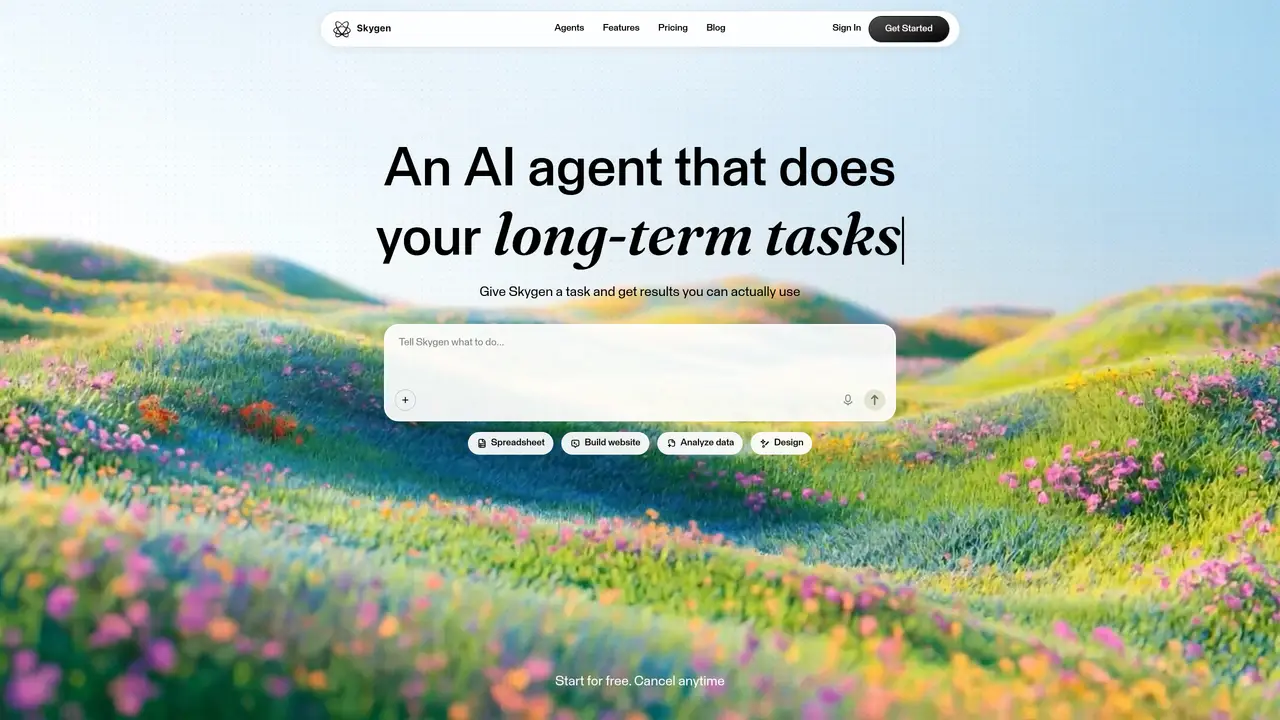
Skygen focuses on AI task automation by spinning up autonomous digital agents that handle routine computer work from start to finish. Instead of just triggering a single action, it lets teams define repeatable workflows and hand them off to AI workers that move data, update systems, and generate outputs such as reports or tickets. A big part of the pitch is “security-defined autonomy,” where organizations decide exactly what each agent can touch, keeping clear guardrails while still getting fast, large scale automation of digital labor. Key Features: Autonomous AI agents: Configurable digital workers that can perform multi-step tasks such as data entry, report generation, and customer support updates without constant human supervision. Security tiering: A multi-level security model that lets admins define which apps, data sources, and actions each agent is allowed to use, aligning automation with internal risk policies. End-to-end workflows: Support for complete task flows from trigger through decision logic to final output, so teams can automate an entire process instead of stitching together single, isolated steps. Central monitoring: A web dashboard to launch agents, review logs, track successes and failures, and pause or adjust automations when something looks off.
Skygen creates autonomous AI agents that perform multi-step digital tasks from start to finish, such as data entry, report generation, or customer support updates, without constant human supervision.
Skygen is designed for teams and individuals who need to automate routine computer work, including software engineers, DevOps engineers, QA testers, SOC analysts, and back-office staff.
Skygen uses an isolated cloud environment with enterprise-grade encryption and allows admins to define strict access controls for each agent, ensuring tasks are performed within set guardrails.
Yes, Skygen connects with over 1,000 apps such as Slack, Gmail, Notion, and Salesforce without requiring additional setup.
Sign in to Skygen, describe the task you want automated, and let the AI agent complete it. You can monitor progress in real time and adjust as needed.
Yes, Skygen allows you to run several AI agents in parallel, enabling multiple tasks to be handled at the same time.
skygen.ai · third-party estimates from Similarweb
Last 4 months · grows by one month every month
Automation & Agents · Sep 2026
Traffic figures are third-party estimates, good for scale and trends; they can differ from a company's own numbers. Updated monthly.
We use essential cookies to run aitoolnavio™, and optional cookies to analyze traffic and measure our marketing. You choose what we use — optional cookies stay off unless you turn them on. See our Privacy Policy.
One short email a week: fresh tools worth trying, honest takes and the updates that actually matter. No spam, unsubscribe any time.
Generate captions, optimize content, and enhance with custom images for maximum engagement.
Build conversational forms, capture rich responses, and automate follow-ups with AI-powered surveys and workflows.
Automate code, research, and documents using agents.
AI-powered IDE for autonomous coding tasks and agentic development workflows
Source, match, and manage talent with predictive analytics for effortless recruiting.
Automate workflow, optimize operations, and detect potential issues with this efficient AI-driven solution.
Transforms thoughts into actions, enhancing productivity and efficiency.
AI Recruitment engine to hire top global talent
All-in-one team productivity platform combining chat, docs, video meetings, workflows, and AI tools in one place.
Personal assistant that coordinates tasks across apps and devices via text or call
AI automation and agent-building platform with 3,000+ app integrations
AI job search copilot that matches roles to skills, optimizes resumes for ATS, generates cover letters, and autofills applications with real-time insights.
Matched on what this tool does — grouped by the job you would be replacing.
matches Autonomous AI agents · Security tiering · End-to-end workflows
Autonomous AI agents that automate business processes in plain English, connecting to APIs, MCP servers, and computers for 24/7 execution.
Offload multi-step digital work to always-on agents.
Delegate browsing, coding, and file work to agents.
AI agent that performs tasks in connected apps and returns finished work
matches Autonomous AI agents · Security tiering · Configurable digital workers
A desktop workspace that integrates AI agents with sessions, memory and tools
Local-first AI agent stack running on NVIDIA DGX Spark hardware for secure, persistent task automation.
AI workforce that runs on a single Mac with up to 100 specialized agents