Browser with an AI agent that performs repetitive web tasks and file actions on request
— visits/moTraffic data coming soon

AI employees that automate routine business tasks on desktop and connected systems
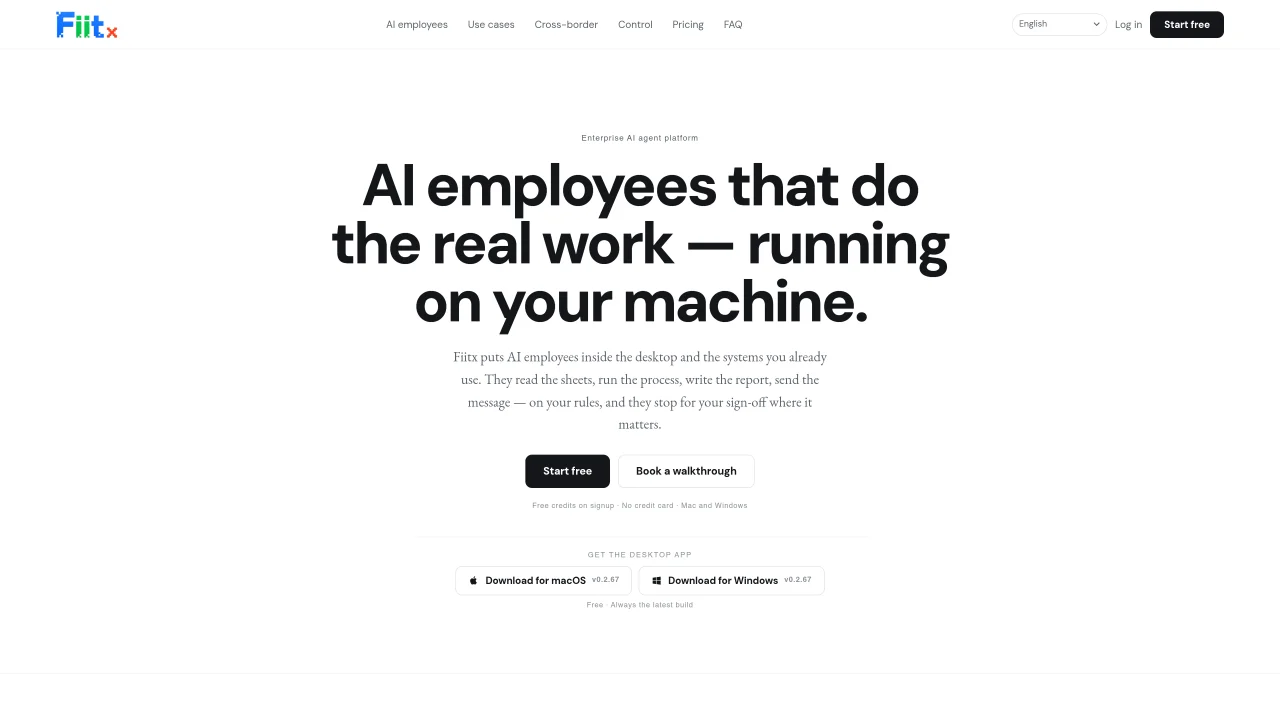
FIIT.AI provides AI employees that perform routine business tasks such as reading spreadsheets, running processes, generating reports, and sending messages according to predefined rules. These AI employees operate locally on Mac and Windows desktops and integrate with existing systems like spreadsheets, email, calendars, and business back offices without requiring integration projects. Each AI employee is configured as a job description specifying which systems it interacts with, when it runs, and which actions require human approval. The platform supports scheduled runs, approval workflows with three permission modes, and organizational memory for consistent definitions across teams. It handles tasks including attendance tracking, data reconciliation, report generation, and creator outreach, with outputs delivered directly to the tools already in use.
FIIT.AI provides AI employees that perform routine business tasks such as reading spreadsheets, running processes, generating reports, and sending messages according to predefined rules. These AI employees operate locally on Mac and Windows desktops and integrate with existing systems like spreadsheets, email, calendars, and business back offices without requiring integration projects.
FIIT.AI is suitable for businesses looking to automate repetitive tasks such as attendance tracking, data reconciliation, report generation, and creator outreach. It is designed for teams that want to offload routine work while maintaining control through approval workflows.
FIIT.AI offers three permission modes: read-only, ask every time, and full auto. Actions requiring approval are paused until the user reviews and approves them, ensuring human oversight where necessary.
No, FIIT.AI connects with existing systems like spreadsheets, email, and business back offices without requiring integration projects. It can work through logged-in browsers for systems without an API.
FIIT.AI stores organizational memory such as report formulas, approval thresholds, and tone rules at the organization level. These definitions are inherited by new AI employees, ensuring consistency across teams without retraining.
Yes, FIIT.AI can handle image, video, voice, and browser-based tasks. It supports video generation, image editing, multilingual voice narration, and browser automation within logged-in sessions.
fiit.ai · third-party estimates from Similarweb
Traffic figures are third-party estimates, good for scale and trends; they can differ from a company's own numbers. Updated monthly.
We use essential cookies to run Aitoolnavio, and optional cookies to analyze traffic and measure our marketing. You choose what we use — optional cookies stay off unless you turn them on. See our Privacy Policy.
One short email a week: fresh tools worth trying, honest takes and the updates that actually matter. No spam, unsubscribe any time.
Browser with an AI agent that performs repetitive web tasks and file actions on request
Matched on what this tool does — grouped by the job you would be replacing.
matches Local file and terminal operations · Logged-in browser automation · Scheduled and recurring task automation
AI agentic browser that automates complex workflows, deep research, and multi-step digital tasks across public and private platforms.
Desktop AI agent that automates tasks across local apps and files
AI agent that turns natural-language prompts into automated browser and desktop workflows
AI workforce that runs on a single Mac with up to 100 specialized agents
matches Spreadsheet and document processing
matches Image and video creation with editing tools
Summarizes, extracts, and rewrites content from files.
AI-powered automation for business workflows like data entry and reporting
AI platform for upscaling images, enhancing photos, and generating high-quality creative assets with contextual detail.
Generates AI videos, images and audio from text prompts, photos or audio
Generates images, videos, music, 3D models and text using AI