

Automate email sending, save leads to CRMs, and create complex workflows for customer support tickets.
5M visits/mo-5.6%#10 Automation & Agents
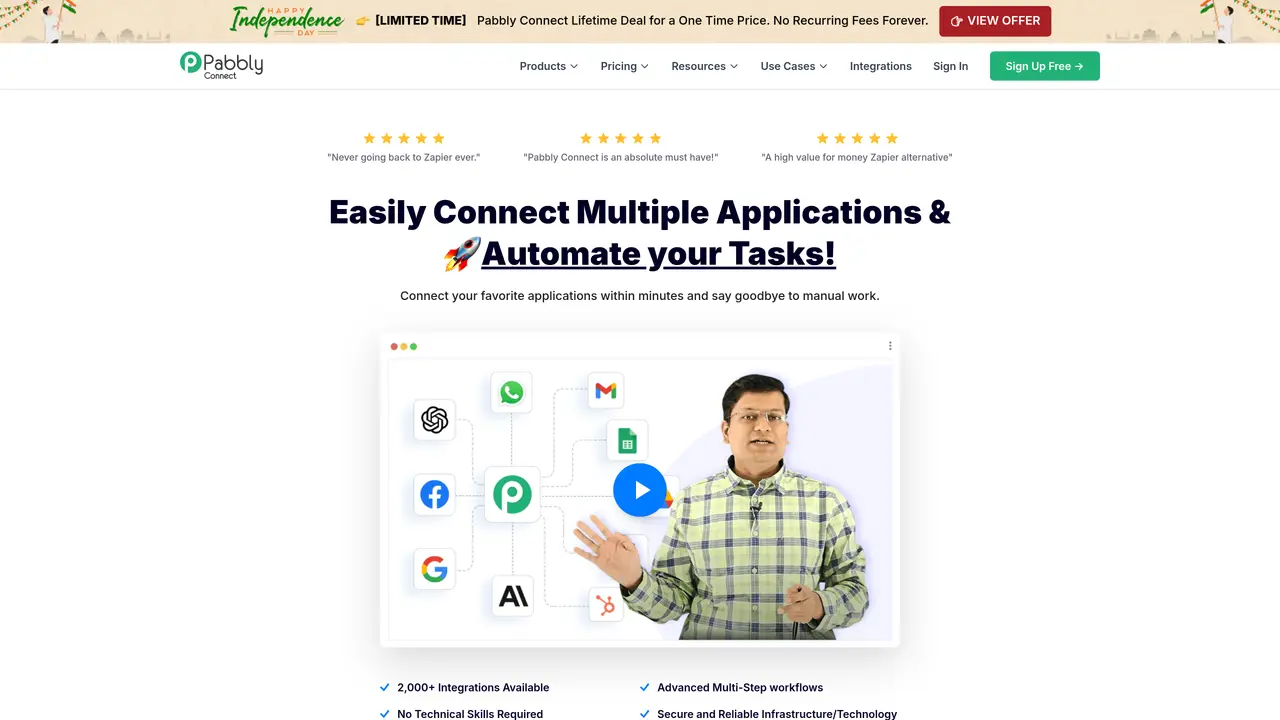
Pabbly Connect is a robust tool designed to streamline and automate workflows by integrating various applications. The core purpose of Pabbly Connect is to facilitate seamless data transfer between different platforms without the need for coding skills. This makes it an invaluable asset for businesses looking to enhance efficiency and minimize manual intervention. Key Features: 1,500+ Integrations: Connects with a vast array of applications, ensuring flexibility across different business needs. No-Code Automation: Users can create complex workflows without any technical knowledge. Advanced Multi-Step Workflows: Supports the creation of multi-step workflows, allowing for detailed and complex automation processes. Cost-Effective Pricing: Offers a lifetime access deal, making it a budget-friendly option compared to competitors. Pabbly Connect is used by small to medium-sized businesses, e-commerce platforms, marketing agencies, and freelancers to automate repetitive tasks and save time. It can also be used in uncommon use cases such as non-profits managing donor information and communications, and educational institutions automating administrative tasks. The tool offers a forever free plan with limited tasks per month, as well as several paid plans with varying task limits. Pabbly Connect stands out due to its no-code automation capabilities combined with a one-time payment option, making it accessible to a wider range of businesses and offering a cost-effective solution for ongoing operational needs.
Pabbly Connect is an integration and automation platform that connects different applications to streamline workflows. It allows users to automate tasks by setting up triggers and actions between supported apps without requiring coding skills.
Pabbly Connect is designed for small to medium-sized businesses, e-commerce platforms, marketing agencies, freelancers, non-profits, and educational institutions looking to automate repetitive tasks and improve efficiency.
Yes, Pabbly Connect provides a forever free plan with limited tasks per month, allowing users to explore its features before upgrading to a paid plan for higher task limits.
Pabbly Connect offers both yearly and one-time payment plans. The one-time payment model provides lifetime access without recurring fees, while yearly plans offer cost savings for long-term commitments.
Pabbly Connect supports over 2,000 applications, enabling seamless data transfer and automation across a wide range of platforms, including e-commerce, CRM, marketing, and productivity tools.
To get started, users can sign up for a free account on the Pabbly website, access the workflow builder, select trigger and action apps, and enable the automation to begin saving time on manual tasks.
We use essential cookies to run aitoolnavio™, and optional cookies to analyze traffic and measure our marketing. You choose what we use — optional cookies stay off unless you turn them on. See our Privacy Policy.
One short email a week: fresh tools worth trying, honest takes and the updates that actually matter. No spam, unsubscribe any time.
Automate email sending, save leads to CRMs, and create complex workflows for customer support tickets.
Open-source workflow automation platform to build, run, and monitor agentic and traditional workflows with 500+ integrations and AI governance.
Connect AI agents to 250+ apps and automate workflows with reliable integrations and developer-focused tools.
Runable lets users automate computer tasks by typing plain-language commands instead of writing code.
Cloud-native integration platform that connects on-premise, cloud, and mobile systems to automate data transfer and streamline workflows.
Enterprise-grade platform that connects AI agents to 1,400+ business apps via secure, governed MCP servers for real-time workflow automation.
Browse sites, pull data, and finish workflows with TinyFish AI.
Build, run, and deploy AI agents and API automations in minutes using Pipedream’s workflow builder, MCP servers, and Connect SDK with managed authentication.
Unified API for publishing, messaging, ads, and analytics across social platforms
BrowserBase automates web workflows with secure, scalable browser instances for tasks like scraping and testing.
Open-source workflow automation platform that connects apps and automates tasks with AI, no coding required.
Connects AI agents to over 1,700 tools and APIs for on-demand use
Matched on what this tool does — grouped by the job you would be replacing.
matches 1,500+ Integrations · No-Code Automation · Advanced Multi-Step Workflows
A no-code AI platform to connect and automate business apps with drag-and-drop workflows, even for non-technical users.
Runs autonomous multi-step workflows across 2,800+ apps using AI agents, replacing repetitive tasks with reliable automation.
A visual database and workflow automation platform that connects to 6,000+ apps and supports AI agents for teams and businesses.
No-code AI agent platform for business teams to build, schedule, and manage task automations across CRMs, analytics, docs, and chat tools.
matches No-Code Automation · Advanced Multi-Step Workflows
matches Cost-Effective Pricing · Unlimited Internal Tasks
A no-code platform to build, train, and run AI agents that automate multi-step workflows across apps without coding.
No-code platform to build, orchestrate, and deploy AI agents for business workflow automation without coding.
Create autonomous agents for sales, support, & HR with AI First's no-code platform.
Automate email sending, save leads to CRMs, and create complex workflows for customer support tickets.
Manage contacts, automate processes, connect systems, monitor progress, and make data-driven decisions with powerful analytics.