
Runs autonomous multi-step workflows across 2,800+ apps using AI agents, replacing repetitive tasks with reliable automation.

Flashh AI
$20/moStarting price
0Popularity
About Flashh AI
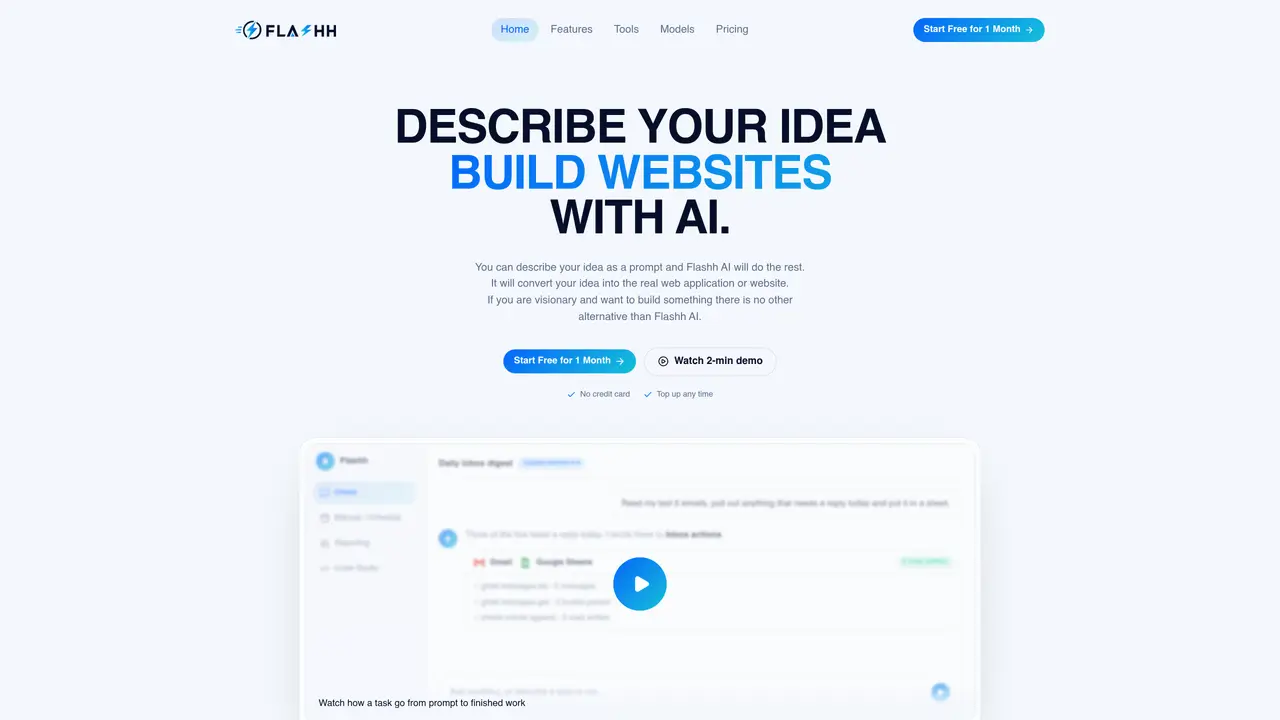
Flashh AI is an AI workspace that converts plain-language prompts into completed work within integrated applications. Users describe tasks or ideas, and the system selects the appropriate tools and models to execute them. It supports four execution modes: Chat for conversational workflows, Manual for on-demand tasks, Schedule for recurring automation, and Code Studio for software development tasks. The platform connects to over 1500 tools including Gmail, Slack, GitHub, Notion, Jira, and Google Workspace, requiring only a single authentication per tool. It offers access to more than 250 large language models that can be switched mid-conversation without losing context. Tasks can generate reports, modify code, create tickets, summarize communications, or schedule meetings, with results delivered directly to the user’s inbox or target applications. The system is designed for teams that need to automate repetitive workflows while maintaining human oversight and flexibility in execution methods.
Key features
- Natural language prompt processing
- Single authentication for 1500+ integrated tools
- 250+ supported large language models
- Four execution modes (Chat, Manual, Schedule, Code Studio)
- Automated report generation and delivery
- Code generation and GitHub integration
- Recurring task scheduling
- Cross-application workflow automation
Use cases
- Automating email triage and summarization
- Creating and managing project tickets across platforms
- Generating and scheduling recurring team meetings
Pros
- Converts natural language prompts into completed tasks across multiple integrated applications
- Supports four execution modes: Chat, Manual, Schedule, and Code Studio
- Connects to over 1500 tools with single authentication per application
- Provides access to more than 250 large language models with mid-conversation switching
- Delivers results directly to target applications or user inbox
Cons
- No free tier available
- Requires initial setup and authentication for each integrated tool
- Limited to cloud-based usage with no offline functionality mentioned
Frequently asked questions about Flashh AI
What is Flashh AI and what does it do?
Flashh AI is an AI workspace that converts plain-language prompts into completed work within integrated applications. It automates tasks such as summarizing emails, creating Jira tickets, scheduling meetings, and generating reports by selecting the appropriate tools and models to execute them.
Who is Flashh AI designed for?
Flashh AI is designed for teams and individuals who need to automate repetitive workflows while maintaining human oversight and flexibility. It suits developers, project managers, support teams, and other professionals who rely on tools like Gmail, Slack, GitHub, Notion, and Jira.
How does Flashh AI handle integrations with other tools?
Flashh AI connects to over 1500 tools, including Gmail, Slack, GitHub, Notion, Jira, and Google Workspace. Users authenticate each tool once, and the platform uses that single connection for all tasks, schedules, and code runs.
Can I switch between different AI models in Flashh AI?
Yes, Flashh AI offers access to more than 250 large language models, and users can switch models mid-conversation without losing context. This allows flexibility in choosing the best model for a specific task.
What are the different execution modes available in Flashh AI?
Flashh AI supports four execution modes: Chat for conversational workflows, Manual for on-demand tasks, Schedule for recurring automation, and Code Studio for software development tasks. Each mode caters to different workflow needs.
How do I get started with Flashh AI?
To get started, sign in to Flashh AI and authorize the apps you use. Once connected, describe the task or idea in plain language, and Flashh AI will select the appropriate tools and models to execute it. You can then run it manually, schedule it, or keep it as a chat.