Generate captions, optimize content, and enhance with custom images for maximum engagement.
46M visits/mo-10%#3 Image & Design

Automate data entry, track customers, import PDFs and generate analytics with natural language input.
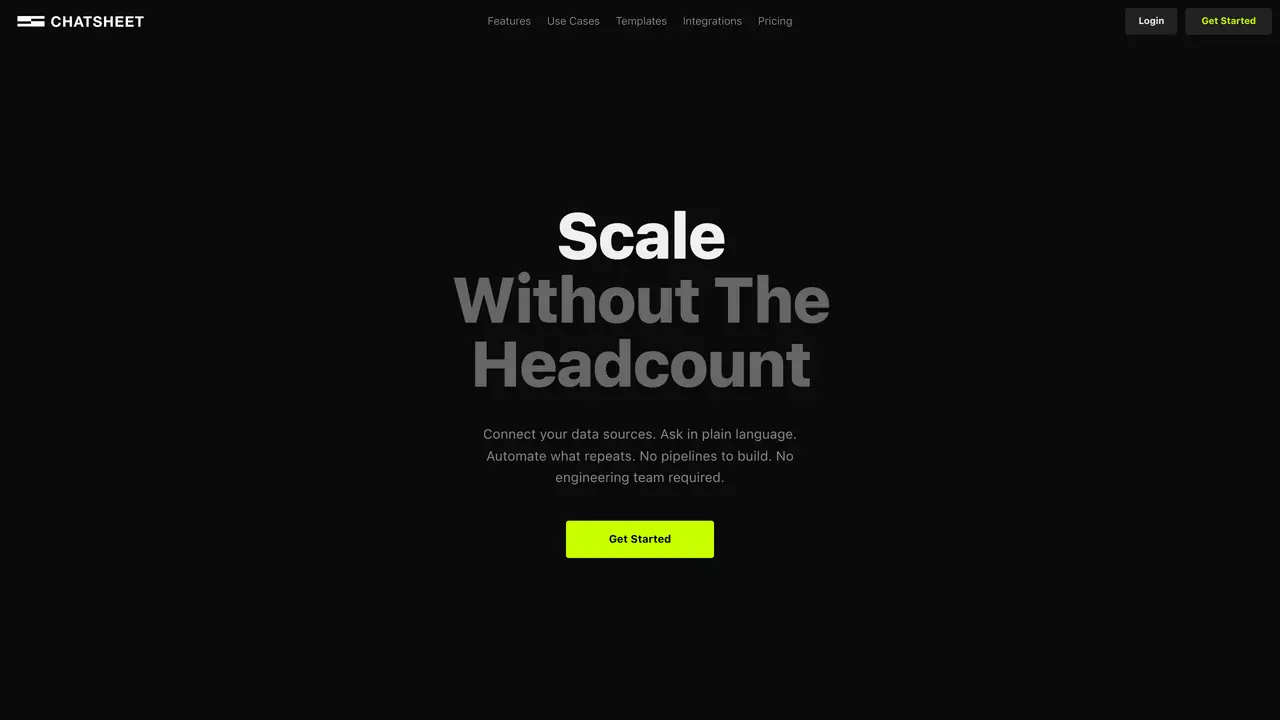
Flyx is a cutting-edge tool that helps businesses streamline their operations and manage their tasks in an efficient and intuitive way. With Flyx, you can use natural language input to effortlessly track customers, send emails, import PDF documents and perform analytics – all without the need for any programming skills. This revolutionary tool eliminates the need for complex code writing, while still delivering reliable and high-quality results. Flyx is the perfect solution for companies that need to save time and money but don’t have the resources for complicated coding processes. Its user-friendly interface and easy-to-navigate dashboard make it convenient to use, and its intuitive language input enables businesses to quickly and accurately complete their tasks. With Flyx, you can free up your staff to focus on more important tasks and improve your business’s overall productivity.
Flyx is an AI-powered tool designed to function as a spreadsheet with natural language input, allowing users to manage data, perform calculations, and generate insights without traditional spreadsheet complexities.
Flyx is ideal for professionals, analysts, and teams who need to work with data but prefer a more intuitive, conversational approach compared to traditional spreadsheet software.
Users can input commands or queries in plain language, such as asking to calculate totals, filter data, or generate charts, and Flyx processes these requests to deliver results automatically.
No, Flyx is designed to eliminate the need for programming or coding, making it accessible to users without technical expertise.
The scraped content does not provide details on integrations, so it is unclear whether Flyx supports third-party tool connections.
Users can begin by visiting the Flyx website and signing up to access the AI spreadsheet interface, where they can start inputting natural language commands to manage their data.
We use essential cookies to run aitoolnavio™, and optional cookies to analyze traffic and measure our marketing. You choose what we use — optional cookies stay off unless you turn them on. See our Privacy Policy.
One short email a week: fresh tools worth trying, honest takes and the updates that actually matter. No spam, unsubscribe any time.
Generate captions, optimize content, and enhance with custom images for maximum engagement.
Streamline teamwork, manage projects, automate tasks efficiently.
Automate support, target customers, gather insights – all with AI-powered tools.
Open-source workflow automation platform to build, run, and monitor agentic and traditional workflows with 500+ integrations and AI governance.
Automate complex processes, leverage real-time analytics, customize workflow with powerful tools.
Continuous integration and delivery platform that automates builds, tests, and deployments to accelerate software delivery.
Automate tasks on websites with Browser-Use's AI browser control.
AI-powered platform for optimizing delivery routes, tracking shipments in real time, and managing driver operations to streamline last-mile logistics.
Create custom templates, automate contract workflow, and use analytics to optimize contracts.
Runable lets users automate computer tasks by typing plain-language commands instead of writing code.
Create personalized schedules, prioritize tasks, set goals, and track progress with reminders and ease.
Kissflow automates workflows, lets teams customize processes, track tasks in real time, and collaborate without switching tools.
Matched on what this tool does — grouped by the job you would be replacing.
Paid placement · similar tools from listings that support aitoolnavio™
Instant lead response for home-service pros: your phone rings on every new lead, plus 14 days of follow-up
matches Automate data entry · Track customers with natural language input
matches Import PDF documents · Generate analytics with natural language input
matches Send emails automatically · Eliminate complex code writing
Automate tasks, track interactions, manage deals, pipelines, and performance with intuitive dashboards.
Automate order tracking, manage customer data, and gain real-time insights for data-driven decisions.
Summarizes, extracts, and rewrites content from files.
Obtain information, navigate documents, and customize responses with an AI-powered chatbot and user-friendly interface.
Summarize PDFs, extract topics, and get answers effortlessly.
Automate email sending, save leads to CRMs, and create complex workflows for customer support tickets.
Automate complex tasks, streamline operations, and create automation solutions with a drag-and-drop interface.
Connects AI assistants to over 8,000 apps and 30,000 actions for seamless task automation without complex API setups.