Automate job postings, track applicants, and streamline hiring with an intuitive HCM platform for talent acquisition.
32M visits/mo+3.9%#5 Business & Marketing

AI-powered workspace that learns your habits to automate repetitive tasks for solo business owners.
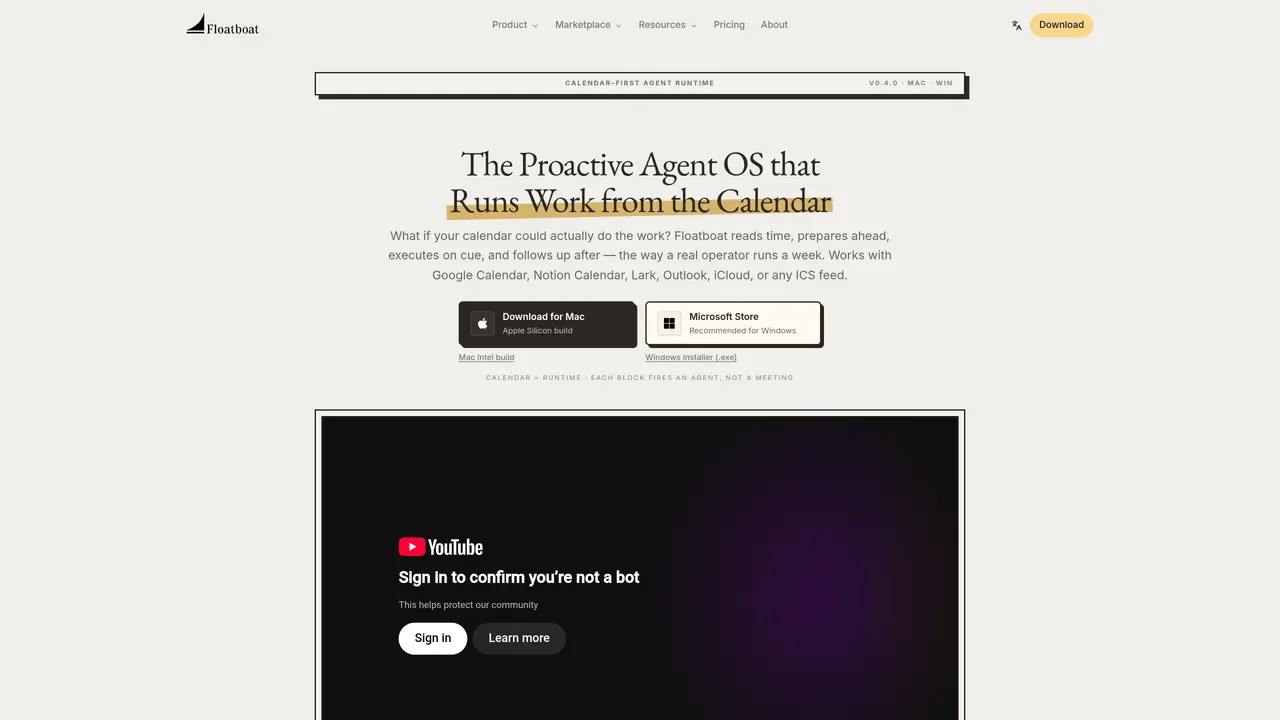
Floatboat is a proactive Agent OS designed to run work directly from your calendar, eliminating the need for manual AI prompts. It transforms your schedule into an automated runtime where agents prepare materials before meetings, draft deliverables before deadlines, and follow up afterward, mirroring how a human operator would manage a week. The platform integrates with major calendar systems like Google Calendar, Notion Calendar, Outlook, and iCloud, as well as over 3,500 tools and APIs such as Notion, Slack, GitHub, and Google Drive, without requiring data re-uploads or copy-pasting. Users benefit from reusable Combo Skills and pre-built Workflow Store automations that turn voice notes into decks, sales calls into follow-up emails, or Linear tickets into PR drafts, all while maintaining local-first execution and granular permission controls. Floatboat supports frontier models like DeepSeek, MiniMax, GLM, Kimi, GPT-5, Claude, and Gemini out of the box, with no API key or VPN required, and includes FloatIM for group chat with AI agents on iOS, Mac, and Windows. The platform is tailored for solopreneurs, creators, small business owners, and 2-5 person studios who need to scale operations without hiring additional staff or managing disjointed AI tools. Workspaces can also hand off cleanly to teammates if the team grows later. Floatboat replaces a stack of disconnected AI subscriptions with a single, unified workspace that plans, executes, and follows up autonomously.
Floatboat is a proactive Agent OS that runs work directly from your calendar, automating preparation, execution, and follow-up for meetings, deadlines, and routines without requiring manual prompts.
Floatboat supports Google Calendar, Notion Calendar, Lark, Outlook, iCloud, and any ICS feed, treating each calendar event as a trigger for automated agents.
Unlike chat-based AI that waits for prompts, Floatboat operates proactively based on your calendar, executing tasks before meetings, drafting deliverables before deadlines, and following up afterward, with persistent memory tied to each event.
An Agent Workspace is a dedicated environment tied to each calendar event, containing files, run history, model choices, and decisions, allowing users to review, tweak, or re-run steps at any time.
Yes, Floatboat integrates natively with over 3,500 tools and APIs, including Slack, Google Drive, Notion, GitHub, and Gmail, without requiring data re-uploads or copy-pasting.
Floatboat offers a free download for the desktop app, with additional features available through upgrades; pricing details are available on the Floatboat website.
floatboat.ai · third-party estimates from Similarweb
Last 4 months · grows by one month every month
Share of visits by channel
No measurable traffic from Paid Referrals.
Share of visits · estimated visits
Other countries: 34.2%
How people reach this site from other AI tools
113 a month · 0.3% of all visits
Automation & Agents · Sep 2026
Traffic figures are third-party estimates, good for scale and trends; they can differ from a company's own numbers. Updated monthly.
We use essential cookies to run aitoolnavio™, and optional cookies to analyze traffic and measure our marketing. You choose what we use — optional cookies stay off unless you turn them on. See our Privacy Policy.
One short email a week: fresh tools worth trying, honest takes and the updates that actually matter. No spam, unsubscribe any time.
Automate job postings, track applicants, and streamline hiring with an intuitive HCM platform for talent acquisition.
Automate workflow, optimize operations, and detect potential issues with this efficient AI-driven solution.
AI automation and agent-building platform with 3,000+ app integrations
Automate email sending, save leads to CRMs, and create complex workflows for customer support tickets.
Open-source workflow automation platform to build, run, and monitor agentic and traditional workflows with 500+ integrations and AI governance.
AI-powered platform streamlining workflows with no-code automation.
With Accio, manufactures/ products/ suppliers/ inspirations will come to you, any time, any where.
Create & deploy AI apps, access real-time insights, and easily build models with an intuitive user interface.
Automate outreach campaigns, create personalized emails with AI, and monitor results with detailed analytics.
AI-powered fleet management platform for trucking, delivery, and field service teams, combining GPS tracking, ELD compliance, dash cams, maintenance, and spend management.
Automate tasks, streamline workflows, and create powerful automation flows effortlessly.
Control your computer and apps from any chat.
Matched on what this tool does — grouped by the job you would be replacing.
Paid placement · similar tools from listings that support aitoolnavio™
Instant lead response for home-service pros: your phone rings on every new lead, plus 14 days of follow-up
matches Learns editing, decision, and execution habits via Tacit Engine™ · Creates reusable 'Combo Skills' for automation · Agent-native chat interface
AI agentic browser that automates complex workflows, deep research, and multi-step digital tasks across public and private platforms.
A no-code AI automation platform for building secure AI chat, autonomous agents, and workflow automations with 100+ integrations and governance controls.
Observes workflow, auto-builds apps and automations.
AI-powered workspace that unifies email, CRM, Slack, calendar and 30+ integrations to automate workflows and tasks for founders and GTM teams.