Efficiently create and manage cases, streamline workflows, securely store and share documents, and collaborate with colleagues.
3.8M visits/mo-0.8%#26 Business & Marketing

Detects document fraud by analyzing file forensics and cross-document inconsistencies
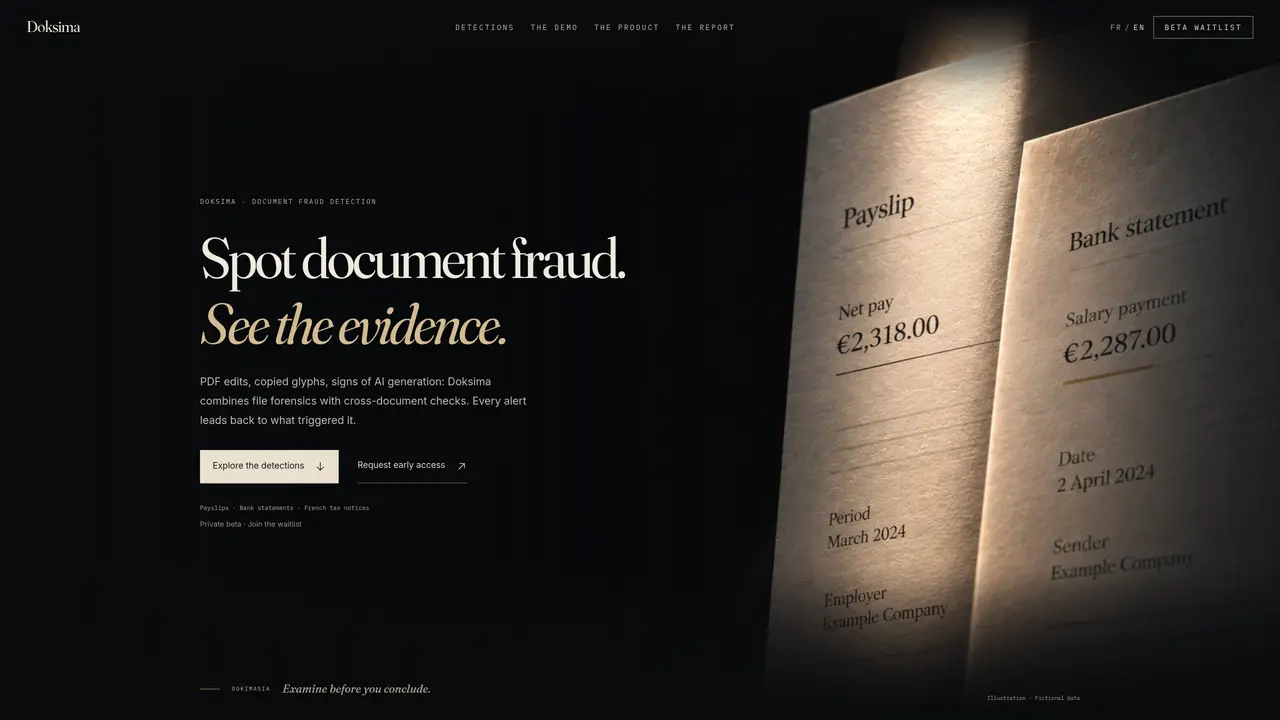
Doksima examines PDF documents to identify signs of forgery such as font anomalies, copied glyphs, or AI-generated textures. It combines file-level forensic analysis with cross-document comparisons to uncover discrepancies between supporting documents like payslips, bank statements, or tax notices. The tool flags potential issues and links each alert to its source, allowing users to trace inconsistencies back to specific pages or elements within the files. Findings are presented in a structured report that separates technical observations from human review decisions, ensuring clarity on what the system can and cannot establish. Users can organize reviews, track application statuses, and document outcomes without the system making final judgments. The interface is designed to guide users through discrepancies while maintaining a clear separation between automated checks and manual verification processes.
Doksima examines PDF documents to detect signs of forgery such as font anomalies, copied glyphs, or AI-generated textures. It combines file-level forensic analysis with cross-document comparisons to uncover discrepancies between supporting documents like payslips, bank statements, or tax notices.
The tool is designed for professionals who need to verify the authenticity of documents, such as compliance officers, fraud investigators, or administrative teams handling applications that require supporting evidence.
Findings are presented in a structured report that separates technical observations from human review decisions, linking each alert to its source within the documents. The report clarifies what the system can and cannot establish.
No, the website states that it does not analyze documents live. Instead, it provides a guided demo and allows users to explore fictional data to understand how the tool works.
Doksima can detect discrepancies such as mismatched totals, isolated embedded fonts, copied digits, or inconsistencies in document formatting. It traces these issues back to specific pages or elements within the files.
No, Doksima flags potential issues and provides evidence but does not make final judgments. Users retain control to review findings, request original documents, or document outcomes based on the tool's observations.
We use essential cookies to run aitoolnavio™, and optional cookies to analyze traffic and measure our marketing. You choose what we use — optional cookies stay off unless you turn them on. See our Privacy Policy.
One short email a week: fresh tools worth trying, honest takes and the updates that actually matter. No spam, unsubscribe any time.
Efficiently create and manage cases, streamline workflows, securely store and share documents, and collaborate with colleagues.
Legal search engine specializing in Indian case law and statutes
Legal research platform for case law, statutes and commentary in India
Vanta automates compliance certification for SOC 2, HIPAA, ISO 27001, PCI, and GDPR, reducing time from months to weeks.
Create and customize legal documents, consult lawyers, and access legal guides all in one platform.
Identify risks quickly, automate risk assessment & monitoring, and customize for tailored risk management.
AI assistant that drafts, reviews, and researches legal documents for lawyers and law firms.
Create custom templates, automate contract workflow, and use analytics to optimize contracts.
All-in-one legal case management platform for law firms, combining intake, e-signatures, payments, analytics, and reporting in one secure system.
Converts scanned documents and images into editable, searchable formats with AI-powered OCR and data extraction.
AI-powered legal research, litigation due diligence and case management platform for India
Contest parking tickets, review legal documents, and access free legal aid 24/7.
Matched on what this tool does — grouped by the job you would be replacing.
matches PDF file forensic analysis · Font and glyph anomaly detection · Cross-document amount comparison
AI-powered document fraud detection for paystubs, bank statements, IDs, invoices, PDFs, and images.
Turn messy documents into audit-ready, structured data.
AI-powered platform for automated financial document auditing and compliance checks