AI chatbot for conversation, work, research, coding, and content creation.
5.9B visits/mo+5%#1 Chatbots & Assistants

Fetch live web pages and search results directly into your AI assistant's context with this open-source MCP server.
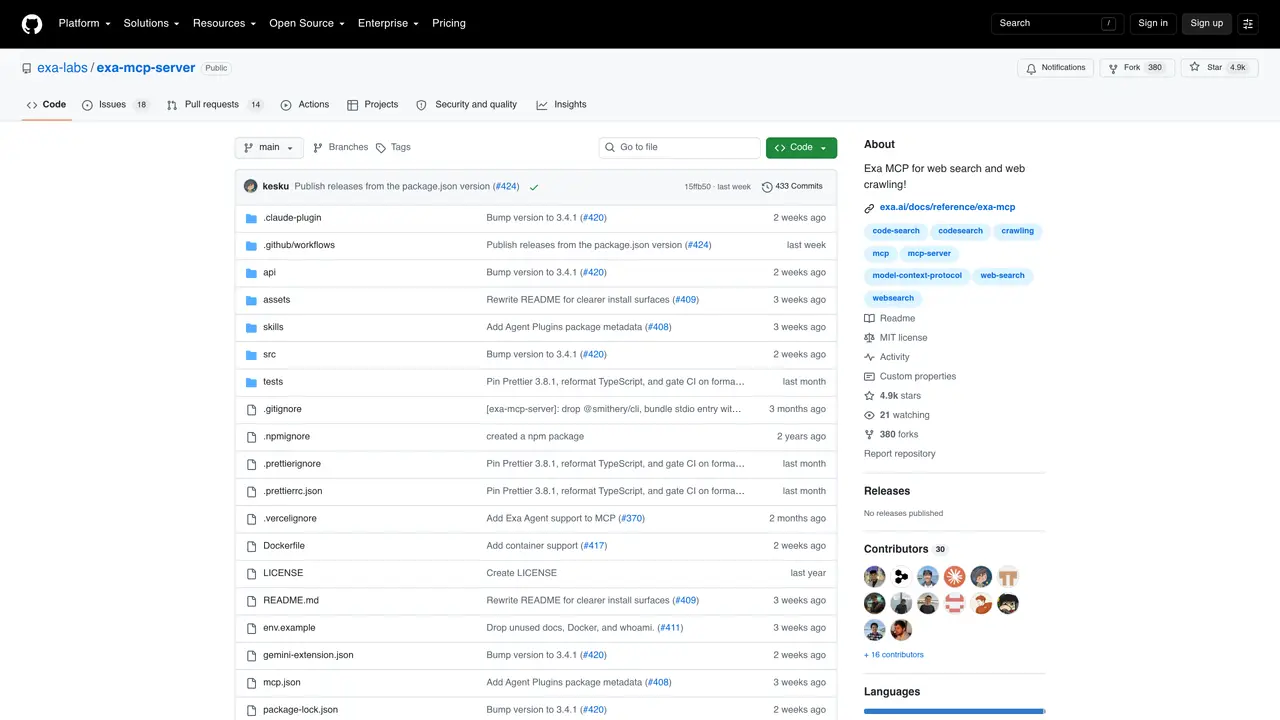
Exa MCP is an open-source Model Context Protocol (MCP) server that connects AI assistants to live web data, enabling real-time web searches, content fetching, and multi-step research directly within AI workflows. The tool acts as a bridge between AI systems and the web, allowing assistants to retrieve up-to-date information from specific URLs or perform targeted searches without relying on static training data. It processes requests to fetch clean, structured content in markdown format, which can then be used for reasoning, summarization, or further analysis. Exa MCP supports both basic and advanced search operations, including domain filtering, date restrictions, and subpage crawling, making it suitable for research, fact-checking, and dynamic content aggregation tasks. The hosted MCP server operates anonymously with rate limits, while authenticated access unlocks additional capabilities like the Exa Agent for multi-step research and structured output generation. It integrates seamlessly with MCP-compatible clients such as Claude, ChatGPT, LM Studio, and others, simplifying the workflow of pulling external information into AI-driven processes. By reducing the need for manual data collection or separate web browsing steps, Exa MCP enhances the efficiency and accuracy of AI assistants working with real-time data.
GitHub, Inc.
San Francisco, California, US · Founded 2008
Exa MCP enables AI assistants to fetch live web pages, perform web searches, and retrieve real-time content directly into their working context using the Model Context Protocol.
It is designed for AI developers, researchers, and users who need to integrate live web data into AI-driven workflows, such as for research, fact-checking, or dynamic content aggregation.
Connect to the hosted MCP server at https://mcp.exa.ai/mcp or install the plugin in a compatible client like Claude or ChatGPT. Configure your client to use the provided MCP server URL.
Yes, it offers advanced search tools with filters for domains, dates, highlights, summaries, and subpage crawling when enabled via the tools parameter in the MCP URL.
The hosted MCP server works anonymously with rate limits, but advanced tools like the Exa Agent require authentication via OAuth or an API key.
Exa MCP works with most MCP-compatible clients, including Claude, ChatGPT, LM Studio, LM Studio, Replit, Grok, Gemini CLI, OpenCode, Windsurf, Google Antigravity, and Zed.
We use essential cookies to run aitoolnavio™, and optional cookies to analyze traffic and measure our marketing. You choose what we use — optional cookies stay off unless you turn them on. See our Privacy Policy.
One short email a week: fresh tools worth trying, honest takes and the updates that actually matter. No spam, unsubscribe any time.
AI chatbot for conversation, work, research, coding, and content creation.
Efficiently answer research queries, translate natural language to SQL, and utilize OpenAI WebGPT and larger language models.
Search privately, customize interface, track search history, and stay in control of online activities.
Transforms queries into real-time, customized pages with expert insights.
Search scientific papers, discover relevant publications, and enhance understanding of academic literature.
Access research, sort data, and get insights with predictive analytics.
Access hundreds of millions of answers powered by AI technology.
Create research report with references
Search a large knowledge base for verified articles, facts, opinions, and multimedia to answer questions across any topic.
Chat with many top models for everyday tasks.
Centralized AI industry news aggregator with curated daily selections, model rankings, and trending topics.
A free AI platform that answers questions, searches across languages, and generates slides, mind maps, docs, images, and webpages.
Matched on what this tool does — grouped by the job you would be replacing.
matches Fetch live web pages by URL · Perform web searches with customizable parameters · Return structured content for AI context integration
AI web crawler that extracts clean web data into JSON or markdown for developers and marketers.
Live web data API and MCP server that turns websites into structured, real-time data sources for marketing and GTM teams.
Fetch live web pages, search the web, and inject real-time content into your AI assistant's context.
MCP server that connects Browserbase to Cursor, Claude Desktop, and Windsurf for web automation and scraping.