AI chatbot for conversation, work, research, coding, and content creation.
5.9B visits/mo+5%#1 Chatbots & Assistants

Create and train AI customer-service chatbots by scanning a website or uploaded files in minutes.
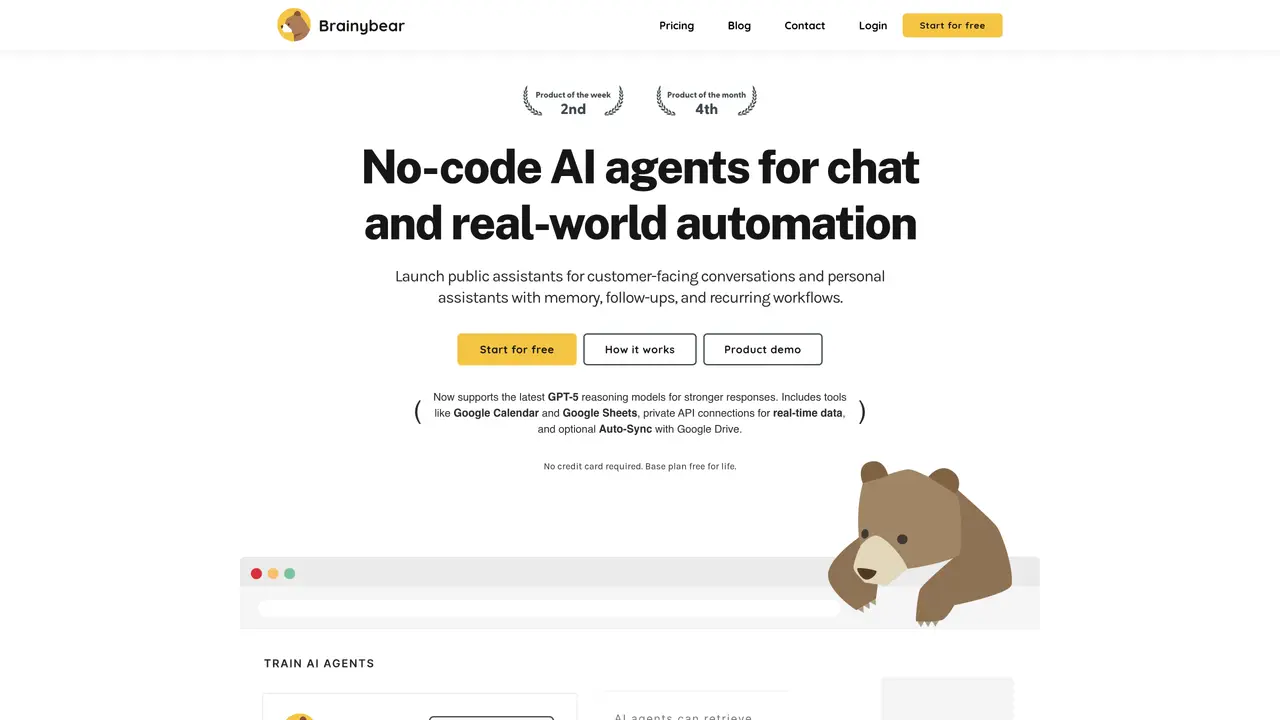
BrainyBear lets users build and train AI chatbots for customer service with minimal setup. The process takes as few as three steps to configure and three clicks to train. By scanning a website or uploaded documents, BrainyBear generates accurate responses to customer questions, aiming to resolve up to 80% of queries instantly. Businesses use it to shorten response times, cut support costs, and improve user experience without writing code or performing extensive manual training. The tool integrates with platforms such as Facebook Messenger, WhatsApp, and Telegram, enabling intelligent assistants to engage visitors where they already are. It also supports multiple languages, helping companies serve global audiences without building separate bots for each region. No programming expertise is required, making it accessible to teams focused on customer experience rather than technical development.
BrainyBear is a no-code platform for creating, training, and deploying AI agents for customer-facing conversations and internal workflows. It enables users to build assistants that can engage visitors across multiple channels, remember context, and handle recurring tasks without requiring programming skills.
BrainyBear is ideal for businesses and teams focused on customer experience and support efficiency, particularly those without technical development resources. It suits companies looking to automate customer interactions, reduce response times, and improve user engagement across platforms like WhatsApp, Telegram, and web chat.
BrainyBear offers a free-for-life base plan with 50 message credits and one AI agent. Paid plans include Basic, Growth, and Business tiers, with options for monthly or annual billing and varying credit allowances. Pricing scales with the number of credits and features required.
BrainyBear integrates directly with messaging platforms such as Facebook Messenger, WhatsApp, Telegram, and Slack. It also supports tools like Google Calendar, Google Sheets, and private APIs for real-time data access, as well as optional Auto-Sync with Google Drive.
Yes, BrainyBear supports multiple languages, allowing businesses to deploy AI agents that serve global audiences without building separate bots for each region.
Users can start by creating a free account on the BrainyBear website. The process involves customizing an AI agent in three steps, training it with knowledge or tools, and embedding it on a website or connecting it to supported channels for deployment.
brainybear.ai · third-party estimates from Similarweb
Share of visits by channel
Share of visits · estimated visits
Chatbots & Assistants · Sep 2026
Traffic figures are third-party estimates, good for scale and trends; they can differ from a company's own numbers. Updated monthly.
We use essential cookies to run aitoolnavio™, and optional cookies to analyze traffic and measure our marketing. You choose what we use — optional cookies stay off unless you turn them on. See our Privacy Policy.
One short email a week: fresh tools worth trying, honest takes and the updates that actually matter. No spam, unsubscribe any time.
AI chatbot for conversation, work, research, coding, and content creation.
Create and interact with AI companions and virtual characters using GPT-4o on Chub AI's platform.
Open-source Chinese AI chatbot for conversational AI, coding, and agentic workflows, built on the GLM-5 architecture.
Automate customer responses, personalize messages, and create an AI-powered chatbot for 24/7 customer service.
Chat with many top models for everyday tasks.
Overchat AI is an all-in-one platform that brings together the world’s leading AI models in a single application.
AI-powered platform for targeted online ad management, performance analysis, and strategy optimization with human oversight.
AI-powered tarot readings and personalized interpretations for self-reflection and guidance.
Turn hand-drawn sketches into editable 3D models and photorealistic images with AI.
Empower teams with AI-driven chat, data analysis, and workflow automation.
Get answers, writing help, and plans across devices with Nova AI App.
AI-powered app builder that turns data into functional web apps without coding.
Matched on what this tool does — grouped by the job you would be replacing.
Paid placement · similar tools from listings that support aitoolnavio™
Anonymous AI chat for 200+ models. No email or phone: a random account number, or chat as a guest.
matches Website and file scanning for instant chatbot training · One-click deployment to Facebook Messenger, WhatsApp, and Telegram · Multilingual support for global customer bases
Automate customer service, save time and money, reach customers by integrating with other services.
Build no-code AI chatbots and agents for WhatsApp, web, Instagram, Facebook, Telegram, MS Teams and more.
A no-code platform to build, train, and deploy AI chatbots with custom content and branding.
Web-based AI customer service chatbot for businesses that answers questions in 95 languages and trains on URLs or files.