AI-powered video messaging tool that records, shares, and manages video messages with AI-generated titles, summaries, and tasks.
16M visits/mo-3.4%#5 Chatbots & Assistants
Local-first desktop app that records, transcribes and summarizes meetings with screen context
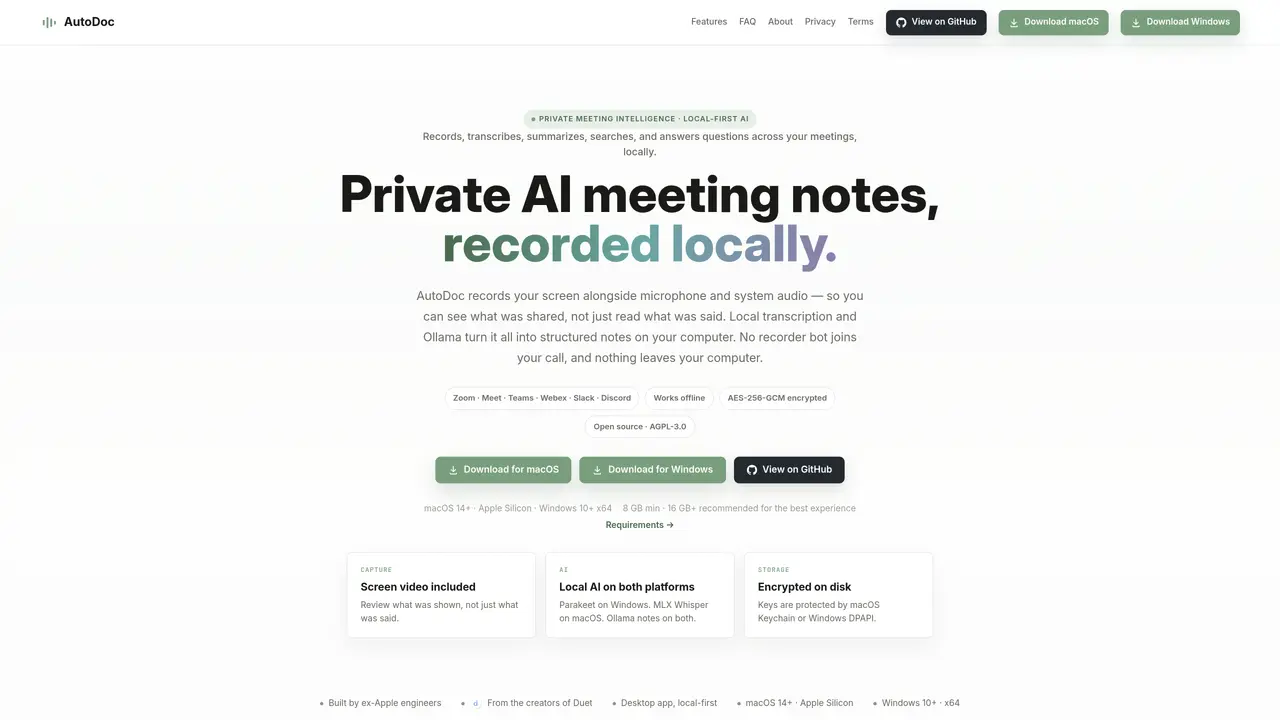
AutoDoc is a desktop application for macOS and Windows that records screen video, microphone audio and system audio during meetings. It transcribes conversations locally using on-device AI models, identifies speakers and generates structured notes organized into five categories. The application maintains a synchronized recording of what was shown on screen alongside the transcript, allowing users to review both the spoken content and the visual context of any moment. AutoDoc supports search across all transcripts and notes, with results deep-linking to the exact moment in the recording. It also includes a conversational AI assistant that answers questions about meeting content using locally processed data. The tool operates offline and stores all files encrypted on the user’s machine, with keys protected by the operating system’s keychain or DPAPI. AutoDoc integrates with calendar applications to automatically detect and record upcoming meetings, with options to control recording behavior for recurring events.
AutoDoc is a local-first desktop application for macOS and Windows that records screen video, microphone audio, and system audio during meetings. It transcribes conversations on-device, identifies speakers, and generates structured notes using Ollama, all while keeping files encrypted on the user’s machine.
No. AutoDoc captures screen video, microphone, and system audio directly from your device like a local screen recording. It does not introduce a bot into the participant list of Zoom, Meet, Teams, or other meeting applications.
AutoDoc has been tested with Zoom, Google Meet, Microsoft Teams, Webex, Slack, Discord, and browser-based calls. Because it captures system audio directly, it is designed to work with most meeting applications without requiring platform-specific integrations.
AutoDoc requires macOS 14+ on Apple Silicon or Windows 10+ on 64-bit x64. It supports 8 GB RAM, though 16 GB or more is recommended for the best experience. On systems with 8 GB RAM, AutoDoc uses a smaller local model and may take longer to process meetings after they conclude.
Search finds exact phrases across transcripts and notes, providing deep links to the exact moment in the recording. Ask AI is a conversational assistant that answers questions in plain English, grounded in the meeting history and calendar, using locally processed data.
AutoDoc operates offline and stores all files encrypted on the user’s machine. Encryption keys are protected by the operating system’s keychain (macOS) or DPAPI (Windows). No data leaves the user’s computer, and transcription and note generation are performed locally.
We use essential cookies to run aitoolnavio™, and optional cookies to analyze traffic and measure our marketing. You choose what we use — optional cookies stay off unless you turn them on. See our Privacy Policy.
One short email a week: fresh tools worth trying, honest takes and the updates that actually matter. No spam, unsubscribe any time.
AI-powered video messaging tool that records, shares, and manages video messages with AI-generated titles, summaries, and tasks.
Hardware device that records conversations and converts them into searchable transcripts, summaries, and notes.
Automate transcription, generate summaries, identify speakers, and timestamps for video-conferencing conversations.
AI-powered meeting recorder and summarizer that captures, transcribes, and generates actionable insights from conversations.
Automatically record, transcribe, take notes, and create summaries with key insights during meetings.
Transforms audio/video to summarized text, instantly, across platforms.
Automatically transcribe meetings, create summaries, and securely store audio files in a searchable format.
Automatically turn meetings into searchable notes and tasks.
Wearable AI device that captures conversations and meetings, then auto-generates transcripts, summaries, action items, mind maps, and searchable notes.
Record, transcribe, and share key insights from virtual trainings, online meetings, and content creation.
Record, transcribe, and summarize online meetings from Google Meet and Zoom with AI, then share insights across collaboration tools.
Transform audio/video to text with precision, supporting 1500+ platforms, enriched by AI features.
Matched on what this tool does — grouped by the job you would be replacing.
matches Local screen, microphone and system audio recording · On-device transcription and AI note generation · Structured notes with five editable categories
AI meeting assistant that transcribes calls, generates summaries, action items, and follow-up emails for teams.
AI-powered meeting notes that transcribe, summarize and turn follow-ups into tasks
Transcribes and summarizes meetings locally, ensuring privacy.
Chrome extension that records, transcribes and summarizes meetings in Google Meet, Zoom Web and Teams