AI-powered video messaging tool that records, shares, and manages video messages with AI-generated titles, summaries, and tasks.
16M visits/mo-3.4%#5 Chatbots & Assistants

Automate meeting summarization, analytics, and identify follow-up topics, accessible anytime.
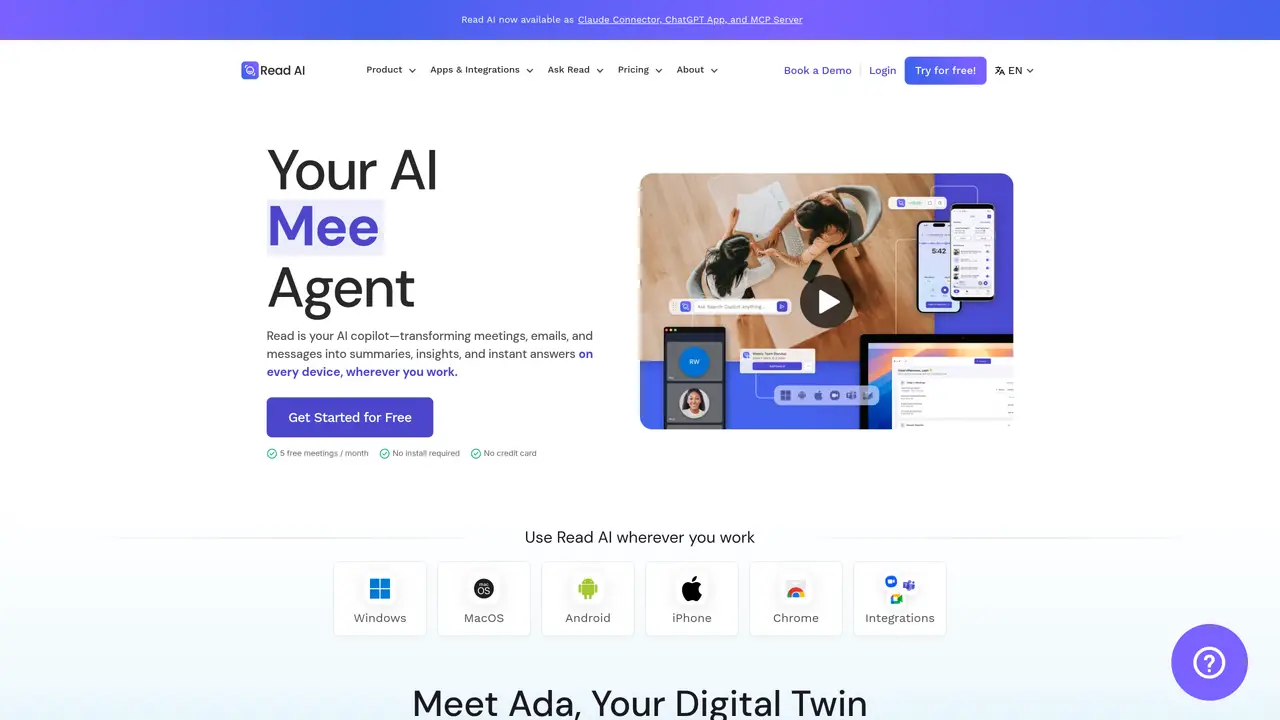
Read Highlights is an AI-powered tool designed to help you get more out of meetings. By leveraging the latest in machine learning technology, Read Highlights can provide real-time analytics and insights, summaries, transcriptions, and automated recommendations to help you maximize meeting productivity and well-being. With Read Highlights, you can identify up to 20 meeting hours a month that could be removed or eliminated. This means you can focus on the conversations and topics that are most important to you while also improving meeting efficiency. Furthermore, Read Highlights also offers playback, allowing you to access meetings and discussions anytime, anywhere. With Read Highlights, you can ensure that no important information is lost and that your meetings are as productive and efficient as possible.
Read Highlights is an AI-powered assistant that transforms meetings, emails, and messages into summaries, insights, and instant answers across all devices. It automatically records, transcribes, and summarizes meetings, while providing real-time analytics and recommendations to improve productivity.
Read Highlights is designed for professionals and teams who want to streamline meeting workflows, capture key insights, and reduce busywork. It suits users in various industries, including enterprise teams, universities, and AI-focused organizations.
Read Highlights integrates with popular platforms such as Google Meet, Microsoft Teams, Zoom, Slack, HubSpot, Salesforce, Notion, Asana, and more. It also offers extensions for Chrome and mobile apps for iOS, Android, Windows, and MacOS.
Yes, Read Highlights can capture notes from offline or in-person discussions, ensuring that important information from all types of meetings is documented and accessible.
Ada is Read Highlights' Digital Twin, an AI assistant that learns from user interactions to handle tasks, manage workflows, and provide personalized support. Ada works alongside users to automate routine activities and enhance productivity.
Users can start with Read Highlights by downloading the app for their preferred platform, using the Chrome extension, or integrating it with supported tools. A free tier is available, and no credit card is required to begin.
We use essential cookies to run aitoolnavio™, and optional cookies to analyze traffic and measure our marketing. You choose what we use — optional cookies stay off unless you turn them on. See our Privacy Policy.
One short email a week: fresh tools worth trying, honest takes and the updates that actually matter. No spam, unsubscribe any time.
AI-powered video messaging tool that records, shares, and manages video messages with AI-generated titles, summaries, and tasks.
Hardware device that records conversations and converts them into searchable transcripts, summaries, and notes.
Automate transcription, generate summaries, identify speakers, and timestamps for video-conferencing conversations.
AI-powered meeting recorder and summarizer that captures, transcribes, and generates actionable insights from conversations.
Automatically record, transcribe, take notes, and create summaries with key insights during meetings.
Transforms audio/video to summarized text, instantly, across platforms.
Automatically transcribe meetings, create summaries, and securely store audio files in a searchable format.
Automatically turn meetings into searchable notes and tasks.
Wearable AI device that captures conversations and meetings, then auto-generates transcripts, summaries, action items, mind maps, and searchable notes.
Record, transcribe, and share key insights from virtual trainings, online meetings, and content creation.
Record, transcribe, and summarize online meetings from Google Meet and Zoom with AI, then share insights across collaboration tools.
Transform audio/video to text with precision, supporting 1500+ platforms, enriched by AI features.
Matched on what this tool does — grouped by the job you would be replacing.
matches Automate meeting summaries and analytics · Identify meeting topics that require follow-up · Real-time analytics and insights
Record, transcribe, and summarize online meetings from Google Meet and Zoom with AI, then share insights across collaboration tools.
AI-powered meeting assistant that records, summarizes, and organizes notes from Zoom, Google Meet, and Teams with seamless workflow integration.
AI meeting assistant that records, transcribes, and summarizes meetings while tracking action items and syncing updates to tools like Zoom, Teams, Jira, and Salesforce.
AI meeting assistant that transcribes calls, generates summaries, action items, and follow-up emails for teams.
matches Access meetings and discussions anytime, anywhere · Summaries and transcriptions · Automated recommendations
AI meeting notetaker that records, transcribes, and summarizes calls with CRM and workflow integrations.
Streamline meeting notes and action items with AI, ensuring efficiency and data security.
Automate agenda creation, meeting summaries, search transcribed meetings, and track meeting effectiveness.
Generate meeting summaries, capture and share insights, access vital information for data-driven decisions.