Discover personalized fashion, receive expert advice, and enjoy convenient shopping with free shipping and returns.
6.8M visits/mo+15.2%#5 Lifestyle & Education

Access a powerful language model instantly, find answers effortlessly, and enjoy chatGPT's capabilities on your Mac.
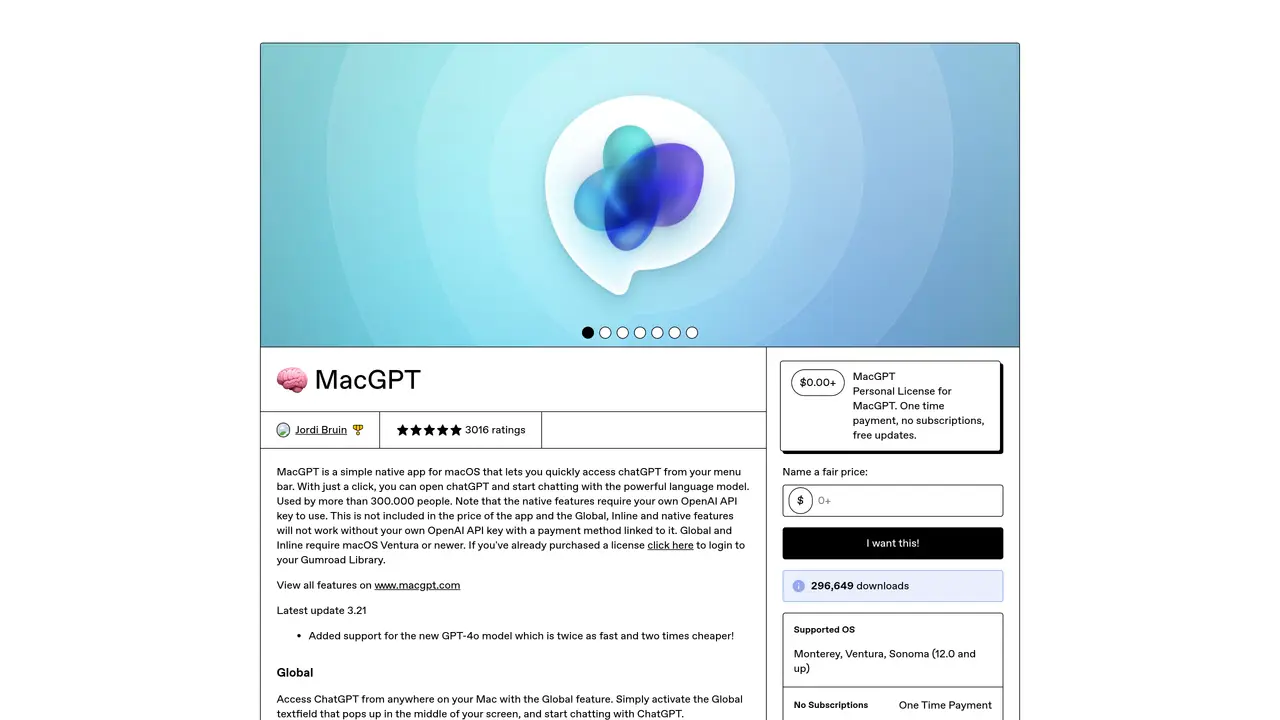
MacGPT is the perfect solution for those looking for an easy-to-use chatGPT experience on macOS. With MacGPT, users can access a powerful language model simply by clicking an icon in their menu bar. In no time at all, users can be conversing with Assistant, all without having to open a browser window or search for a separate app. MacGPT also offers an intuitive interface that makes it easy to find the answers you need quickly and efficiently. Whether you’re looking to find out the latest news or just want to have a conversation with a friendly AI, MacGPT will get you the answers you need. With MacGPT, you can enjoy the power of chatGPT from the convenience of your Mac, making it the perfect choice for anyone who wants a straightforward and efficient chatGPT experience on macOS.
Gumroad, Inc.
San Francisco, United States · Founded 2011
MacGPT is a menu bar application for macOS that provides quick access to a chatGPT-powered AI assistant without requiring a browser or separate app.
MacGPT is designed for macOS users who want a simple, efficient way to interact with a chatGPT model directly from their menu bar.
Download MacGPT from the provided Gumroad link, install it on your Mac, and access it instantly via the menu bar icon.
Yes, MacGPT relies on an active internet connection to communicate with the chatGPT model.
No, MacGPT requires an internet connection to function as it connects to a remote chatGPT model.
No, MacGPT is specifically designed for macOS and is not available for other operating systems.
We use essential cookies to run aitoolnavio™, and optional cookies to analyze traffic and measure our marketing. You choose what we use — optional cookies stay off unless you turn them on. See our Privacy Policy.
One short email a week: fresh tools worth trying, honest takes and the updates that actually matter. No spam, unsubscribe any time.
Discover personalized fashion, receive expert advice, and enjoy convenient shopping with free shipping and returns.
Personal assistant that coordinates tasks across apps and devices via text or call
Quickly narrow searches by category, control results by country or language, and find relevant, accurate results with ease.
Optimizes schedules by auto-organizing tasks and meetings.
AI assistant that drafts, reviews, and researches legal documents for lawyers and law firms.
Real-time task tracking, project management, collaboration, and task assignment.
An AI voice assistant that delivers emotionally intelligent, context-aware conversations with natural timing and personal engagement.
Identify technologies, analyze data, and refine search criteria with AI-powered tools for patent research and trend analysis.
Automate audio and video transcription, timestamps, speaker labels, diarization, and export with customizations.
An AI chat platform for immersive, personalized interactions with virtual companions, including image generation.
Customer relations assistant in Gmail
AI-driven app personalizing adaptive workouts for continuous improvement.
Matched on what this tool does — grouped by the job you would be replacing.
matches Quickly access a powerful language model with a single click · Intuitive interface makes it easy to find answers quickly · Enjoy the power of chatGPT from the convenience of your Mac
Free Chrome extension that provides quick access to OpenAI's ChatGPT directly in your browser.
AI Assistant for MacOS and Windows, enables offline access to conversations.
Generate realistic conversations, get quick answers, and enjoy a secure AI experience with no learning curve.
Ask Chad questions, automate tasks, and download for Mac and Windows platforms.