Discover personalized fashion, receive expert advice, and enjoy convenient shopping with free shipping and returns.
6.8M visits/mo+15.2%#5 Lifestyle & Education

Interact with a customizable chatbot using speech or typing, with an intuitive interface for all skill levels.
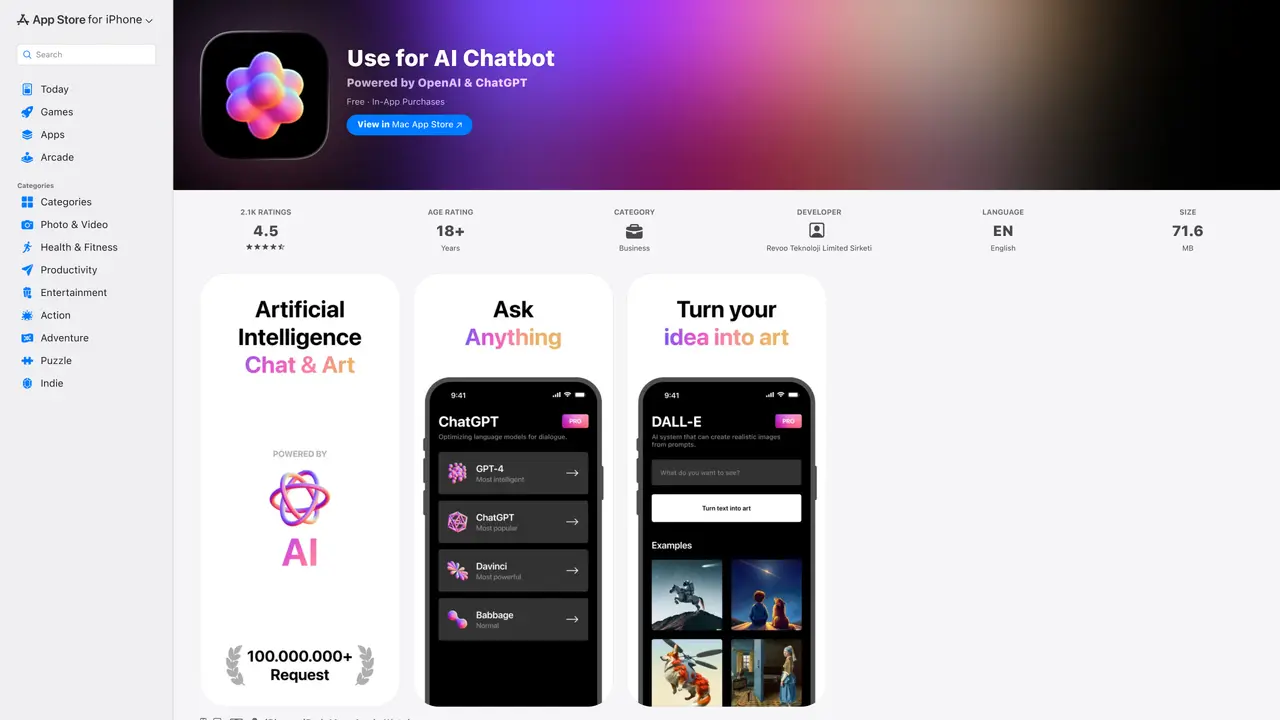
Use for AI Chatbot is an innovative iOS and Mac application designed to give users an interactive experience with an artificially intelligent chatbot. With this user-friendly application, users can converse with the chatbot by typing or speaking to it. The chatbot is capable of responding to questions, giving feedback and offering suggestions, providing a more interactive and engaging experience. For users who want a more personalized experience, Use for AI Chatbot can be tailored to match their specific needs. It can be used to answer customer service queries, generate leads and provide personalized product recommendations. Additionally, the application has an intuitive interface that is easy to learn and use, making it ideal for both experienced and novice users alike. For those who want to take advantage of the latest in artificial intelligence technology, Use for AI Chatbot is the perfect solution. It offers a unique, interactive experience that is both informative and entertaining.
Apple Inc.
Cupertino, United States · Founded 1976
OpenAI for Desktop is an iOS, Mac, and Apple Watch application that provides an AI-powered chatbot and art generator. It uses OpenAI’s GPT-3.5 API to enable natural language conversations and generate original artwork based on user input or uploaded images.
The app is designed for users seeking an interactive and creative AI experience, including casual conversation, content generation, and personalized art creation. It appeals to both novice and experienced users looking for an intuitive interface.
The app is listed as free to download but includes in-app purchases for additional features or subscriptions. It also offers a one-time purchase option for extended access.
The app is available on iPhone, iPad, Mac, and Apple Watch, ensuring cross-device compatibility for users.
Users have reported server load issues causing delays or temporary unavailability. Some features, such as hiding certain AI app categories, are not customizable.
Download the app from the App Store, create an account if required, and start interacting with the AI chatbot or generating art. Subscription or purchase may be needed for full access.
We use essential cookies to run aitoolnavio™, and optional cookies to analyze traffic and measure our marketing. You choose what we use — optional cookies stay off unless you turn them on. See our Privacy Policy.
One short email a week: fresh tools worth trying, honest takes and the updates that actually matter. No spam, unsubscribe any time.
Discover personalized fashion, receive expert advice, and enjoy convenient shopping with free shipping and returns.
Personal assistant that coordinates tasks across apps and devices via text or call
Quickly narrow searches by category, control results by country or language, and find relevant, accurate results with ease.
Optimizes schedules by auto-organizing tasks and meetings.
AI assistant that drafts, reviews, and researches legal documents for lawyers and law firms.
Real-time task tracking, project management, collaboration, and task assignment.
An AI voice assistant that delivers emotionally intelligent, context-aware conversations with natural timing and personal engagement.
Identify technologies, analyze data, and refine search criteria with AI-powered tools for patent research and trend analysis.
Automate audio and video transcription, timestamps, speaker labels, diarization, and export with customizations.
An AI chat platform for immersive, personalized interactions with virtual companions, including image generation.
Customer relations assistant in Gmail
AI-driven app personalizing adaptive workouts for continuous improvement.
Matched on what this tool does — grouped by the job you would be replacing.
matches Answer customer service queries · Generate leads · Provide personalized product recommendations
Automate customer conversations, integrate with customer service tools, and track satisfaction with advanced analytics.
Automate customer service inquiries, analyze customer data for patterns, and streamline workflows.
Automate appointment scheduling, answer questions, and provide tailored responses using natural language processing.
matches Interact with the chatbot via speaking or typing · Tailor the chatbot to match user needs · Intuitive interface for experienced and novice users
AI chatbot for conversation, work, research, coding, and content creation.
An AI chat platform for roleplaying, storytelling, and learning by chatting with millions of user-created AI characters.
A chatbot app for personalized conversations and on-demand assistance with tasks like travel planning, math, and writing.
Automate tasks, book flights, order groceries, and get information quickly with SiriGPT's natural language conversations.