AI-powered website builder that generates a professional site in under a minute and includes tools for content, SEO, and analytics.
52M visits/mo+0.7%#4 Coding & Development

Easily get accurate coding answers with a user-friendly command line interface at $0.02 per 1K tokens.
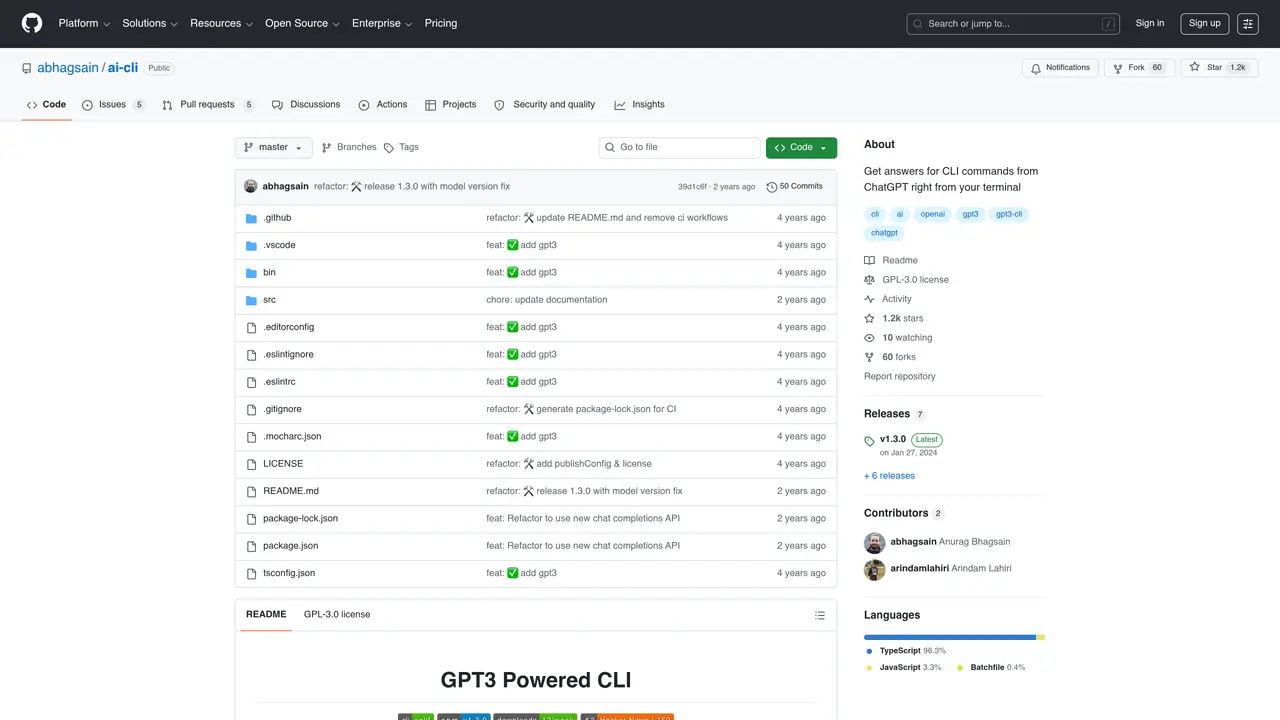
AI CLI is an open-source code assistant powered by GPT-3 technology. It’s a powerful way to quickly get answers to coding questions and boost your productivity. With AI CLI, you can ask complex coding questions and get accurate, detailed answers in just a few seconds. Plus, its user-friendly command line interface makes it easy to navigate, even for beginners.ai CLI is highly scalable and cost-effective. You can get prompt responses at just $0.02 for 1K tokens, making it a cost-efficient way to get the answers you need. Plus, its fine-tuning capabilities mean you can get even better results with time.ai CLI is the perfect code assistant for software developers, engineers, and coders of all levels. It’s designed to be user-friendly, reliable, and fast, so you can get the answers you need quickly and easily.
GitHub, Inc.
San Francisco, California, US · Founded 2008
AI CLI is an open-source command-line tool that integrates ChatGPT directly into the terminal, allowing users to ask coding or system-related questions and receive answers without leaving the command line.
AI CLI is designed for software developers, engineers, and coders of all levels who want to quickly get answers to coding questions or CLI-related queries while working in the terminal.
Install AI CLI globally using npm, then authenticate with your OpenAI API key by running the ai auth command. After setup, you can start asking questions with the ai ask command.
Key commands include ai ask for asking questions, ai auth for managing API keys, ai model for changing the model preference, ai autocomplete for setting up shell autocomplete, and ai update for updating the CLI.
Yes, AI CLI includes an autocomplete feature that can be enabled by running ai autocomplete followed by your shell type (e.g., bash or zsh).
AI CLI uses OpenAI's GPT-3.5-turbo model, with pricing based on token usage. The cost is approximately $0.001 per 1K input tokens and $0.002 per 1K output tokens, resulting in a low per-command cost.
We use essential cookies to run aitoolnavio™, and optional cookies to analyze traffic and measure our marketing. You choose what we use — optional cookies stay off unless you turn them on. See our Privacy Policy.
One short email a week: fresh tools worth trying, honest takes and the updates that actually matter. No spam, unsubscribe any time.
AI-powered website builder that generates a professional site in under a minute and includes tools for content, SEO, and analytics.
AI-powered coding platform that uses agents to plan, write, and test software with real-time feedback and verifiable artifacts.
Automate code, research, and documents using agents.
AI-powered code assistant that generates, reviews, optimizes, and debugs code with natural language prompts and editor integrations.
AI assistant for safe, reliable productivity with code, collaboration, and integrations.
AI-powered IDE for autonomous coding tasks and agentic development workflows
Privacy-focused AI chatbot that generates uncensored text, code, images, and translations without storing conversations or requiring an account.
A free web-based AI chatbot and agent for writing, coding, research, and content creation with multilingual support.
Write & run code in 50+ languages, auto-complete with AI, and code faster with an intuitive interface.
An IDE that automates legacy-to-modern code migration using autonomous coding agents.
AI models that return typed decisions with calibrated confidence for software automation
Practice coding challenges, improve technical skills, get detailed explanations, compare performance with peers.
Matched on what this tool does — grouped by the job you would be replacing.
matches Open-source code assistant · Powered by GPT-3 technology · User-friendly command line interface
Unlock AI's potential with Replicate, a platform for running, fine-tuning, and deploying models easily and cost-effectively.
Streamlines React, Vue JS, and Tailwind CSS development with AI-powered code suggestions and automated unit test generation.
Local-first tool that prepares focused code context for any AI chat
Search code snippets, resolve errors, and get contextual suggestions for better coding.