AI-powered website builder that generates a professional site in under a minute and includes tools for content, SEO, and analytics.
52M visits/mo+0.7%#4 Coding & Development

AI pair programming tool that edits code directly in your local Git repository from the terminal.
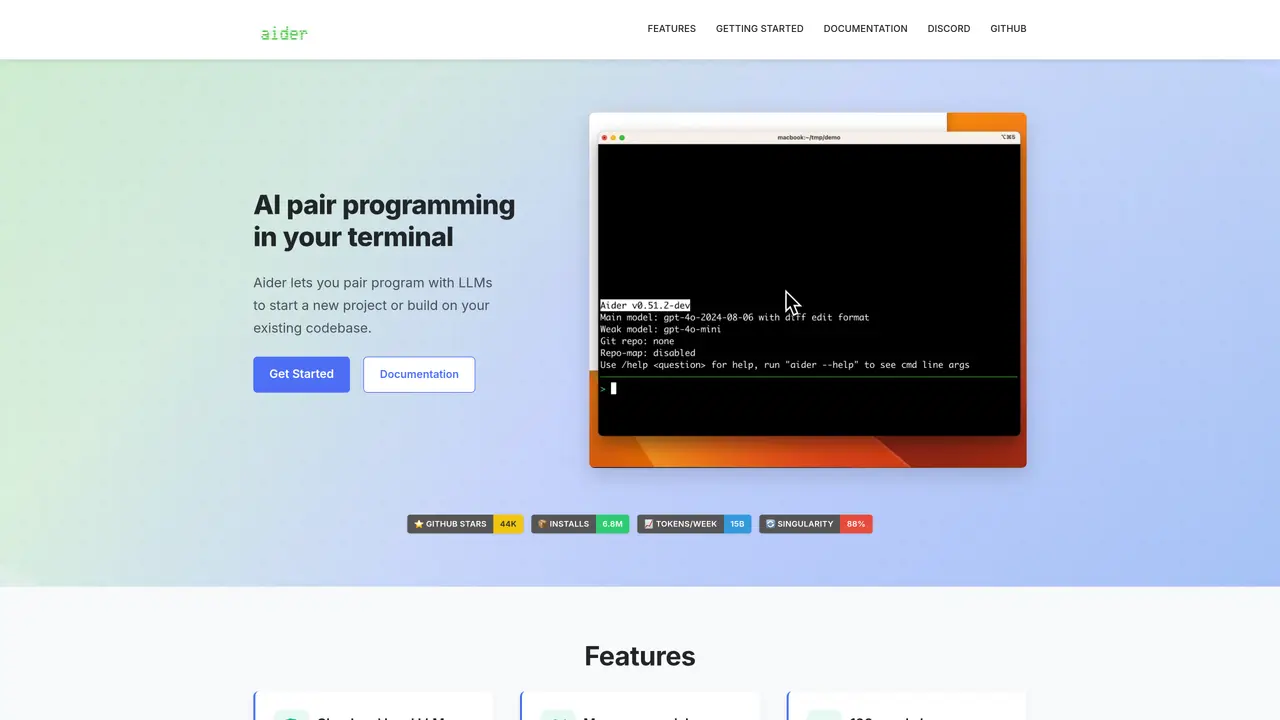
Aider is an AI pair programming tool designed to assist developers in editing code within their local Git repositories. It integrates with large language models such as GPT-4o and Claude 3.5 Sonnet, and can connect to almost any LLM. Users can start new projects or work on existing Git repositories, with support for a wide range of programming languages including Python, JavaScript, TypeScript, PHP, HTML, and CSS. The tool reduces context switching by keeping track of files in memory and automates commits and changes, streamlining the development workflow. Aider is particularly useful for software developers, coders, and programmers who prefer working in the terminal and want to leverage AI assistance for coding tasks. It supports code generation, auto-debugging, and refactoring, making it a versatile addition to the developer’s toolkit. The open-source nature of Aider allows for customization and community-driven improvements, though it may present scalability challenges in large projects and has a steep learning curve for CLI usage.
Aider Chat is an AI pair programming tool that operates in the terminal, enabling users to collaborate with large language models to edit code within local Git repositories. It supports starting new projects or working on existing codebases.
Aider Chat is designed for software developers, programmers, and coders who prefer working in the terminal and want to leverage AI assistance for coding tasks such as code generation, debugging, and refactoring.
Aider Chat connects to a wide range of LLMs, including cloud-based models like GPT-4o, Claude 3.7 Sonnet, and DeepSeek R1, as well as local models. Users can specify the model and API key during setup.
Yes, Aider Chat allows users to add images and web pages to the chat to provide visual context, such as screenshots or reference documents, which the AI can use to better understand the project.
Yes, Aider Chat includes voice-to-code capabilities, enabling users to verbally request new features, test cases, or bug fixes, which the AI can then implement in the codebase.
To get started, install Aider Chat using the provided command, navigate to your project directory, and run Aider with the desired model and API key. Detailed installation and usage guides are available in the documentation.
We use essential cookies to run aitoolnavio™, and optional cookies to analyze traffic and measure our marketing. You choose what we use — optional cookies stay off unless you turn them on. See our Privacy Policy.
One short email a week: fresh tools worth trying, honest takes and the updates that actually matter. No spam, unsubscribe any time.
AI-powered website builder that generates a professional site in under a minute and includes tools for content, SEO, and analytics.
AI-powered coding platform that uses agents to plan, write, and test software with real-time feedback and verifiable artifacts.
Automate code, research, and documents using agents.
AI-powered code assistant that generates, reviews, optimizes, and debugs code with natural language prompts and editor integrations.
AI assistant for safe, reliable productivity with code, collaboration, and integrations.
AI-powered IDE for autonomous coding tasks and agentic development workflows
Privacy-focused AI chatbot that generates uncensored text, code, images, and translations without storing conversations or requiring an account.
A free web-based AI chatbot and agent for writing, coding, research, and content creation with multilingual support.
Write & run code in 50+ languages, auto-complete with AI, and code faster with an intuitive interface.
An IDE that automates legacy-to-modern code migration using autonomous coding agents.
AI models that return typed decisions with calibrated confidence for software automation
Practice coding challenges, improve technical skills, get detailed explanations, compare performance with peers.
Matched on what this tool does — grouped by the job you would be replacing.
matches AI pair programming in the terminal · Works with local Git repositories · Automates commits and changes
Open-source VS Code extension that writes, fixes, and manages code from natural language prompts.
AI coding assistant that operates inside the terminal for end-to-end development tasks
AI coding assistant that writes, debugs, refactors, and automates code tasks using natural language in terminals, IDEs, or web interfaces.
CLI tool that filters repository files before sending to LLM APIs