
AI-powered website builder that generates a professional site in under a minute and includes tools for content, SEO, and analytics.
52M visits/mo+0.7%#4 Coding & Development
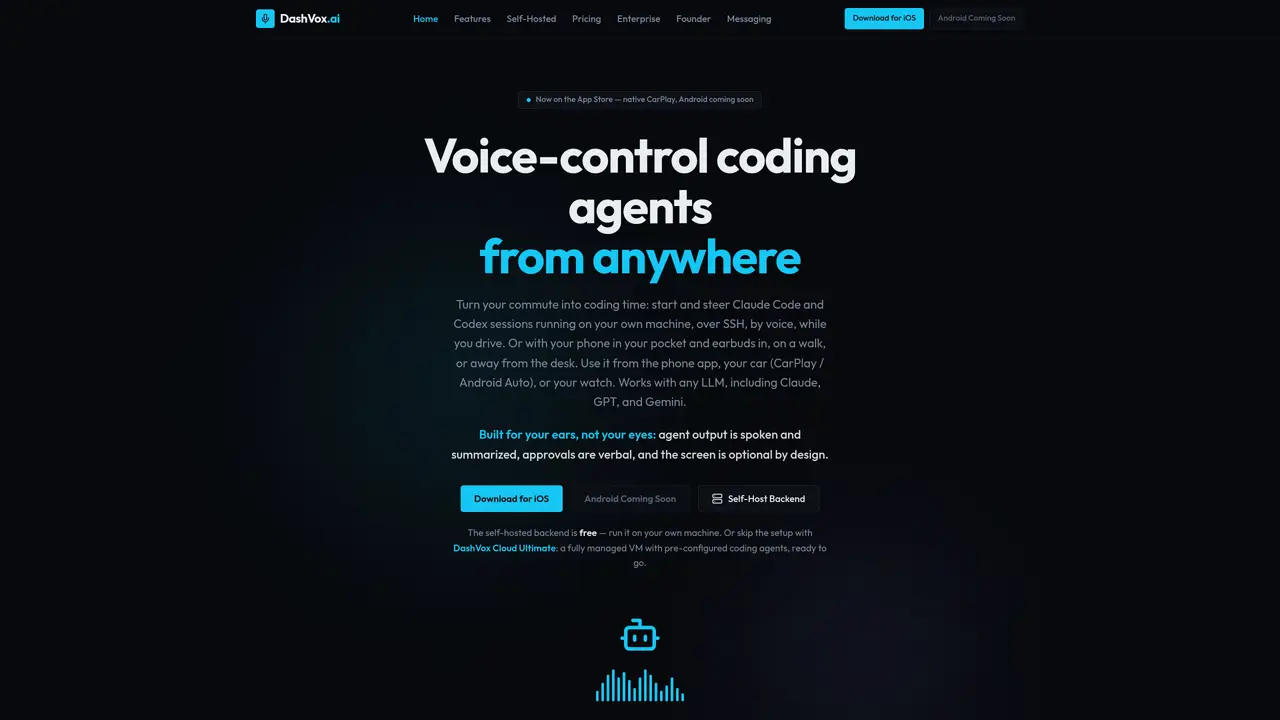
DashVox is a voice-first AI coding assistant for developers who rely on agentic tools like Claude Code or Codex. It connects phone, car, and wearables to a self-hosted backend over SSH, turning downtime in transit into hands-free coding, debugging, and research time. Key Features: Voice-first, multi-device access: Native iOS app with CarPlay and Apple Watch; Android Auto, Wear OS, and glasses support planned. Remote AI coding over SSH: Connects mobile clients to a Java backend so agents run on the user’s own machine. Agent Mode for multiple sessions: One controller agent can spin up frontend, backend, and test sessions, switching and approving work by voice. Web search plus smart connectivity: Built-in web search with spoken summaries, plus auto resume and idempotent messaging to handle weak networks. DashVox is unusual in how sharply it targets one scenario: driving or walking while steering AI coding agents on a private machine. Few assistants blend CarPlay, SSH control, and multi-session agent orchestration quite this specifically for engineers. Who is Using DashVox? Software Engineers and App Developers: Triggering agents, running tests, and reviewing diffs by voice away from desks. DevOps and SRE Teams: Checking deployments, logs, and pipelines through voice commands routed to remote agents. Engineering Managers and Tech Leads: Listening to summaries of builds, migrations, or incidents during commutes, then approving actions. Indie Hackers and Startup Founders: Letting voice-controlled agents keep side projects progressing on home servers or tiny VPS boxes.
DashVox is a voice-first AI coding assistant that lets users control coding agents like Claude Code or Codex over SSH using voice commands from mobile devices, cars, or wearables. The self-hosted backend runs on the user’s own machine, while a managed cloud option is also available.
The tool is designed for software engineers, DevOps teams, engineering managers, and indie hackers who want to code, debug, or research hands-free during commutes or other mobile scenarios.
Yes, DashVox works with any LLM, including Claude, GPT, and Gemini, and supports agentic tools like Claude Code or Codex running on the user’s machine.
No, DashVox connects directly to the user’s machine over SSH or to a managed VM, eliminating the need for a desktop to be left running or screen-shared.
The self-hosted backend keeps all data local with no account required. The cloud mode uses Firebase Auth for sign-in and stores SSH keys server-side with at-rest encryption planned.
DashVox is available on iOS with CarPlay and Apple Watch support, with Android Auto, Wear OS, and smart glasses (Ray-Ban Meta) support in development.
dashvox.ai · third-party estimates from Similarweb
Last 3 months · grows by one month every month
Coding & Development · Sep 2026
Traffic figures are third-party estimates, good for scale and trends; they can differ from a company's own numbers. Updated monthly.
We use essential cookies to run aitoolnavio™, and optional cookies to analyze traffic and measure our marketing. You choose what we use — optional cookies stay off unless you turn them on. See our Privacy Policy.
One short email a week: fresh tools worth trying, honest takes and the updates that actually matter. No spam, unsubscribe any time.
AI-powered website builder that generates a professional site in under a minute and includes tools for content, SEO, and analytics.
AI-powered coding platform that uses agents to plan, write, and test software with real-time feedback and verifiable artifacts.
Automate code, research, and documents using agents.
AI-powered code assistant that generates, reviews, optimizes, and debugs code with natural language prompts and editor integrations.
AI assistant for safe, reliable productivity with code, collaboration, and integrations.
AI-powered IDE for autonomous coding tasks and agentic development workflows
Privacy-focused AI chatbot that generates uncensored text, code, images, and translations without storing conversations or requiring an account.
A free web-based AI chatbot and agent for writing, coding, research, and content creation with multilingual support.
Write & run code in 50+ languages, auto-complete with AI, and code faster with an intuitive interface.
An IDE that automates legacy-to-modern code migration using autonomous coding agents.
AI models that return typed decisions with calibrated confidence for software automation
Practice coding challenges, improve technical skills, get detailed explanations, compare performance with peers.
Matched on what this tool does — grouped by the job you would be replacing.
matches Voice-first AI coding assistant · Remote AI coding over SSH · Agent Mode for multiple sessions
Rork turns app ideas into fully functional mobile apps for iOS, Android, and web in minutes using AI, no coding required.
iOS app that links an iPhone to a coding agent running locally via Tailscale
matches Built-in web search with spoken summaries
matches Multi-device access with CarPlay, Android Auto, and Wear OS support
Efficiently answer research queries, translate natural language to SQL, and utilize OpenAI WebGPT and larger language models.
Chat with many top models for everyday tasks.
AI companion app for spoken or written conversations to explore thoughts and ideas
AI coding assistant that adds autocomplete, chat, debugging, and file-editing agents in VS Code and JetBrains with BYOK model control.
Private cloud computer for AI agents to collaborate on coding and research tasks
Desktop application for running multiple AI agents locally on a computer