AI-powered website builder that generates a professional site in under a minute and includes tools for content, SEO, and analytics.
52M visits/mo+0.7%#4 Coding & Development

Open-source AI coding assistant that generates, debugs, and manages code directly in VS Code and JetBrains to save time and reduce errors.
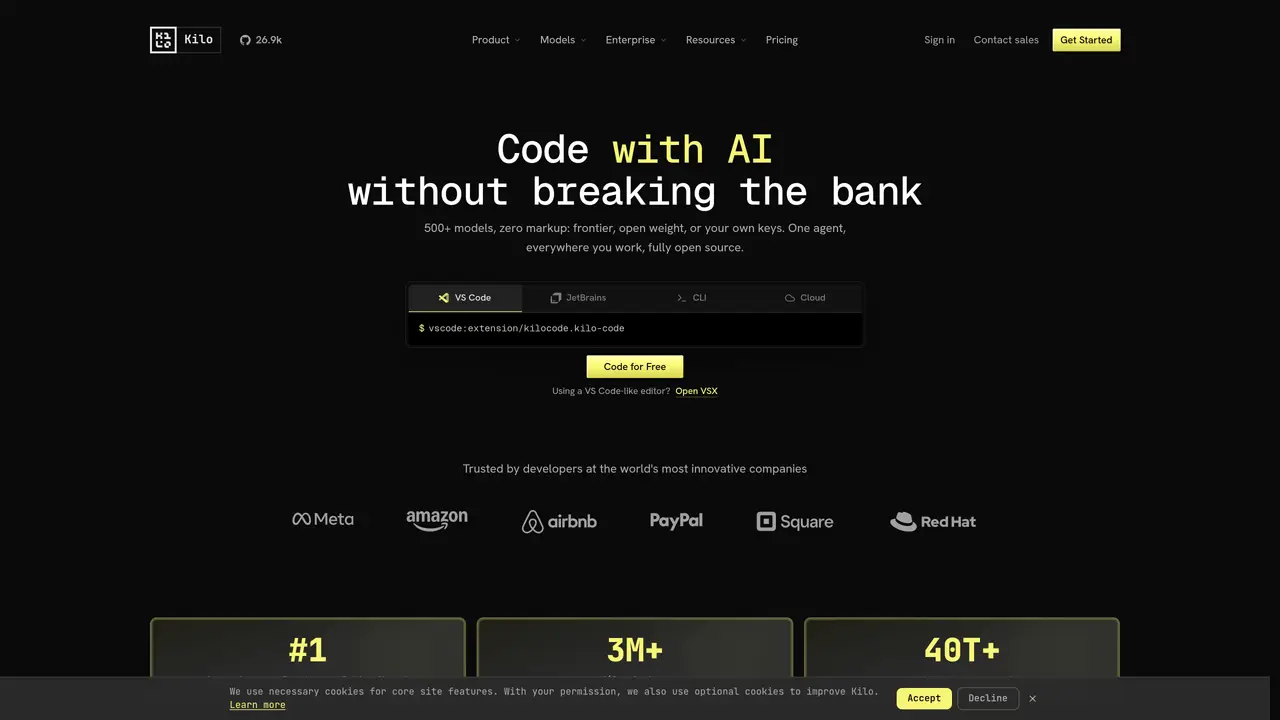
KiloCode is an open-source AI coding assistant designed to help developers write, manage, and debug code more efficiently. It integrates directly into popular code editors such as VS Code and JetBrains, enabling users to generate code from natural language prompts, automate repetitive coding tasks, and refactor existing code with minimal effort. The tool leverages multi-agent parallel execution to handle complex coding workflows, reducing manual work and accelerating development cycles. KiloCode also includes automatic error detection to catch issues early, helping maintain code quality and consistency across sessions. Its open-source nature ensures transparency and flexibility, allowing developers to customize and extend its functionality as needed. Suitable for programmers, DevOps engineers, and technical architects, KiloCode streamlines workflows for both individual contributors and teams working on large-scale projects. By reducing boilerplate and repetitive tasks, it enables developers to focus on higher-level problem-solving and innovation.
KiloCode is an open-source AI coding assistant that operates within IDEs, CLI, and cloud environments. It provides an agent-based system for writing, refactoring, debugging, and reviewing code using natural language prompts.
KiloCode offers a free tier with access to multiple models, including free and open-weight options. Users can also bring their own API keys for additional flexibility.
KiloCode integrates with VS Code, JetBrains IDEs (IntelliJ IDEA, PyCharm, WebStorm), CLI, cloud agents, Slack, and a dedicated code reviewer. It supports cross-platform workflows for both individual and team use.
KiloCode emphasizes transparency and control, allowing users to inspect prompts, context windows, and decisions via its open-source code. It supports local model execution and self-hosting for enhanced privacy.
KiloCode includes specialized agent modes such as Code Mode for writing and refactoring, Architect Mode for planning features, Debug Mode for error resolution, and Cloud Agents for remote workflows.
Yes, KiloCode supports team and enterprise use with features like parallel isolated worktrees, shared agent control, and enterprise-grade security options, including EU data residency.
kilocode.ai · third-party estimates from Similarweb
Last 4 months · grows by one month every month
Share of visits · estimated visits
Coding & Development · Sep 2026
Traffic figures are third-party estimates, good for scale and trends; they can differ from a company's own numbers. Updated monthly.
We use essential cookies to run aitoolnavio™, and optional cookies to analyze traffic and measure our marketing. You choose what we use — optional cookies stay off unless you turn them on. See our Privacy Policy.
One short email a week: fresh tools worth trying, honest takes and the updates that actually matter. No spam, unsubscribe any time.
AI-powered website builder that generates a professional site in under a minute and includes tools for content, SEO, and analytics.
AI-powered coding platform that uses agents to plan, write, and test software with real-time feedback and verifiable artifacts.
Automate code, research, and documents using agents.
AI-powered code assistant that generates, reviews, optimizes, and debugs code with natural language prompts and editor integrations.
AI assistant for safe, reliable productivity with code, collaboration, and integrations.
AI-powered IDE for autonomous coding tasks and agentic development workflows
Privacy-focused AI chatbot that generates uncensored text, code, images, and translations without storing conversations or requiring an account.
A free web-based AI chatbot and agent for writing, coding, research, and content creation with multilingual support.
Write & run code in 50+ languages, auto-complete with AI, and code faster with an intuitive interface.
An IDE that automates legacy-to-modern code migration using autonomous coding agents.
AI models that return typed decisions with calibrated confidence for software automation
Practice coding challenges, improve technical skills, get detailed explanations, compare performance with peers.
Matched on what this tool does — grouped by the job you would be replacing.
matches Generates code from natural language prompts · Integrates with VS Code and JetBrains editors · Automates repetitive coding tasks
Open-source AI coding assistant that suggests completions, reviews code, and automates repetitive tasks for developers.
Open-source VS Code extension that writes, fixes, and manages code from natural language prompts.
AI coding assistant that writes, debugs, refactors, and automates code tasks using natural language in terminals, IDEs, or web interfaces.
VS Code extension that turns the editor into an AI-powered programming assistant for coding, debugging, and project management.