
Cloud platform for web scraping, browser automation, and AI data extraction with 20,000+ pre-built tools and scalable cloud runs.
4M visits/mo-5%#13 Automation & Agents

Automate data extraction, identify valuable information, and analyze data for insights.
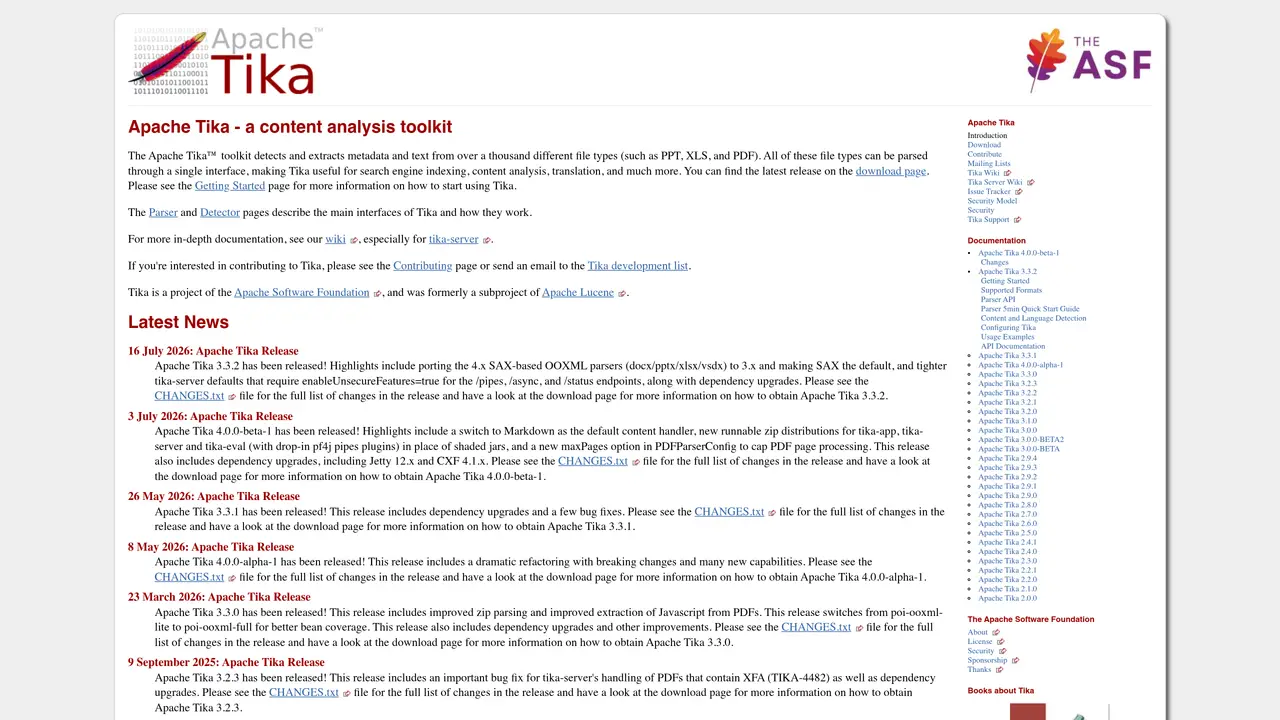
Apache Tika is an open source content analysis toolkit that helps users extract information from various file formats. It is designed to be a highly efficient and effective way to make sense of large amounts of data. With Apache Tika, users can easily identify and retrieve valuable information from files like PDFs, Microsoft Office documents, and more. The toolkit is simple to use, yet powerful enough to handle complex file types and extract text, metadata, and images. It is also effective in extracting text from audio and video files. Apache Tika is a great choice for businesses and individuals looking to quickly and accurately analyze data and gain insights. It is a reliable and trusted solution that is both secure and efficient, making it a popular choice among users. With Apache Tika, users can quickly and easily extract information from a wide range of file types, saving time and effort in the process.
Apache Tika is an open-source content analysis toolkit that detects and extracts metadata and text from over a thousand different file types, including PDFs, Microsoft Office documents, and more. It provides a single interface to parse diverse file formats for tasks like search engine indexing and content analysis.
Apache Tika is suitable for developers, data analysts, and organizations that need to process and extract information from a wide variety of file formats. It is particularly useful for applications requiring automated content analysis, such as search engines, document management systems, and data pipelines.
Apache Tika uses a modular architecture with Parser and Detector interfaces to identify file types and extract content. It can be integrated into applications via libraries or run as a server for remote processing. The toolkit supports both text and metadata extraction, including from complex formats like PDFs and Office documents.
Apache Tika supports parsing over a thousand file types, extracts both text and metadata, and can handle embedded resources like images. It offers flexibility through library integration or server deployment, and includes configuration options for advanced use cases such as limiting PDF page processing.
Yes, Apache Tika can be integrated into various applications and workflows, including search engines, content management systems, and data processing pipelines. It is designed to work with standard Java libraries and can be extended via plugins for additional functionality.
To get started, download the latest release from the Apache Tika website and follow the instructions on the Getting Started page. The toolkit provides documentation, examples, and a wiki for in-depth guidance on configuration and usage.
We use essential cookies to run aitoolnavio™, and optional cookies to analyze traffic and measure our marketing. You choose what we use — optional cookies stay off unless you turn them on. See our Privacy Policy.
One short email a week: fresh tools worth trying, honest takes and the updates that actually matter. No spam, unsubscribe any time.
Cloud platform for web scraping, browser automation, and AI data extraction with 20,000+ pre-built tools and scalable cloud runs.
AI web crawler that extracts clean web data into JSON or markdown for developers and marketers.
Labelbox is an enterprise-grade data labeling platform designed to help organizations create, manage, and deploy AI applications.
Real-time AI search and crawling API for developers and AI teams to extract and summarize web data for agents and research workflows.
Enterprise-grade proxy networks, web scrapers, and ready-to-use datasets for reliable web data collection.
Map, analyze, and visualize geospatial data effortlessly while securely tracking real-time locations.
Open-source analytics platform to build interactive dashboards, automate data prep, and enforce enterprise-grade security.
Converts scanned documents and images into editable, searchable formats with AI-powered OCR and data extraction.
Open-source AI document parser that converts PDFs, images, and documents into structured Markdown or JSON for AI workflows.
Streamlines AI data retrieval for efficient processing.
Automate data extraction, capture data from images and text, streamline data entry processes with easy-to-use tools and APIs.
Web scraping and data extraction API that simplifies gathering data from websites with features like JavaScript rendering and geotargeting.
Matched on what this tool does — grouped by the job you would be replacing.
matches Automate data extraction from multiple file types · Easily identify valuable information from documents · Quickly and accurately analyze data to gain insights
Summarizes, extracts, and rewrites content from files.
Open-source AI document parser that converts PDFs, images, and documents into structured Markdown or JSON for AI workflows.
Automate data collection, extract and convert it into readable formats, and analyze trends and insights.
Open-source document parsing library that converts PDFs, DOCX, PPTX, EPUB, and more into structured data for generative AI workflows.
matches Identify valuable information from documents · Quickly and accurately analyze data to gain insights
Identify patterns, extract insights, make informed business decisions using AI-driven technology.
Efficiently tokenize text, extract named entities and sentiments, and uncover patterns for informed decision-making.
Create data processing applications, generate predictive models, and handle high-volume data collection and analytics.