
Open-source platform combining product analytics, session replay, A/B testing, and feature flags in one toolkit for product engineers.

QApilot MCP
0Popularity
About QApilot MCP
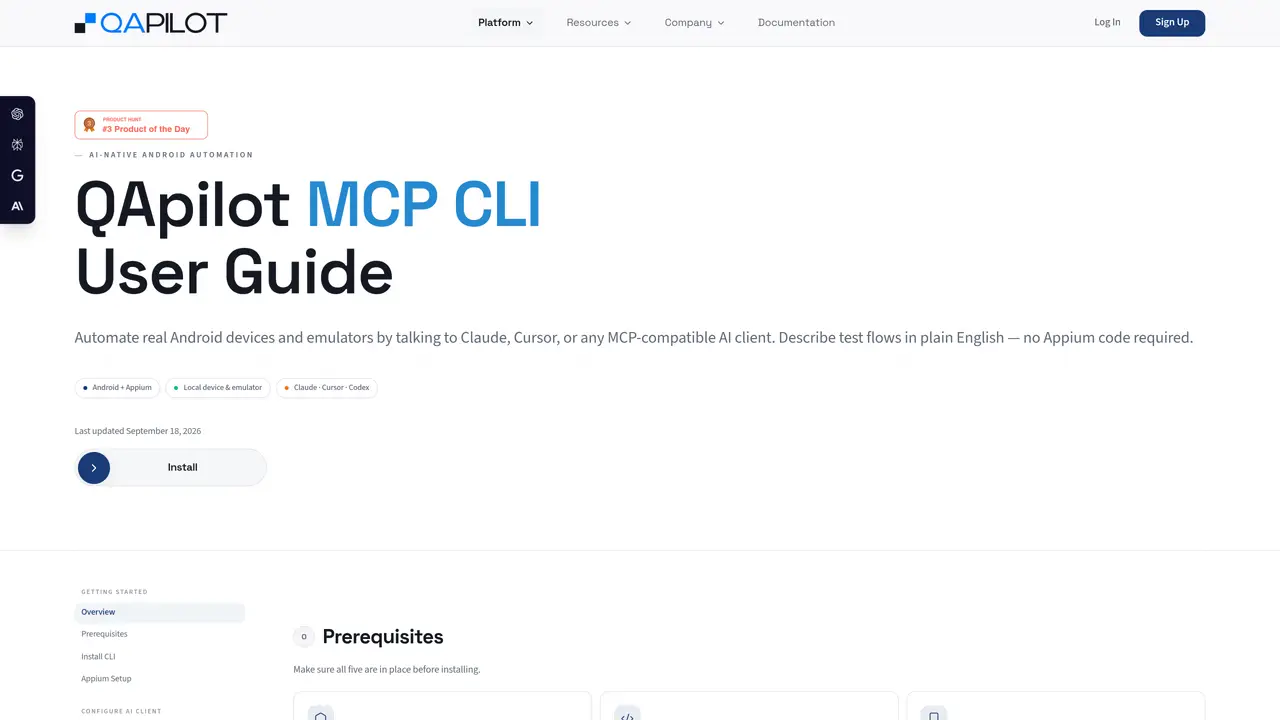
QApilot MCP is an Android automation platform that enables AI clients such as Claude, Cursor, or Codex to control real Android devices and emulators through the Model Context Protocol. Users describe test flows in plain English without writing Appium code, and the system translates these instructions into automated steps executed on the target device. The tool supports both local USB-connected devices and Android emulators, requiring Appium 2.19.0 and Java JDK 11+ as prerequisites. After installation via npm, users configure their AI client to connect to the QApilot MCP server, register an account, and create projects to organize test cases. Test flows can be recorded in real time with live preview in a browser, where each step is executed and verified on the device. Recorded steps can be saved as reusable test cases for future execution, either individually, in batches, or imported from Excel sheets. Each session generates detailed reports including step results, screenshots, errors, and timing metrics.
Key features
- Plain-English test flow description
- Real-time device control via AI client
- Live preview of test execution
- Automatic step recording and acceptance
- Batch and Excel-based test execution
- Detailed session reports with screenshots
- Model Context Protocol integration
- Project-based test case organization
Use cases
- Automating regression test suites for Android applications
- Recording and replaying user flows for quality assurance
- Generating test reports for CI/CD pipelines
Pros
- Converts plain-English instructions into executable test flows without Appium code
- Supports real Android devices and emulators via USB or AVD
- Provides live preview of test execution in a browser
- Generates detailed reports with screenshots and timing metrics
- Allows batch execution and Excel import for test cases
Cons
- Requires specific software versions (Appium 2.19.0, Java JDK 11+, Node.js 18+)
- No free tier or open-source version mentioned
- Limited to Android platform only
- Registration and login required before use
Frequently asked questions about QApilot MCP
What is QApilot MCP and what does it do?
QApilot MCP is an Android automation platform that allows AI clients like Claude, Cursor, or Codex to control real Android devices and emulators through the Model Context Protocol. It enables users to describe test flows in plain English, which the system translates into automated steps executed on the target device without requiring Appium code.
Who is QApilot MCP designed for?
QApilot MCP is designed for developers, testers, and teams working with Android applications who want to automate testing or interactions using AI-driven natural language instructions. It suits both individual users and organizations managing multiple test cases.
What are the prerequisites for using QApilot MCP?
QApilot MCP requires Node.js 18+, Java JDK 11+, Android SDK with ADB, a USB-connected Android device or emulator, and Appium 2.19.0 with the UiAutomator2 driver installed. These components must be set up before installation and configuration.
How do I get started with QApilot MCP?
To get started, install the QApilot MCP CLI globally via npm, set up Appium with the specified version and driver, configure your AI client to connect to the QApilot MCP server, register an account, and create a project. Then, launch your app and begin recording or executing test flows.
Can QApilot MCP integrate with AI clients like Claude or Cursor?
Yes, QApilot MCP connects via the Model Context Protocol, allowing AI clients such as Claude Desktop, Cursor, or Codex to interact with it. Users configure their AI client by adding a specific MCP server block to their settings, enabling seamless integration.
What kind of reports does QApilot MCP generate?
QApilot MCP generates detailed reports after each session, including step results, screenshots, errors, and timing metrics. These reports help users verify test outcomes and identify issues during automation.