Create detailed 3D models instantly from text.
15M visits/mo+9.6%#8 Image & Design

Capture and export detailed 3D models of any size or shape with ease and accuracy.
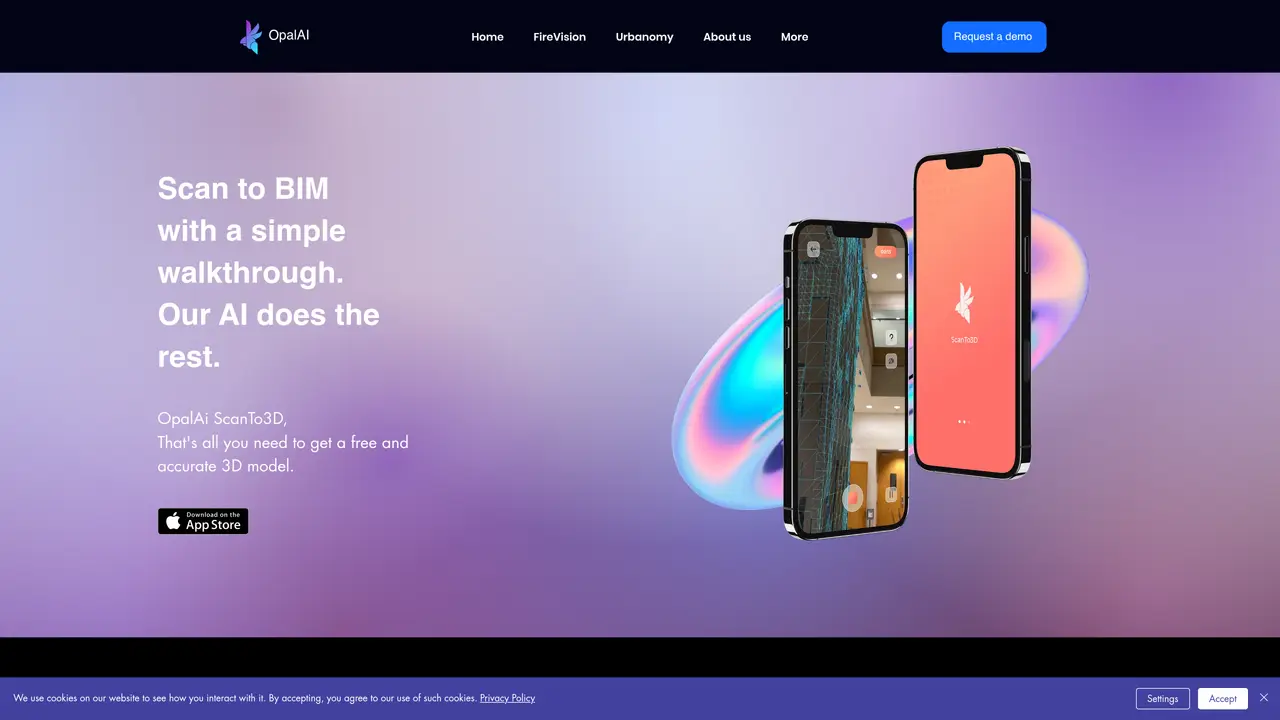
OpalAi ScanTo3D is a 3D scanning software designed to transform physical objects into high-quality digital 3D models efficiently. The tool enables users to capture detailed scans of objects ranging from small items to large structures using a straightforward process. It supports multiple capture methods, including handheld scanning and turntable setups, to accommodate different object sizes and complexities. The software integrates seamlessly with 3D printing workflows, CAD applications, and other digital design tools by offering export options in widely used file formats. OpalAi ScanTo3D emphasizes accuracy and speed, allowing users to generate precise models without requiring extensive technical expertise. It is particularly suited for professionals in fields such as product design, reverse engineering, and digital archiving. The platform also provides tools for refining and optimizing scans, ensuring the resulting models meet professional standards. Additionally, it supports collaboration by enabling users to share and review 3D models within teams or with clients.
OpalAi ScanTo3D is a 3D scanning application designed to capture detailed 3D models of physical objects using a smartphone or tablet. It enables users to create accurate digital representations of objects in various shapes and sizes for further use in 3D printing, CAD, or other applications.
The tool is suitable for professionals and hobbyists alike, including designers, engineers, manufacturers, and educators who need to digitize physical objects quickly and accurately for prototyping, documentation, or educational purposes.
The app uses the device's camera to capture multiple images of an object from different angles. It then processes these images to generate a high-resolution 3D model, which can be exported in standard file formats for further use.
The software supports exporting 3D models in common file formats such as STL, OBJ, and PLY, making it compatible with most 3D printing and CAD software.
Yes, the app is designed to handle objects of varying sizes, from small items to larger objects, provided they can be captured within the device's camera range and field of view.
ScanTo3D is currently available as an iOS app, optimized for use on iPhones and iPads, and requires a compatible device with a camera for scanning.
We use essential cookies to run aitoolnavio™, and optional cookies to analyze traffic and measure our marketing. You choose what we use — optional cookies stay off unless you turn them on. See our Privacy Policy.
One short email a week: fresh tools worth trying, honest takes and the updates that actually matter. No spam, unsubscribe any time.
Create detailed 3D models instantly from text.
Meshy turns text prompts or images into fully textured 3D models in minutes.
Effortlessly generate realistic 3D models with AI.
Create precise 3D models, collaborate on designs, and analyze simulations in real-time.
Create realistic 3D environments, customize 3D creations, and generate high-resolution visuals using AI-driven technology.
Generate lifelike 3D visuals, transform 2D media, and capture intricate details for video production, games, and animations.
API-first platform for integrating image, video, and 3D generative AI models into applications with fast inference and pay-as-you-go pricing.
An AI design agent that turns natural language prompts into logos, social graphics, videos, 3D assets, and web pages in a single web canvas.
Turn hand-drawn sketches into editable 3D models and photorealistic images with AI.
AI-powered 3D editor that lets users create, edit, and animate 3D models using simple text prompts.
A web-based AI toolkit that converts text prompts or images into textured 3D models with exports to FBX, OBJ, GLB, and STL formats.
Build 3D models, optimize for real-time use, and generate within game engines using the Sloyd SDK.
Matched on what this tool does — grouped by the job you would be replacing.
matches Easily capture 3D images of any size or shape · Export 3D models to various file formats · Quickly and accurately capture detailed 3D models
Generate 3D models from 2D images, create detailed models for VR, and access advanced 3D rendering.
Turn smartphone scans into accurate 2D and 3D CAD floor plans and BIM models with AI-powered reconstruction software.