Create detailed 3D models instantly from text.
15M visits/mo+9.6%#8 Image & Design
Converts plain-English descriptions into print-ready 3D models in STL format
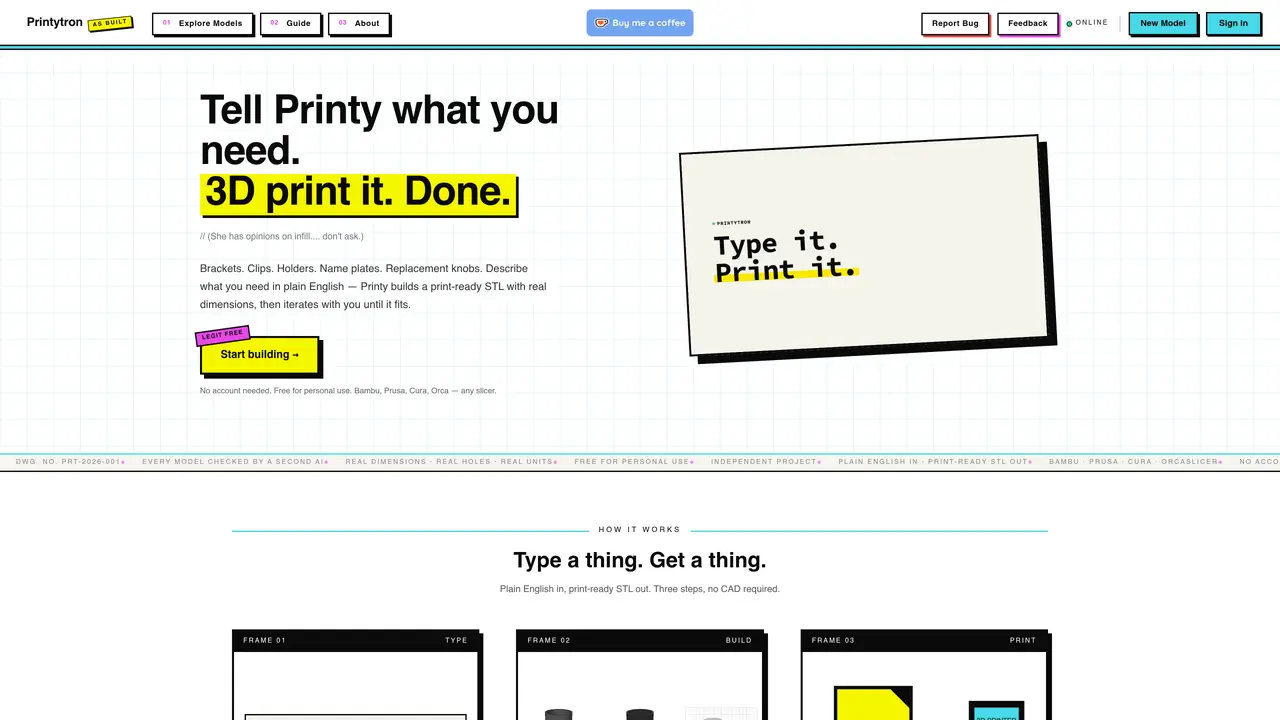
Printytron generates printable STL files from plain-English descriptions of parts such as brackets, clips, holders, name plates, or replacement knobs. Users describe the desired object in natural language, and the system produces a print-ready STL with real dimensions and units. The AI builds the model and performs a secondary check before delivery. No CAD experience is required, and the output can be sliced with common tools like Bambu, Prusa, Cura, or OrcaSlicer. The service operates as an independent project with no mandatory account creation, though users can sign in to save models. A public gallery showcases community-created models that can be remixed or downloaded directly.
Printytron is an AI tool that converts plain-English descriptions of 3D-printable parts into print-ready STL files. Users describe the desired object, and the AI builds, checks, and delivers a model with real dimensions and units, requiring no CAD experience.
Printytron suits functional makers, Etsy sellers, replacement-parts seekers, and reluctant CAD users who need quick, printable models without complex design software. It is ideal for creating brackets, clips, holders, nameplates, and replacement knobs.
No account is required to start using Printytron. Users can begin generating models immediately, though signing in allows saving progress and accessing additional features.
Printytron's STL files are compatible with common slicing tools such as Bambu, Prusa, Cura, and OrcaSlicer, enabling seamless preparation for 3D printing.
Yes, Printytron features a public gallery where users can explore, remix, and download community-created models directly, fostering collaboration and reuse.
Every model generated by Printytron undergoes a secondary check by a second AI to verify real dimensions, holes, and units before delivery, ensuring printability and precision.
printytron.com · third-party estimates from Similarweb
Last 2 months · grows by one month every month
Share of visits by channel
Share of visits · estimated visits
Image & Design · Sep 2026
Traffic figures are third-party estimates, good for scale and trends; they can differ from a company's own numbers. Updated monthly.
We use essential cookies to run aitoolnavio™, and optional cookies to analyze traffic and measure our marketing. You choose what we use — optional cookies stay off unless you turn them on. See our Privacy Policy.
One short email a week: fresh tools worth trying, honest takes and the updates that actually matter. No spam, unsubscribe any time.
Create detailed 3D models instantly from text.
Meshy turns text prompts or images into fully textured 3D models in minutes.
Effortlessly generate realistic 3D models with AI.
Create precise 3D models, collaborate on designs, and analyze simulations in real-time.
Create realistic 3D environments, customize 3D creations, and generate high-resolution visuals using AI-driven technology.
Generate lifelike 3D visuals, transform 2D media, and capture intricate details for video production, games, and animations.
API-first platform for integrating image, video, and 3D generative AI models into applications with fast inference and pay-as-you-go pricing.
An AI design agent that turns natural language prompts into logos, social graphics, videos, 3D assets, and web pages in a single web canvas.
Turn hand-drawn sketches into editable 3D models and photorealistic images with AI.
AI-powered 3D editor that lets users create, edit, and animate 3D models using simple text prompts.
A web-based AI toolkit that converts text prompts or images into textured 3D models with exports to FBX, OBJ, GLB, and STL formats.
Build 3D models, optimize for real-time use, and generate within game engines using the Sloyd SDK.
Matched on what this tool does — grouped by the job you would be replacing.
matches Plain-English to STL conversion · Real dimensions and units in output · Secondary AI model verification
AI web app that converts JPG, PNG, or WebP images into 3D meshes with STL, GLB, and OBJ exports for hobbyists and makers.
Convert text prompts or images into ready-to-print 3D models without prior modeling experience.
Turns text descriptions and reference images into parametric 3D CAD models with AI-generated geometry code and iterative verification.
AI-powered STL file generator from plain-language descriptions