Create detailed 3D models instantly from text.
15M visits/mo+9.6%#8 Image & Design

AI assistant integrated into Unity for generating 3D models and code via natural language
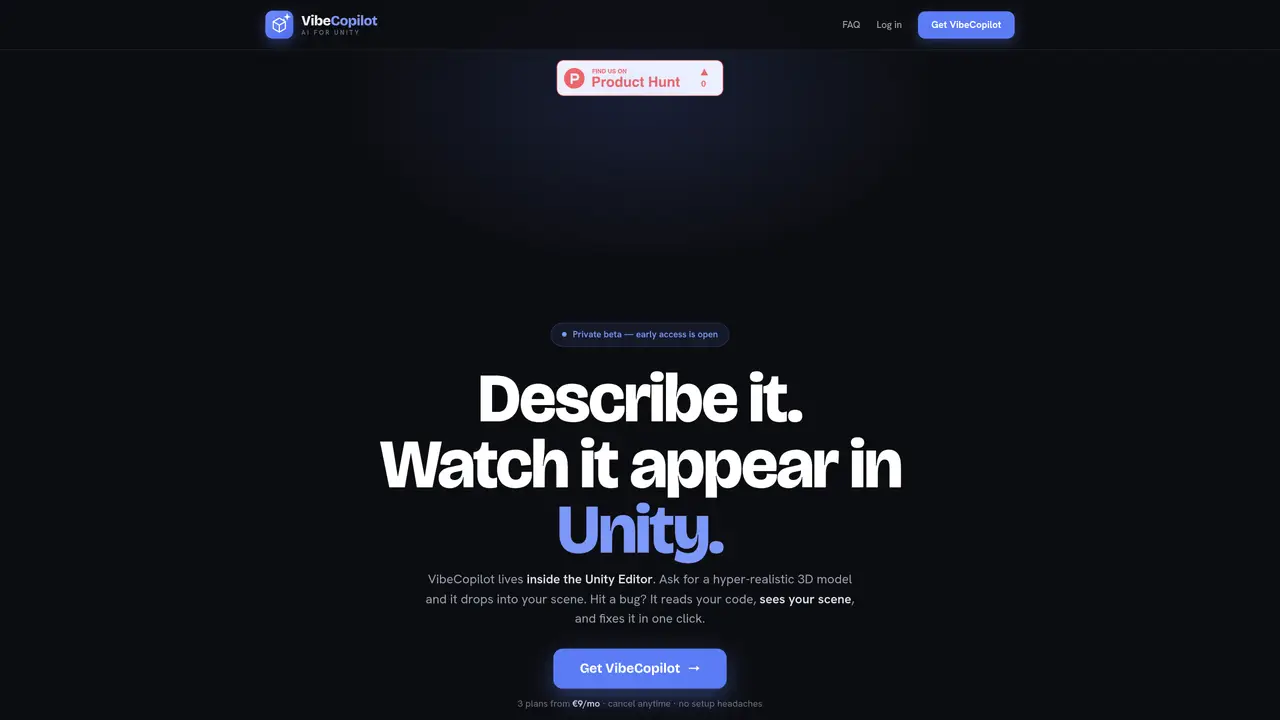
VibeCopilot operates as an AI assistant within the Unity Editor, allowing users to describe desired assets or behaviors in plain language. It can generate hyper-realistic 3D models from text prompts and automatically place them into the active scene. The tool also writes and integrates gameplay scripts based on user descriptions, such as adding movement controls to objects. When errors occur, it reads the error message, analyzes the code and scene context, and fixes issues with a single click. The system maintains awareness of the current scene, ensuring changes are applied to the correct elements rather than random objects. Users can iteratively refine their work by issuing new commands or requesting modifications to existing elements. The workflow requires no manual copy-pasting or external searches, relying instead on direct interaction with the Unity interface.
VibeCopilot is an AI assistant integrated directly into the Unity Editor that allows users to describe desired assets or behaviors in plain language. It generates hyper-realistic 3D models, writes gameplay scripts, and fixes errors by analyzing the scene and code context.
VibeCopilot is designed for Unity creators, including game developers, designers, and hobbyists who want to streamline workflows by using natural language commands to generate content and fix issues within the Unity Editor.
VibeCopilot offers multiple subscription plans starting from €9 per month, with options tailored for code and gameplay, combined AI and 3D generation, or dedicated 3D model creation. Plans can be canceled anytime and include a free trial period.
VibeCopilot operates entirely within the Unity Editor and does not require external integrations. It interacts directly with the Unity scene and codebase to apply changes and fixes.
Yes, VibeCopilot reads error messages, analyzes the code and scene context, and fixes issues with a single click, reducing the need to manually debug or search for solutions.
To get started, select a subscription plan on the VibeCopilot website, complete the checkout process, and follow the instructions to install and activate the tool within the Unity Editor. The setup is designed to be quick and requires no additional configuration.
We use essential cookies to run aitoolnavio™, and optional cookies to analyze traffic and measure our marketing. You choose what we use — optional cookies stay off unless you turn them on. See our Privacy Policy.
One short email a week: fresh tools worth trying, honest takes and the updates that actually matter. No spam, unsubscribe any time.
Create detailed 3D models instantly from text.
Meshy turns text prompts or images into fully textured 3D models in minutes.
Effortlessly generate realistic 3D models with AI.
Create precise 3D models, collaborate on designs, and analyze simulations in real-time.
Create realistic 3D environments, customize 3D creations, and generate high-resolution visuals using AI-driven technology.
Generate lifelike 3D visuals, transform 2D media, and capture intricate details for video production, games, and animations.
API-first platform for integrating image, video, and 3D generative AI models into applications with fast inference and pay-as-you-go pricing.
An AI design agent that turns natural language prompts into logos, social graphics, videos, 3D assets, and web pages in a single web canvas.
Turn hand-drawn sketches into editable 3D models and photorealistic images with AI.
AI-powered 3D editor that lets users create, edit, and animate 3D models using simple text prompts.
A web-based AI toolkit that converts text prompts or images into textured 3D models with exports to FBX, OBJ, GLB, and STL formats.
Build 3D models, optimize for real-time use, and generate within game engines using the Sloyd SDK.
Matched on what this tool does — grouped by the job you would be replacing.
matches Natural language scene and asset creation · Hyper-realistic 3D model generation · Automatic code generation for gameplay mechanics
Unreal Engine 5 plugin that adds AI assistance for C++, Blueprints, and level creation directly inside the editor.
Unity AI assistant that implements game features directly from prompts
Unity Muse integrates AI tools directly into the Unity Editor for game developers, offering coding assistance, asset generation, and model integration.
matches Automatic code generation for gameplay mechanics · One-click error correction
Collaboration and version control platform for software development and AI model hosting.
Open-source VS Code extension that writes, fixes, and manages code from natural language prompts.
Open-source AI coding assistant that generates, debugs, and manages code directly in VS Code and JetBrains to save time and reduce errors.
AI coding agent for Xcode that generates Swift code and fixes errors locally