

Unleash creativity: edit photos, videos, and designs with AI-enhanced tools.
16M visits/mo-11.4%#6 Image & Design
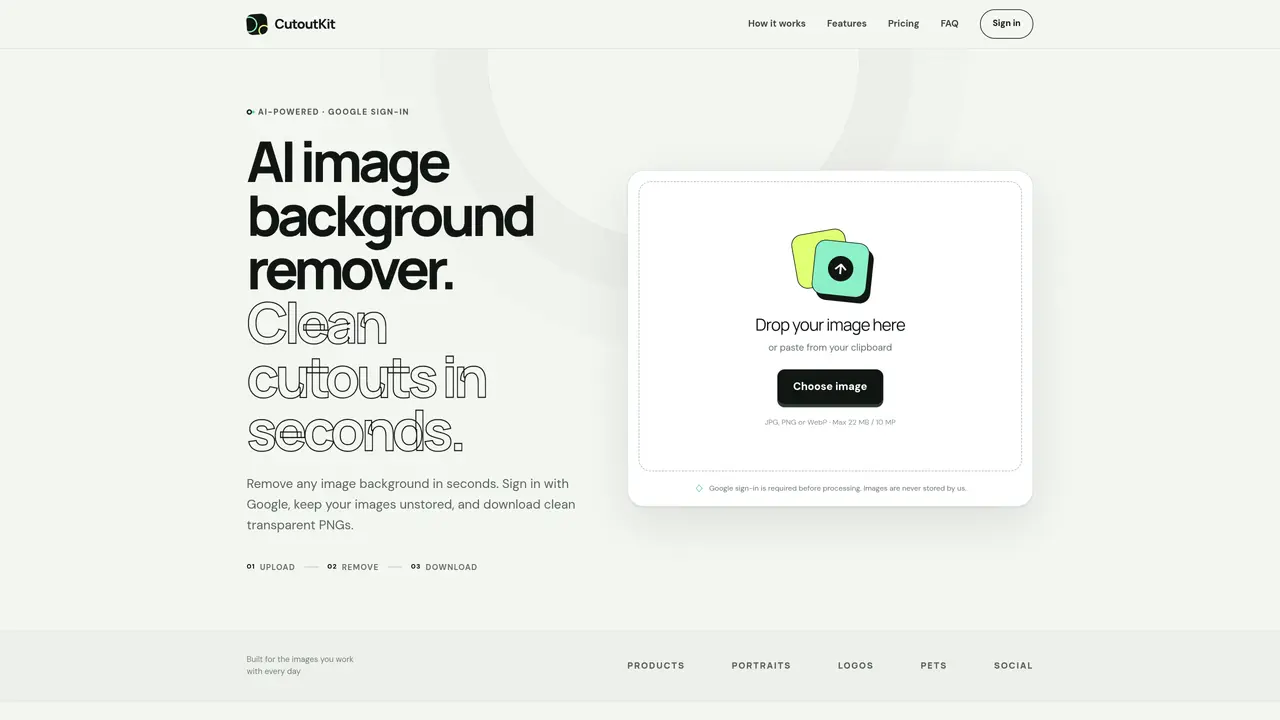
CutoutKit is an online service that removes backgrounds from images using artificial intelligence. Users upload JPG, PNG or WebP files up to 22 MB and 10 megapixels, and the system automatically separates subjects from their backgrounds without requiring manual selection tools. The processed result can be downloaded as a transparent PNG or with a solid-color background in white, black or any custom shade. Google sign-in is required before processing, and the company states that neither original nor processed images are stored. The tool offers focused workflows for products, portraits, transparent PNGs and white backgrounds, producing clean edges suitable for commercial use when permitted by the source image license. Processing is completed in seconds and credits are consumed per successful image, with free monthly resets and paid packs valid for 30 days without automatic renewal.
CutoutKit is an AI-powered online tool that removes backgrounds from images in seconds. Users upload JPG, PNG, or WebP files, and the system automatically separates subjects from backgrounds without manual tools. The result can be downloaded as a transparent PNG or with a solid-color background.
CutoutKit is designed for creators, sellers, photographers, and teams needing quick background removal for product photos, portraits, logos, pets, or social media content. It suits users who want clean cutouts without design skills or complex software.
CutoutKit offers a Free plan with 3 images per month, a Creator plan with 50 images for 30 days, and a Pro plan with 120 images for 30 days. Paid plans are one-time purchases with no automatic renewal, and credits expire after 30 days.
No. CutoutKit streams images directly to its processing provider and returns results to the user’s browser without saving either the original or processed files. Google sign-in is required before processing.
CutoutKit supports JPG, PNG, and WebP files up to 22 MB and 10 megapixels. Transparent PNG output is currently capped at 10 megapixels, with larger WebP exports planned for future updates.
Users are responsible for ensuring they have the rights to the uploaded images. The downloaded cutout can be used commercially only where the source image license permits. The tool itself does not grant commercial usage rights.
We use essential cookies to run aitoolnavio™, and optional cookies to analyze traffic and measure our marketing. You choose what we use — optional cookies stay off unless you turn them on. See our Privacy Policy.
One short email a week: fresh tools worth trying, honest takes and the updates that actually matter. No spam, unsubscribe any time.
Unleash creativity: edit photos, videos, and designs with AI-enhanced tools.
A drag-and-drop design platform for presentations and social graphics with AI photo tools and a large template library.
Create captivating, customizable presentations and easily share them across devices with a cloud-based platform.
Generate custom visuals for blogs, create unique social media images, and design eye-catching visuals for marketing campaigns.
Create stunning designs, edit photos, remove objects, make collages, and transform images with powerful AI tools and effects.
Create auto-resized campaign images and videos with DaVinci AI's generative media suite.
Create precise 3D models, collaborate on designs, and analyze simulations in real-time.
Cloudinary provides APIs and tools to integrate, manage, and optimize images and videos for AI-driven visual experiences.
Generate custom color palettes instantly with AI or from images for design projects.
Turn simple prompts into flyers, social posts, emails, event pages, and tickets using AI-powered design and marketing tools.
Generate high-quality images with flawless embedded text from text prompts, plus batch output and style control in a creative canvas.
Edit, transform, and enhance photos with text prompts using our free AI photo editor online.
Matched on what this tool does — grouped by the job you would be replacing.
matches AI-based background removal · Transparent PNG export · Solid-color background options
AI background removal tool offering a free web editor, mobile apps, and an API for automated cutouts and exports.
Free online AI tool that removes backgrounds from images instantly
Online tool that removes backgrounds from images and videos with simple drag-and-drop or paste actions.