Unleash creativity: edit photos, videos, and designs with AI-enhanced tools.
16M visits/mo-11.4%#6 Image & Design

Generate eye-catching thumbnails, customize with logos, text, and emojis, create stunning designs with templates in minutes.
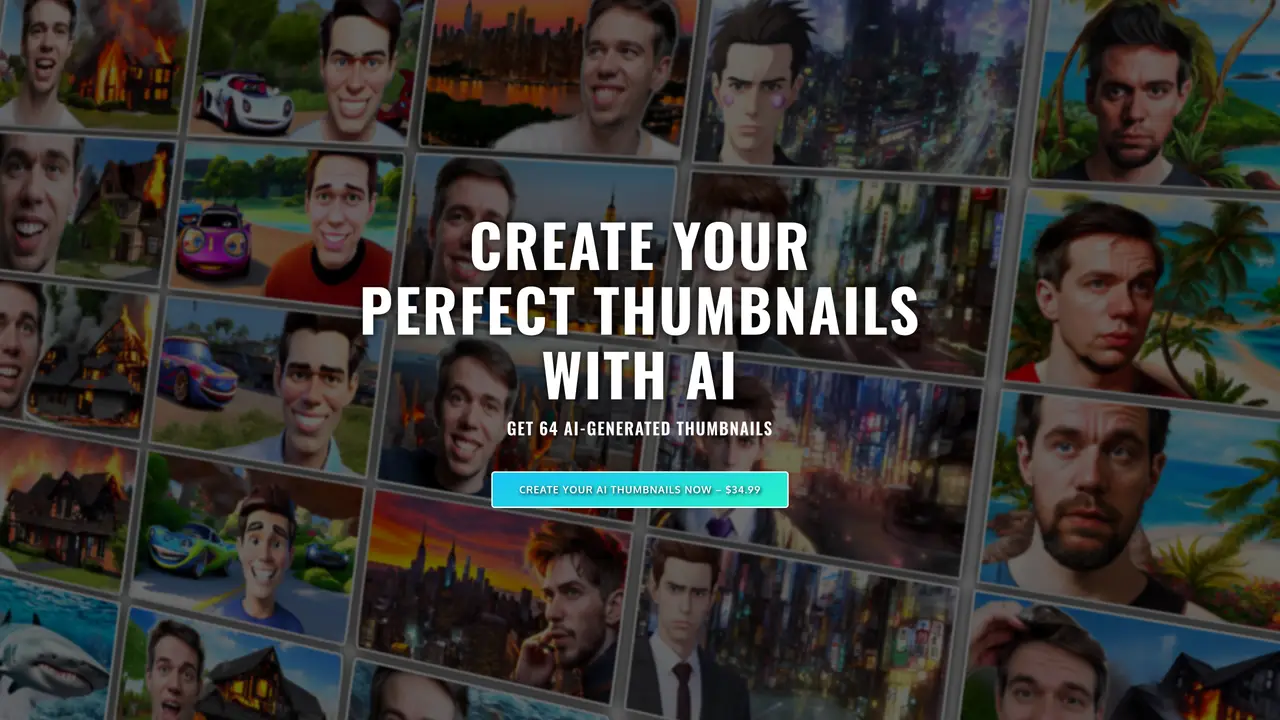
Thumbnail AI is a revolutionary tool that empowers users to create stunning, professional-looking thumbnails for their videos. This powerful software uses artificial intelligence and design automation to quickly generate eye-catching, attention-grabbing thumbnails that are sure to make any video stand out. With Thumbnail AI, users can easily customize their thumbnails, adding logos, text, and emojis to create unique designs that reflect the content of their videos. This powerful tool also offers a range of templates and design options, so users can create beautiful thumbnails that fit their brand and aesthetic. What’s more, Thumbnail AI’s intuitive user interface makes it easy to create stunning designs in minutes, so users can spend less time creating thumbnails and more time creating great content. With Thumbnail AI, you can easily produce professional-looking thumbnails that will help your videos stand out in the crowd.
You will receive a selection of 64 thumbnails generated by the AI. The service creates 16 different pictures of your face and, for each, produces 4 variations, resulting in a total of 64 unique thumbnail options.
The technology is still evolving, so not all thumbnails may be perfect. However, the service provides a large number of variations to ensure you can select at least one that suits your video.
Once your data is submitted, it typically takes a few hours to receive an email with your thumbnails, often within 60 minutes. It is recommended to check your spam folder as well.
You need to upload 14 high-quality photos of your head, ensuring variety in lighting, backgrounds, and facial expressions. Additionally, you should specify the styles you prefer and any additional elements you want included in the thumbnails.
Refunds are available for up to 14 days after purchase, provided you haven’t submitted your data yet. Once data is submitted, the AI training process begins, making refunds unavailable due to the high cost involved.
Thumbnail AI was created by Johannes, a German software engineer based in Japan who also runs a YouTube channel. The project was developed independently without corporate backing or data monetization intentions.
thumbnailai.net · third-party estimates from Similarweb
Last 2 months · grows by one month every month
Traffic figures are third-party estimates, good for scale and trends; they can differ from a company's own numbers. Updated monthly.
We use essential cookies to run aitoolnavio™, and optional cookies to analyze traffic and measure our marketing. You choose what we use — optional cookies stay off unless you turn them on. See our Privacy Policy.
One short email a week: fresh tools worth trying, honest takes and the updates that actually matter. No spam, unsubscribe any time.
Unleash creativity: edit photos, videos, and designs with AI-enhanced tools.
A drag-and-drop design platform for presentations and social graphics with AI photo tools and a large template library.
Create captivating, customizable presentations and easily share them across devices with a cloud-based platform.
Generate custom visuals for blogs, create unique social media images, and design eye-catching visuals for marketing campaigns.
Create stunning designs, edit photos, remove objects, make collages, and transform images with powerful AI tools and effects.
Create auto-resized campaign images and videos with DaVinci AI's generative media suite.
Create precise 3D models, collaborate on designs, and analyze simulations in real-time.
Cloudinary provides APIs and tools to integrate, manage, and optimize images and videos for AI-driven visual experiences.
Generate custom color palettes instantly with AI or from images for design projects.
Turn simple prompts into flyers, social posts, emails, event pages, and tickets using AI-powered design and marketing tools.
Generate high-quality images with flawless embedded text from text prompts, plus batch output and style control in a creative canvas.
Edit, transform, and enhance photos with text prompts using our free AI photo editor online.
Matched on what this tool does — grouped by the job you would be replacing.
matches Quickly generate eye-catching thumbnails with AI and design automation · Easily customize thumbnails with logos, text, and emojis · Create stunning designs with templates and design options in minutes
Easily generate stunning product photos, customize images with color, size, text, and create eye-catching visuals quickly.
Instantly generate and personalize eye-catching visuals for marketing campaigns using AI-powered templates.
Create stunning thumbnails with custom design templates, upload media, and utilize intuitive tools to quickly drive views.
Design stunning thumbnails, YouTube channel art, and AI-powered Facebook ads effortlessly.