

Remove image backgrounds instantly, save time with advanced AI, and create stunning images effortlessly.
54M visits/mo-8.6%#2 Image & Design
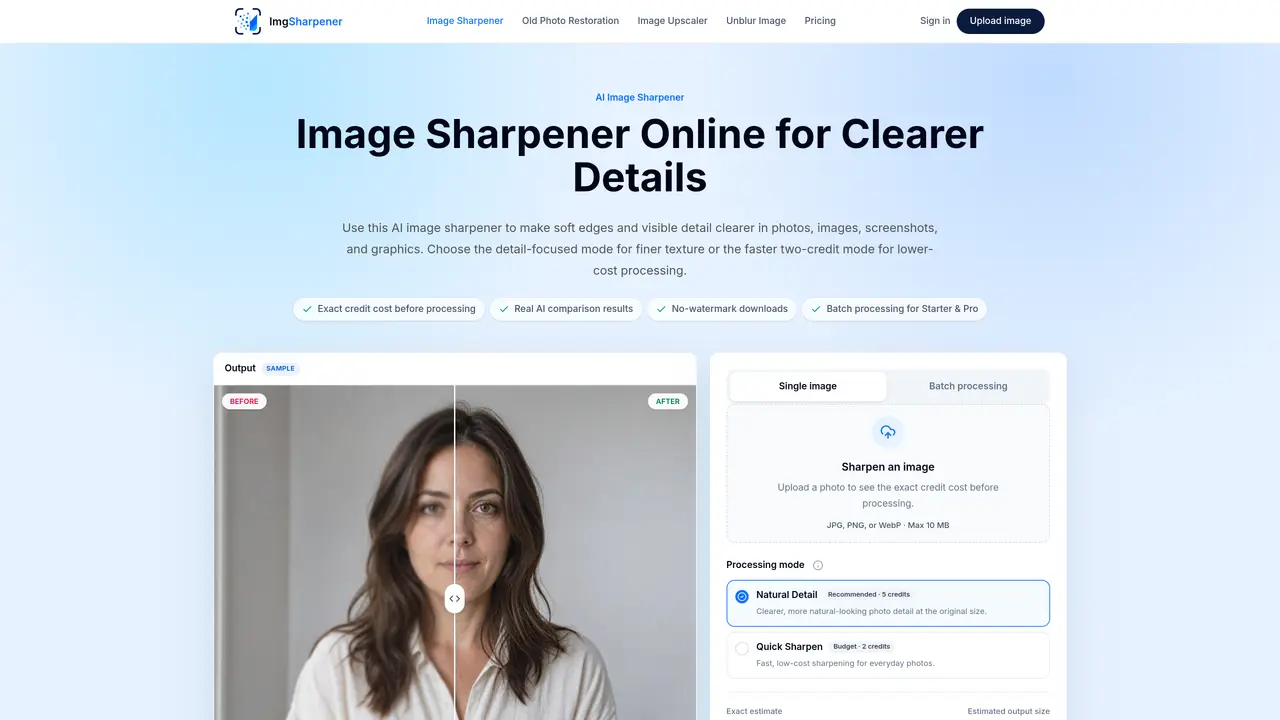
ImgSharpener is an online AI image sharpener designed to enhance soft edges and visible detail in photos, images, screenshots, and graphics. It offers two sharpening modes: Natural Detail for finer texture at higher credit cost, and Quick Sharpen for faster, lower-cost processing. The tool supports JPG, PNG, and WebP files up to 10 MB and provides real AI comparison results before download. Users can process single images or batches of up to 10 images on the Starter plan and 30 on Pro, with monthly credits applied across all tools. Outputs are delivered without watermarks and deleted from storage within 24 hours. The service also includes additional tools for old photo restoration, image upscaling, and unblurring, each with specific use cases. Processing is private, with uploads accessible only to the account holder and not used as public examples.
Upload a JPG, PNG, or WebP file up to 10 MB, then choose between Natural Detail mode for finer texture or Quick Sharpen mode for a faster two-credit result. The tool shows a real AI comparison before you download the sharpened image.
Use Natural Detail when texture fidelity matters, as it enhances finer details at a higher credit cost. Choose Quick Sharpen for a faster, lower-cost result when speed and price are priorities.
No, sharpening improves mild edge softness and visible detail without enlarging the image, while unblurring specifically targets mild blur correction. Each requires a different tool for optimal results.
No, sharpening does not increase resolution. It enhances existing detail and edges without changing the image dimensions or composition.
Yes, the tool strengthens softened edges in everyday or compressed images, including screenshots, to make text and details clearer without harsh artifacts.
Yes, batch processing is available with Starter supporting up to 10 images per batch and Pro supporting up to 30 images per batch, using the same settings for all.
We use essential cookies to run aitoolnavio™, and optional cookies to analyze traffic and measure our marketing. You choose what we use — optional cookies stay off unless you turn them on. See our Privacy Policy.
One short email a week: fresh tools worth trying, honest takes and the updates that actually matter. No spam, unsubscribe any time.
Remove image backgrounds instantly, save time with advanced AI, and create stunning images effortlessly.
AI platform for upscaling images, enhancing photos, and generating high-quality creative assets with contextual detail.
Remove backgrounds, adjust colors, add text, filters, and shapes with ease.
Unleash creativity: edit photos, videos, and designs with AI-enhanced tools.
Transform photos effortlessly with AI: edit, enhance, and remove backgrounds.
Web and mobile AI platform for generating, editing, and training custom visuals from prompts with community models and face-swap tools.
Convert raster images into scalable vector graphics within seconds.
Create stunning designs, edit photos, remove objects, make collages, and transform images with powerful AI tools and effects.
Create stunning visuals, access image recognition and processing, and express creatively with natural language processing.
Cloudinary provides APIs and tools to integrate, manage, and optimize images and videos for AI-driven visual experiences.
All-in-one AI suite for creators to automate workflows, edit media, and generate content across video, design, and productivity tools.
Identify stolen identities, uncover copyright infringements, and find unauthorized use of images with precision.
Matched on what this tool does — grouped by the job you would be replacing.
matches Natural Detail and Quick Sharpen modes · Batch processing for up to 10 or 30 images · Supports JPG, PNG, and WebP formats
Online AI tool that sharpens blurry photos, screenshots and old images
Browser-based AI tool to sharpen, upscale, and restore digital photos
AI-powered tool to depixelate, sharpen and upscale blurry or low-resolution images online
Online tool to reduce pixelation and compression artifacts in photos
matches Additional tools for old photo restoration, upscaling, and unblurring · Credit-based pricing with monthly or one-time options
Online AI tool that restores, colorizes and upscales faded or damaged photos automatically
One-click AI tool to upscale, unblur, denoise, colorize, and restore photos while preserving quality.
Online AI tool that restores faded, scratched or damaged old photographs