

Remove image backgrounds instantly, save time with advanced AI, and create stunning images effortlessly.
54M visits/mo-8.6%#2 Image & Design
FotoCopyCat is an AI-powered image editing tool that helps you create stunning visuals without the expensive cost of a professional photographer. Whether you’re looking to copy an existing photo, create a photoshoot, or train a new model, FotoCopyCat has you covered. The powerful AI technology automatically detects and selects the best elements from existing images, so you can create a unique look in minutes. You can also use the integrated machine learning tools to train models and create images in different styles. FotoCopyCat makes it easy to create beautiful visuals without the need for professional editing skills. You can use the powerful AI tools to make any image look like a professional photoshoot, and the results are sure to impress. Plus, with the easy-to-use tools and intuitive interface, you’ll be able to get started right away.
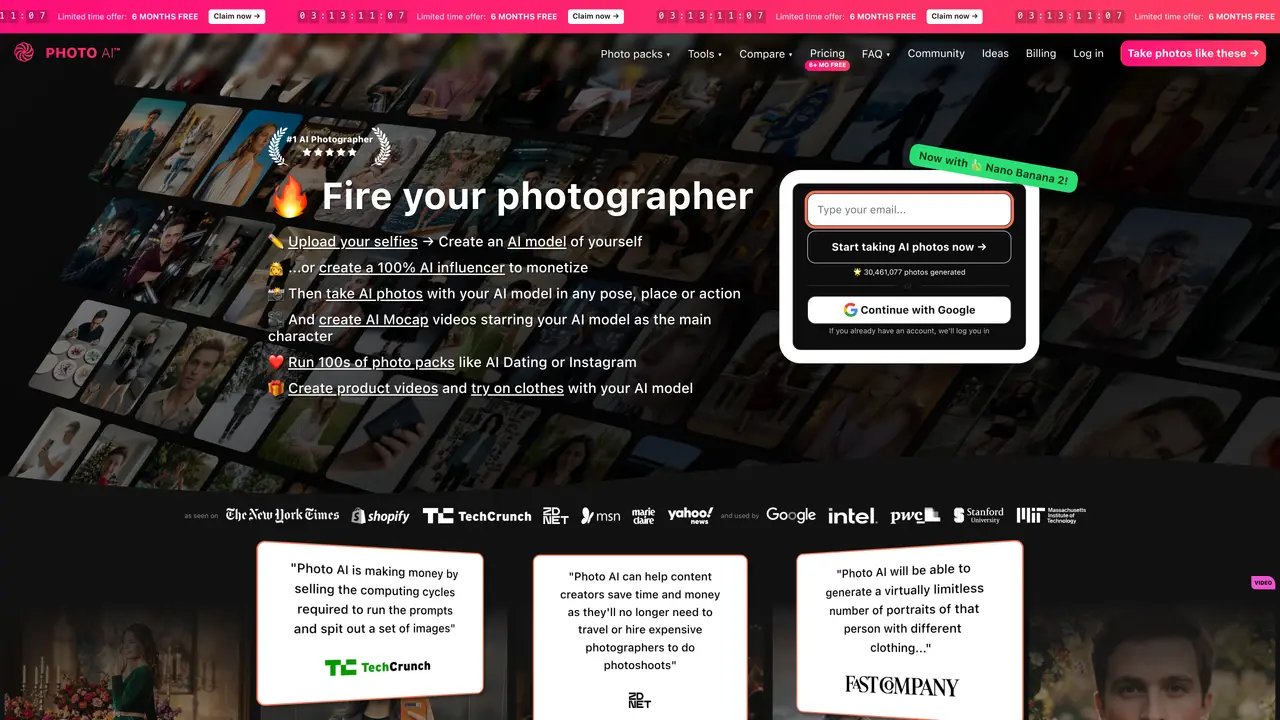
Photo AI is an AI-powered image and video generator that allows users to create, edit, and enhance visuals using advanced machine learning models. It supports features like generating images from prompts, copying styles from existing photos, and training custom models for personalized outputs.
Photo AI is designed for creators, marketers, photographers, and businesses looking to produce high-quality visuals without extensive manual editing. It suits users who need quick, professional-grade images for social media, marketing, or personal projects.
Photo AI operates on a credit-based system, where users consume credits for generating images or videos. The cost varies depending on the selected model and output type, with different modes offering varying speeds and quality levels.
Photo AI primarily functions as a standalone web application, allowing users to generate, edit, and download images directly from its platform. It does not explicitly mention integrations with third-party tools or software.
Users may experience waiting times for high-quality outputs, especially for complex or ultra-realistic images. The system also requires users to manage their credit balance, which can limit usage if depleted.
To get started, visit the Photo AI website, sign up for an account, and select a mode such as image generation, video generation, or model training. Users can then upload reference images, input prompts, or adjust settings to generate their desired output.
We use essential cookies to run aitoolnavio™, and optional cookies to analyze traffic and measure our marketing. You choose what we use — optional cookies stay off unless you turn them on. See our Privacy Policy.
One short email a week: fresh tools worth trying, honest takes and the updates that actually matter. No spam, unsubscribe any time.
Remove image backgrounds instantly, save time with advanced AI, and create stunning images effortlessly.
AI platform for upscaling images, enhancing photos, and generating high-quality creative assets with contextual detail.
Remove backgrounds, adjust colors, add text, filters, and shapes with ease.
Unleash creativity: edit photos, videos, and designs with AI-enhanced tools.
Transform photos effortlessly with AI: edit, enhance, and remove backgrounds.
Web and mobile AI platform for generating, editing, and training custom visuals from prompts with community models and face-swap tools.
Convert raster images into scalable vector graphics within seconds.
Create stunning designs, edit photos, remove objects, make collages, and transform images with powerful AI tools and effects.
Create stunning visuals, access image recognition and processing, and express creatively with natural language processing.
Cloudinary provides APIs and tools to integrate, manage, and optimize images and videos for AI-driven visual experiences.
All-in-one AI suite for creators to automate workflows, edit media, and generate content across video, design, and productivity tools.
Identify stolen identities, uncover copyright infringements, and find unauthorized use of images with precision.
Matched on what this tool does — grouped by the job you would be replacing.
matches Copy existing photos with precision · Create photoshoots in minutes · Train models with AI tools
AI platform for upscaling images, enhancing photos, and generating high-quality creative assets with contextual detail.
Enhance and transform images with customizable upscaling.
Transform product photos instantly with AI: professional, quick, cost-effective.
Generate product photos effortlessly, create high-quality lifestyle imagery, and enjoy a user-friendly interface.
matches Create photoshoots in minutes · Automated detection of best image elements
Generates AI videos, images and audio from text prompts, photos or audio
AIReel lets creators make AI-generated videos from text or image in minutes.
Turn text into videos, images, and 3D models.
Turn Your Photos Into Stunning Videos with AI